Seedance 2.5 Flash: Faster, Cheaper 30-Second AI Video
Seedance 2.5 Flash in Wellshot: 30-second AI video with sound at 720p, about twice as fast and a third cheaper than Seedance 2.5. When to pick it.
By the Wellshot team · · 6 min read
Seedance 2.5 Flash is the quick version of Seedance 2.5: the same 4 to 30 second takes with sound, from text, a start and end frame or reference pictures, at 480p or 720p, and it can also edit and extend clips you already have. ByteDance says it renders about twice as fast as Seedance 2.5, and in Wellshot a 720p take costs about a third less. It's in Wellshot from today, in the Studio, on the Canvas and in the Director.
This guide covers what Flash can do, what it gives up next to Seedance 2.5, what it costs in practice, and which shots it suits.
What Seedance 2.5 Flash can do
| Seedance 2.5 Flash | |
|---|---|
| Maker | ByteDance |
| Tasks | Text or image to video (start and end frame), reference to video, edit video, extend video |
| Length | 4 to 30 seconds in one take |
| Resolution | 480p, 720p |
| Sound | Yes, generated with the picture (you can switch it off) |
| References | Up to 10 pictures, 5 clips and 5 sounds |
| Aspect ratios | 16:9, 9:16, 1:1, 4:3, 3:4, 21:9 |
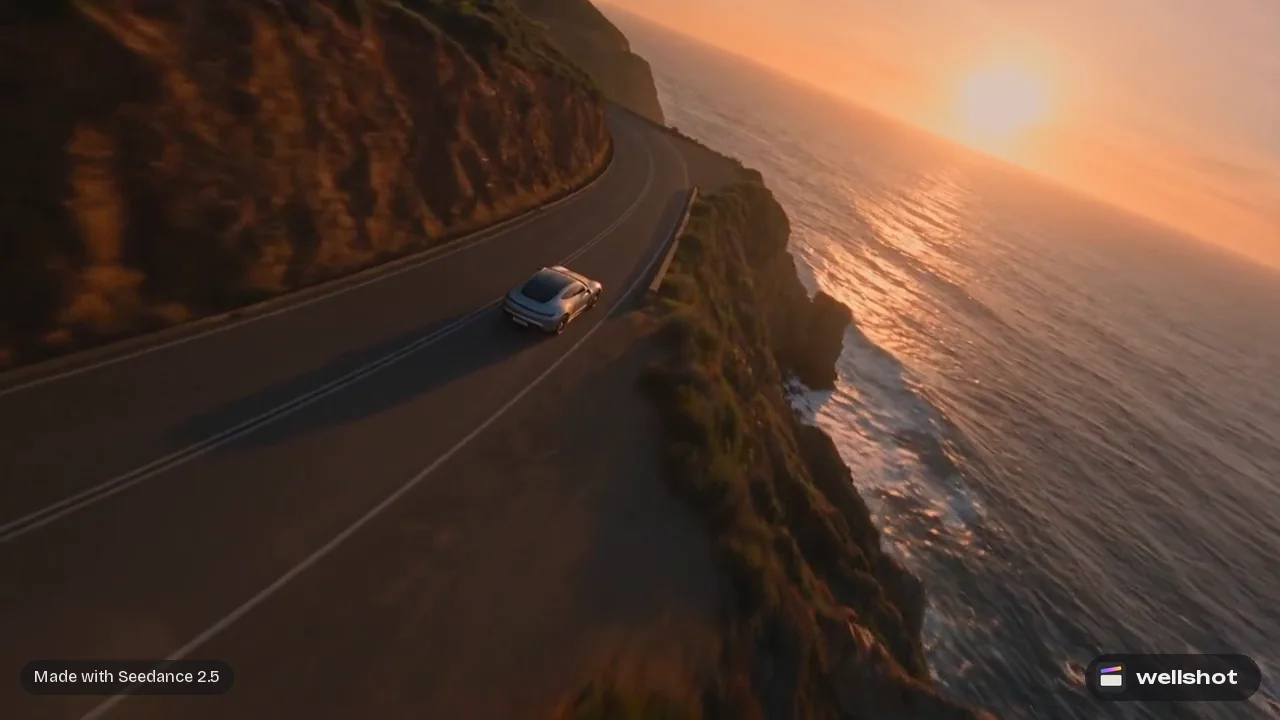
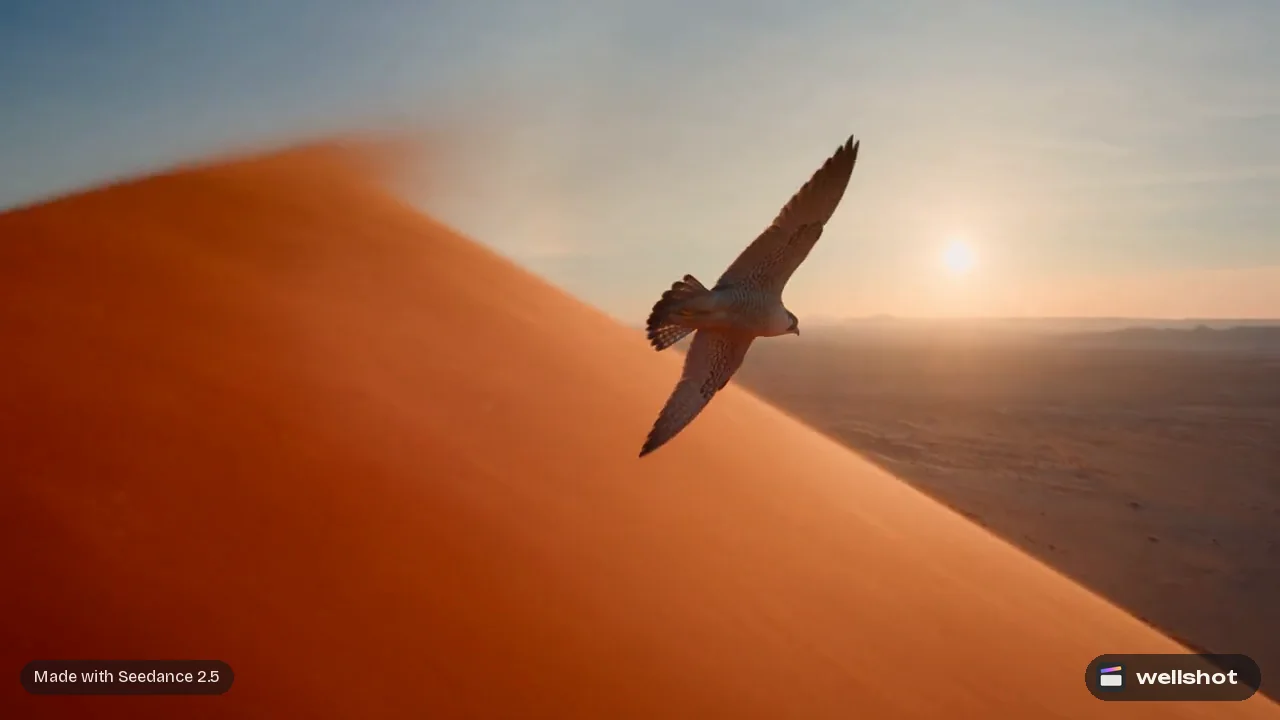
The long single take is the reason to use it. Most fast video models stop at 5, 10 or 15 seconds; Flash keeps Seedance 2.5's 30-second ceiling, so a whole product reveal, a walk-and-talk or a slow drone move can come out as one continuous shot instead of three clips you have to match in the edit.
Seedance 2.5 Flash vs Seedance 2.5
Flash isn't a cut-down model so much as a faster setting of the same family. Here is what changes:
| Seedance 2.5 Flash | Seedance 2.5 | |
|---|---|---|
| Speed | About twice as fast (ByteDance's figure) | Standard |
| Price at 720p | About a third cheaper | Full price |
| Top resolution | 720p | 1080p |
| Reference pictures | 10 | 30 |
| Reference clips and sounds | 5 and 5 | 10 and 10 |
| Draft mode | No | Yes: 480p preview, then the same take at 1080p |
| Length and sound | 4 to 30 s, with sound | 4 to 30 s, with sound |
| Edit and extend clips | Yes | Yes |
Two differences matter most in practice:
- 1080p. If the shot is going into a cinema-grade edit or a 1080p delivery, use Seedance 2.5. Flash tops out at 720p, which is plenty for social, previews, pitches and storyboards in motion.
- Big reference sets. Seedance 2.5 takes up to 30 reference pictures. Flash takes 10, which still covers a character from several angles, a product and a location. If your shot needs a whole cast sheet plus props, stay on 2.5 and read how reference to video works.
Flash has no draft mode, but it doesn't really need one: a 480p Flash take is already a cheap, quick preview.
What it costs
Wellshot shows the price in credits on the button before you run anything, and failed generations are refunded. A few rules of thumb for Flash:
- At 720p a Flash take costs about a third less than the same take on Seedance 2.5.
- At 720p it costs the same as Seedance 2.0, but takes are up to 30 seconds instead of 15.
- 480p is cheaper again: fewer pixels, fewer credits.
- Length scales the price: a 10-second take costs about twice a 5-second one.
If you only need short, cheap drafts, Seedance 2.0 Fast and Mini cost less still, but they stop at 15 seconds and 720p. For the full picture across every model, see how much AI video costs.
When to pick Seedance 2.5 Flash
- Long takes on a budget. Anything between 15 and 30 seconds where 720p is enough: social ads, reels, explainers, pitch films.
- Fast iteration. Run the prompt several times, compare takes side by side on the Canvas, keep the best one. Twice the speed means more tries in the same session.
- Vertical video. 9:16 at 720p is a common size for Reels, Shorts and TikTok uploads; see AI vertical video for Reels and TikTok.
- Previz and animatics in motion. Block out a sequence cheaply, then re-render only the hero shots on Seedance 2.5 at 1080p.
Pick something else when you need 1080p or 4K (Seedance 2.5, Seedance 2.0 or Kling 4.0), more than 10 reference pictures (Seedance 2.5), or the cheapest possible five-second draft (Seedance 2.0 Mini). The best AI video models guide compares them all.
How to use it in Wellshot
- Open a shot in the Studio and pick Seedance 2.5 Flash in the model menu, or open Seedance 2.5 Flash in Wellshot directly.
- Choose the task: describe the shot, add a start frame (and an end frame if you want the take to land on a set picture), or add reference pictures and name them in the prompt as @Image 1, @Image 2.
- Set the aspect ratio, 480p or 720p, the length (4 to 30 seconds) and whether you want sound.
- Check the price on the button, then run. The take lands in the shot and in the project's media, ready for the Editor.
On the Canvas the model has its own nodes under Video (generate, reference to video, edit and extend), with numbered inputs for pictures, clips and sounds. To change a clip you already have, see how to edit video with AI; to make a take longer, see how to extend AI video. In the Director you can simply ask for it: "use Seedance 2.5 Flash for every shot", and the plan's price updates before anything is spent.
Here is a prompt that plays to its strengths, one continuous 20-second move:
One continuous 20-second shot. Low drone follow behind a red vintage convertible on an empty desert highway at golden hour. The camera starts close on the rear bumper, slowly rises and pulls back to reveal dunes on both sides and the road running to the horizon. Warm low sun, long shadows, heat shimmer. Sound: engine hum, wind, tyres on asphalt.
Write the camera move as a sequence ("starts close, slowly rises, pulls back") so the model knows how to fill thirty seconds. For more on that, read AI video camera movement prompts.
FAQ
What is Seedance 2.5 Flash?
It's ByteDance's faster version of Seedance 2.5. It makes 4 to 30 second videos with sound from text, a start and end frame, or reference pictures, at 480p or 720p, and it can edit and extend existing clips. ByteDance says it's about twice as fast as Seedance 2.5.
Is Seedance 2.5 Flash cheaper than Seedance 2.5?
Yes. In Wellshot a 720p take costs about a third less than the same take on Seedance 2.5. The exact price in credits shows on the button before you run.
Can Seedance 2.5 Flash make 1080p video?
No, it makes 480p and 720p only. For 1080p use Seedance 2.5, Seedance 2.0 or Kling 4.0.
How long can a Seedance 2.5 Flash video be?
Up to 30 seconds in one take, the same as Seedance 2.5. The shortest is 4 seconds.
How many reference images does Seedance 2.5 Flash take?
Up to 10 reference pictures, plus up to 5 clips and 5 sounds. Name them in the prompt as @Image 1, @Video 1 and @Audio 1.
Make it in Wellshot
Every model in one studio. Prompt it, wire it as nodes, or let the Director run it.