How Much Does AI Video Cost? Credits in Wellshot Explained
How much does AI video cost? How Wellshot credits work, which choices change the price of a shot, and how to plan a film so you pay for finals, not tests.
By the Wellshot team · · 5 min read

How much does AI video cost? In Wellshot it is measured in credits: every generation has a credit price, that price is shown on the button before you run anything, and failed generations are refunded automatically. What a finished film costs depends on a handful of choices you control, mainly the model, the length, the resolution and how many takes you make before you are happy.
This guide explains how credits work, which settings move the price, and a producer's method for spending most of your credits on finals rather than tests.
How credits work in Wellshot
- Every generation costs credits. Images, video and audio all draw from the same balance.
- You see the price first. The cost is on the generate button before you press it. No surprises after the fact.
- Failed generations refund automatically. If a job fails, the credits come back without you asking.
- Plan credits refresh every month; top-up credits last 90 days.
- Top-ups are available for subscribers who need more mid-month.
- The Director tells you what a plan costs before spending. When the agent builds a storyboard and picks models per shot, it shows the total before it generates.
Plans
| Plan | Who it is for | Seats |
|---|---|---|
| Creator | One person; choose a size | 1 |
| Crew | Small teams | 2 to 9 |
| Production | Larger teams | 5 to 15 |
Every plan is available monthly or yearly, and yearly is cheaper. Team studios share projects and one credit pool, with owner, admin and member roles. For how that works in practice, see AI video tool for teams.
What changes the price of a shot
The same idea can cost very different amounts depending on these choices.
- The model. Within a family there are cheaper and premium options. Seedance 2.0 Mini is the cheapest of the 2.0 family, and Seedance 2.0 Fast is quicker and cheaper than 2.0. Seedance 1.0 Pro Fast, Kling 2.5 Turbo and PixVerse v6 are among the cheapest video models in Wellshot.
- Length. Plan lengths in your edit and generate to that, not "as long as possible". Watch the price on the button as you change it.
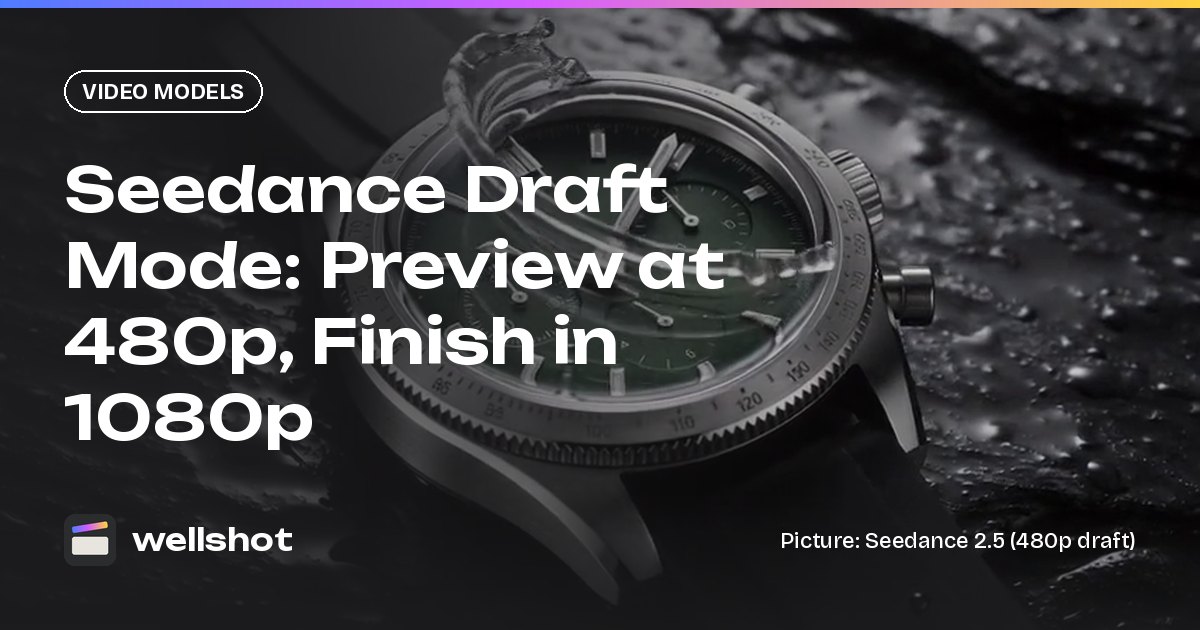
- Resolution. Test at 480p or 720p and save 1080p or 4K for finals; Seedance 2.5 draft mode is built on exactly this idea.
- Settings per shot. Sound on or off, aspect ratio and reference inputs are all chosen per shot, and the button shows the cost of the combination you picked.
- Number of takes. This is the big one. A shot you nail in two takes costs a fraction of one you reroll fifteen times.
The Seedance 2.0 Fast vs Mini post compares the cheaper tiers in detail.

Draft mode: pay full price only for the one you approve
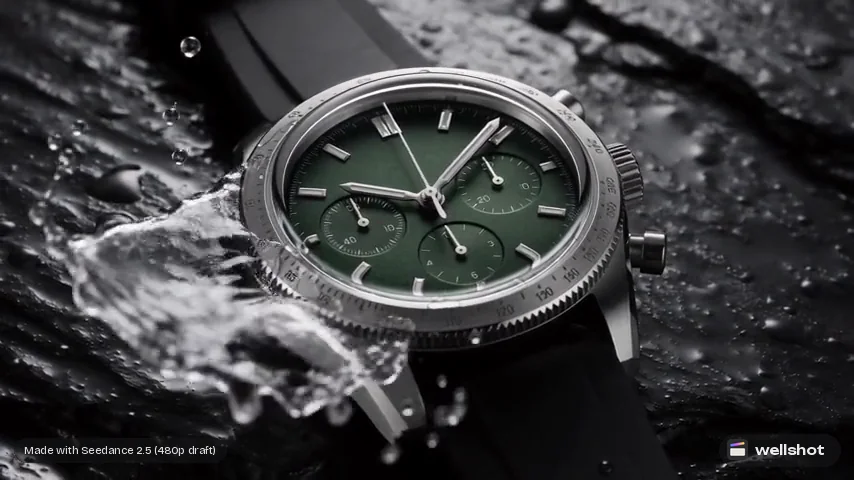
On Seedance 2.5, draft mode makes a cheap 480p preview. When you like a draft, you render the final at full quality, up to 1080p, from that same draft: same prompt, inputs, length and seed. The final matches what you approved.
That turns the usual pattern around. Instead of paying full price for every attempt, you pay draft price while exploring and full price once. The Seedance draft mode post shows the full flow.
A producer's method for budgeting a film
Here is how I would plan the credits for a short commercial of eight to twelve shots.
- Storyboard in stills first. Use a fast, cheap image model such as Seedream 5.0 Flash to block every shot. Stills catch composition problems before you spend on motion. See Seedream 5.0 Flash for storyboards.
- Lock the look on one hero still. Use a stronger image model once you know the frame.
- Animate from the stills. Start frames give the video model less to guess, so you need fewer takes.
- Test motion cheaply. Use draft mode on Seedance 2.5, or a cheaper model like Seedance 2.0 Mini, until motion and timing are right.
- Render finals at delivery resolution only. Once a take is approved.
- Generate to the edit. If a shot plays for three seconds in the cut, don't generate the longest length available.
- Let the Director show the total. Ask it to plan the film and check the cost it shows before you approve generation.
A test prompt for step 4 can be short. You are checking motion, not polish:
Top-down shot of a latte, milk pours in and forms a leaf pattern.
Static camera, soft window light from the left. 5 seconds.
Where people waste credits
- Rerolling without changing anything. If ten takes in a row miss, the prompt or inputs need work, not more rolls. Fix the seed and change one thing at a time.
- Testing at 4K. You can judge motion at 480p.
- Premium models for background shots. A wide establishing shot under music often does not need the top model.
- Rebuilding the edit. Use "Swap take" in the Editor so a better take updates the cut instead of starting over.
For more on picking models by job, see the best AI video models you can run in Wellshot.
FAQ
How much does AI video cost per minute?
It depends on the model, the settings you choose and how many takes you need, so there is no single figure. In Wellshot each generation shows its credit cost on the button before you run it, and the Director shows the total for a planned film before spending.
Do I lose credits if a generation fails?
No. Failed generations are refunded automatically.
Do unused credits expire?
Plan credits refresh every month and don't carry over, so pick the plan that fits a normal month. Subscribers can also buy top-ups if they run low; top-up credits last 90 days.
What is the cheapest way to make AI video?
Test with cheap options such as Seedance 2.0 Mini, Seedance 1.0 Pro Fast, PixVerse v6 or Seedance 2.5 draft mode at 480p, storyboard in stills first, and render at full resolution only once a take is approved.
Is yearly cheaper than monthly?
Yes. Every Wellshot plan is available monthly or yearly, and yearly costs less.
Make it in Wellshot
Every model in one studio. Prompt it, wire it as nodes, or let the Director run it.