Gemini Omni Flash Guide: Google's Newest AI Video Model
Gemini Omni Flash in Wellshot: how it picks clip length, start and end frames, up to three reference pictures, built-in sound, 4K output and when to use it.
By the Wellshot team · · 6 min read
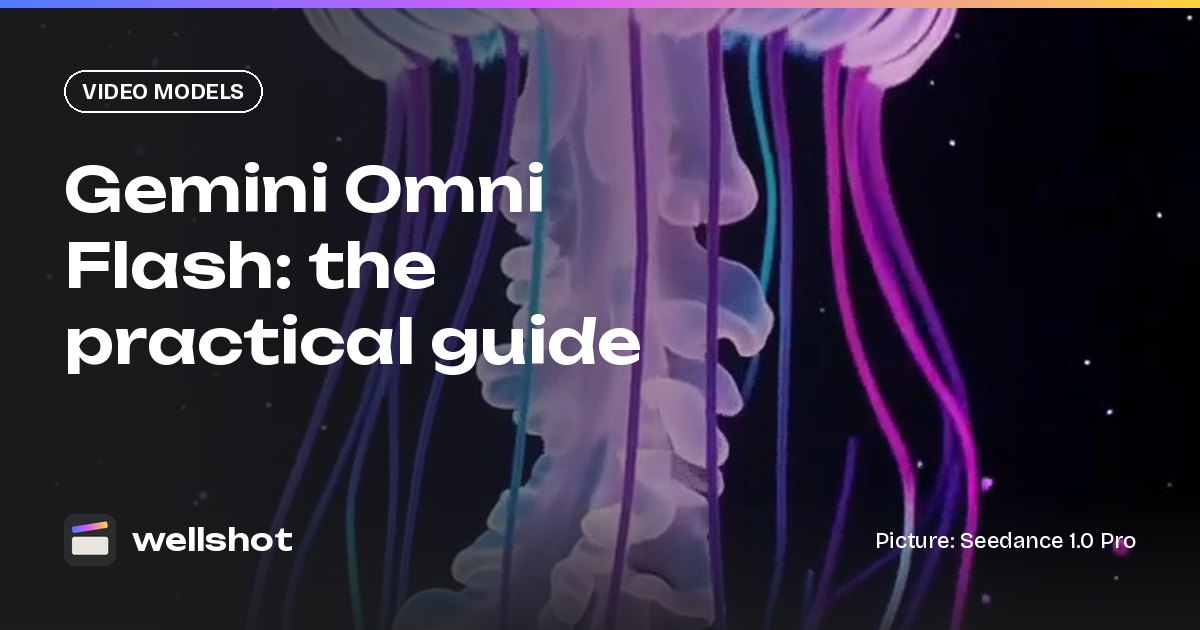
Gemini Omni Flash is Google's newest video model, and in Wellshot it turns a text prompt, a start frame, a start and end frame pair, or up to three reference pictures into a 3 to 10 second clip with sound. The one thing that makes it different from every other model in the picker: you don't set the length, the model chooses it from what you describe. This guide covers what it does, how to prompt it, and when to reach for it instead of something else.
What Gemini Omni Flash is
Gemini Omni Flash is Google's video model in Wellshot. It sits next to Seedance, Kling and the other video models, and you can pick it per shot in the Director, the Studio or the Canvas.
Here is what it can do today:
| Spec | Gemini Omni Flash |
|---|---|
| Maker | |
| Tasks | Text to video, image to video (start frame, or start + end frame), reference to video |
| Reference pictures | Up to 3 |
| Length | 3–10 seconds, chosen by the model |
| Resolution | 360p, 720p, 1080p, 4K |
| Sound | Always on |
| Aspect ratio | 16:9 or 9:16 |
Two rows matter most for planning. Sound is always on, so every take comes back with audio built in. And the aspect ratio is either landscape or vertical, so if you need square or ultra-wide for a shot, use a model that offers it (Seedance and Kling 3.0 both do square).
The model picks the length
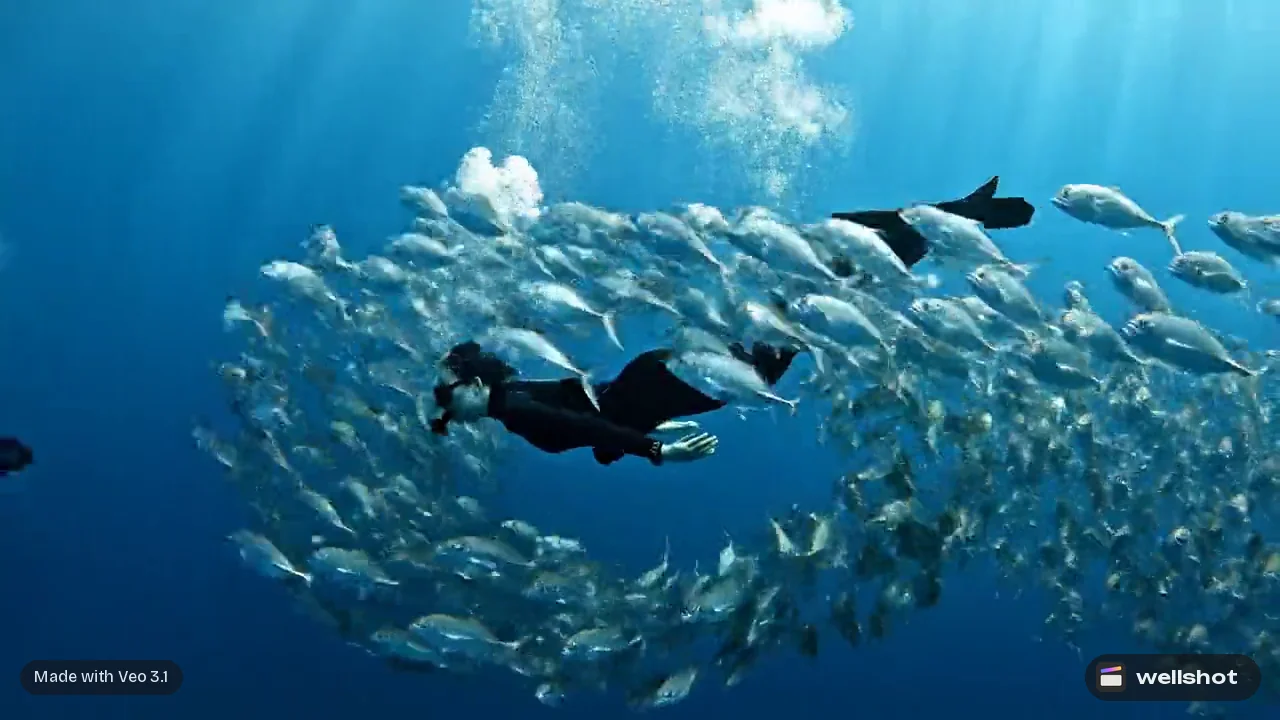
Most video models ask you for a duration. Gemini Omni Flash doesn't. It reads your prompt and decides how long the clip should be, anywhere from 3 to 10 seconds.
In practice this means you steer length through what you write:
- One simple action ("a jellyfish pulses once and drifts up") tends to suit a short clip.
- A sequence of beats ("the camera starts wide, pushes in, then the diver turns to camera") gives the model a reason to run longer.
- Dialogue or sound cues need time to play out, so write the line and leave room for it.
If you are cutting to a fixed slot on a timeline, this is fine: the Wellshot Editor lets you split and slip any take, so a clip that runs long can be trimmed to the beat. When the Director agent assembles a cut, it places each clip in story order and trims it to its planned length. If you need a precise duration from the generation itself, pick a model with a length control instead, such as Seedance 2.5 or Kling 3.0.
Three ways to start a shot
Text to video
Write the shot like you would brief a camera operator: subject, action, camera move, light, sound. Sound is always on, so describe what we should hear.
Start frame, or start and end frame
Give it a still as the first frame and it animates from there. Add a second still as the end frame and the model finds the motion between the two. This is the most controlled way to use it for product and continuity work, and it is covered in depth in our guide to start and end frame image to video.
Reference to video
Attach up to three pictures (a character, a prop, a location) and name them in the prompt as @Image 1, @Image 2 and @Image 3. The model builds a new shot that follows those references rather than animating one of them directly.
A worked example
Say you are making a vertical social clip for an aquarium. You have one still of the jellyfish tank and one of the exhibit's glowing sign. Here is a reference-to-video prompt:
Vertical 9:16. A bioluminescent jellyfish from @Image 1 drifts upward in dark
water, its bell pulsing slowly, trailing soft blue light. Slow push in toward
the jellyfish. Low-key lighting, deep navy background, tiny particles catching
the glow. In the last moment the camera tilts down to reveal the sign from
@Image 2 glowing softly behind the glass.
Sound: a low underwater hum, gentle bubbles, a soft chime as the sign appears.
Notice the prompt has three beats (drift, push in, tilt to the sign). That gives the model a reason to use more of its range. Drop the last beat and you will usually get a shorter take.
How to use it in Wellshot
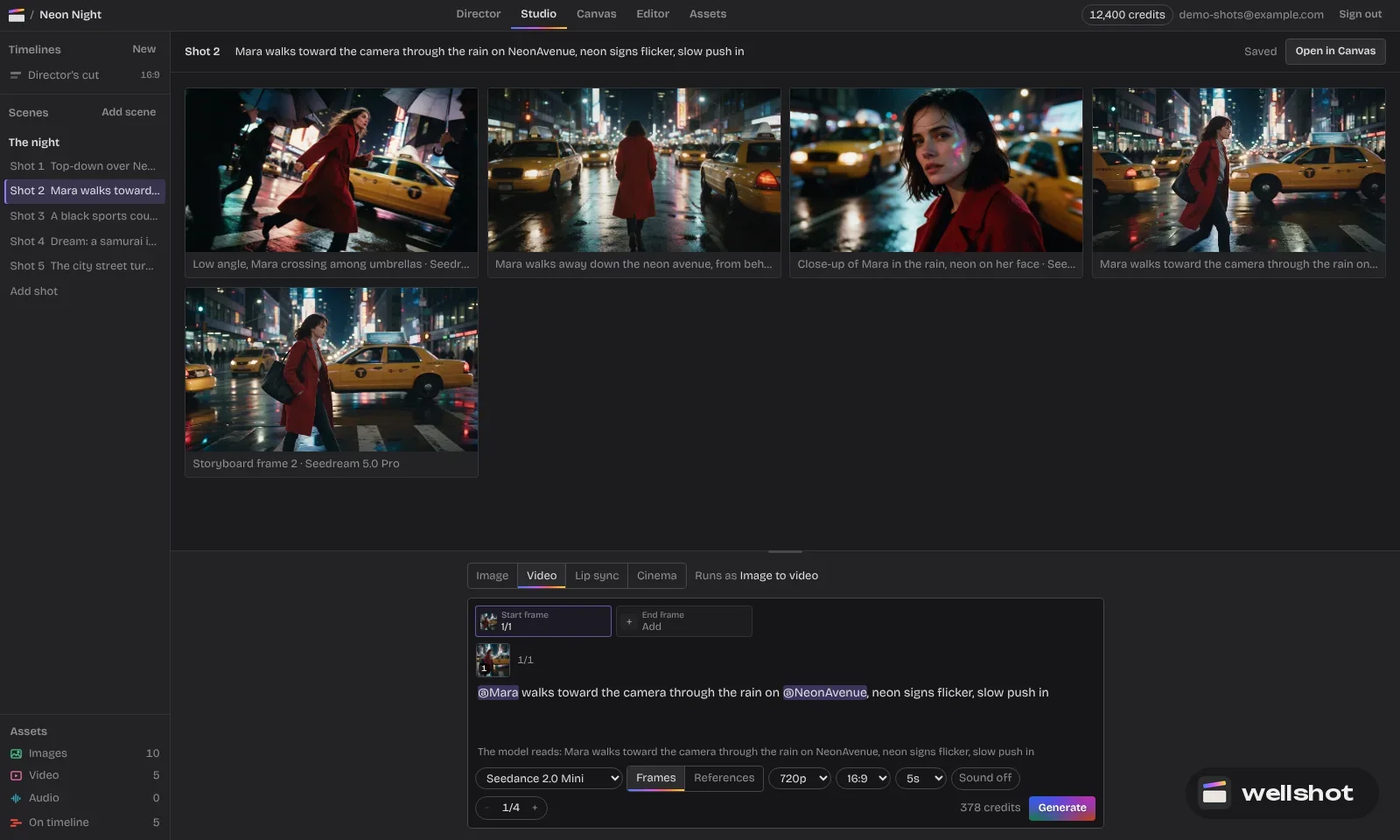
- Open a shot in the Studio and choose video mode.
- Pick Gemini Omni Flash in the model picker.
- Choose 16:9 or 9:16, then a resolution: 360p or 720p for quick looks, 1080p or 4K for the final.
- Add a start frame, a start and end frame, or up to three reference pictures.
- Write the prompt, including sound. Check the credit price on the button, then generate.
Every generation is saved as a take on the shot, so you can try a few variations and compare them. Prefer wires to panels? The same shot opens on the Canvas, where Gemini Omni Flash has its own nodes with numbered image inputs, and you can branch variations side by side. If you would rather describe the whole film and let the agent choose, the Director can pick Gemini Omni Flash for shots where it fits, or use it everywhere if you ask.
You can open Gemini Omni Flash in Wellshot and start from a blank shot.
When to pick Gemini Omni Flash
Use it when:
- You want Google's newest model on a shot and you're happy for it to choose the timing.
- You need sound on every take without thinking about it.
- You want 4K for a final, or 360p for a very light first pass.
- You have up to three references to hold a character, product or place.
Pick something else when:
- You need an exact duration from the generation: Seedance or Kling.
- You need takes longer than 10 seconds: Seedance 2.5 runs to 30 s, Kling 3.0 to 15 s.
- You need square, 4:3 or 21:9: Seedance or Kling.
- You need many references: Seedance 2.5 takes up to 30 pictures.
- You want to edit or extend an existing clip: that is a Seedance task in Wellshot.
For a side-by-side view of the main families, read the best AI video models in Wellshot.
Credits and resolution
Every generation costs credits, and the price appears on the generate button before you run anything, so you see what a 360p test costs against a 4K final. If a generation fails, the credits come back automatically. A sensible habit is to find the shot at a low resolution, then render the keeper at 1080p or 4K with the same prompt and inputs.
Try a low-resolution pass on your next vertical shot and see what length the model picks.
FAQ
How long can a Gemini Omni Flash video be?
Between 3 and 10 seconds. The model picks the length from your prompt, so a prompt with more beats or a spoken line tends to produce a longer clip.
Does Gemini Omni Flash generate sound?
Yes. Sound is always on for Gemini Omni Flash, so every clip comes back with audio. Describe the sounds you want in the prompt.
Can Gemini Omni Flash make 4K video?
Yes. In Wellshot it renders at 360p, 720p, 1080p or 4K, in 16:9 or 9:16.
How many reference images does Gemini Omni Flash accept?
Up to three pictures in reference-to-video mode. Name them in the prompt as @Image 1, @Image 2 and @Image 3.
Is Gemini Omni Flash free in Wellshot?
Generations use credits from your plan. The exact price shows on the button before you generate, and failed generations are refunded automatically.
Make it in Wellshot
Every model in one studio. Prompt it, wire it as nodes, or let the Director run it.