Seedance 2.0 Guide: 4K AI Video, References and Sound
A practical Seedance 2.0 guide: 4K output, 4 to 15 second clips, sound, 9 reference images, edit and extend, and how it compares with Seedance 2.5.
By the Wellshot team · · 5 min read
Seedance 2.0 is ByteDance's video model that makes 4 to 15 second clips with sound, and it is the Seedance model in Wellshot that renders at 4K. It handles the same four tasks as Seedance 2.5: text or image to video, reference to video, edit video and extend video.
If your deliverable needs 4K and your shots fit within 15 seconds, Seedance 2.0 is usually the right pick. This guide covers its specs, how it differs from 2.5 and its cheaper siblings, and how to set up a shot.
Seedance 2.0 specs
| Spec | Seedance 2.0 |
|---|---|
| Maker | ByteDance (Seed team) |
| Tasks | Text or image to video (start and end frame), reference to video, edit video, extend video |
| Length | 4 to 15 seconds |
| Resolution | 480p, 720p, 1080p, 4K |
| Aspect ratios | 16:9, 9:16, 1:1, 4:3, 3:4, 21:9 |
| Sound | Yes, switchable on or off |
| References | Up to 9 pictures, 3 clips and 3 sounds (a sound needs a picture or clip with it) |
The Seedance 2.0 family
Seedance 2.0 comes in three versions in Wellshot. They share the same four tasks and the same 4 to 15 second length, and all can make sound. What changes is resolution, speed and cost.
| Model | Resolution | Best for |
|---|---|---|
| Seedance 2.0 | 480p to 4K | Final shots, 4K deliverables |
| Seedance 2.0 Fast | 480p, 720p | Quicker and cheaper than 2.0 |
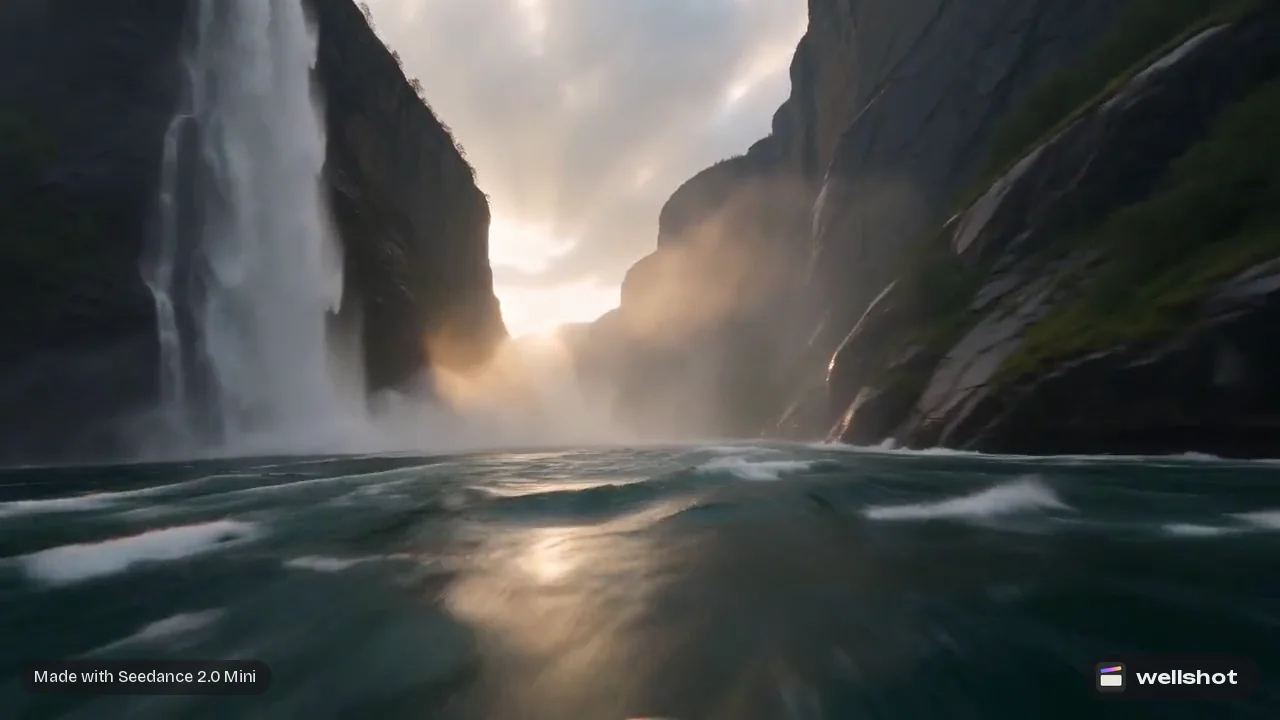
| Seedance 2.0 Mini | 480p, 720p | Cheapest of the family, great for drafts |
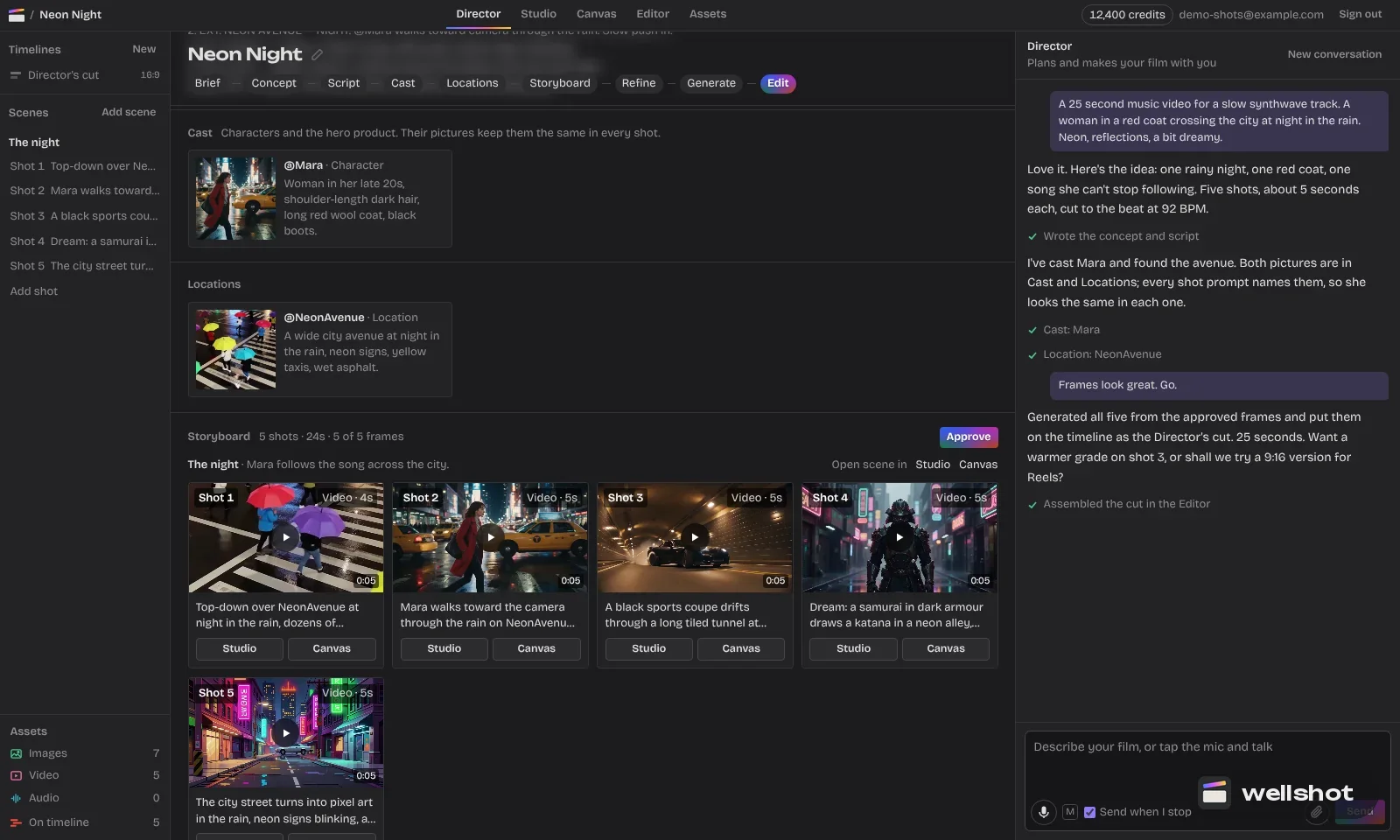
A common pattern is to block out a storyboard on Mini, then remake the shots that made the cut on 2.0 at 4K. For a closer look at the two cheaper versions, see Seedance 2.0 Fast vs Mini.
Seedance 2.0 vs Seedance 2.5
Both are strong, and the right one depends on the shot.
Pick Seedance 2.0 when:
- The final needs to be 4K.
- The shot is 15 seconds or shorter.
- Your references fit within 9 pictures, 3 clips and 3 sounds.
Pick Seedance 2.5 when:
- The take needs to run longer than 15 seconds, up to 30.
- You have a lot of references: up to 30 pictures, 10 clips and 10 sounds.
- You want to start from a sound alone.
- You want draft mode: a cheap 480p preview, then a matching full-quality render from the same draft.
For 4K in general, including non-Seedance models, read the 4K AI video generator guide.
The four tasks on Seedance 2.0
Text or image to video. Write a prompt, or animate between a start frame and an optional end frame. Useful when the look is already locked in a still. See image to video with start and end frames.
Reference to video. Feed up to 9 pictures, 3 clips and 3 sounds and name them in the prompt as @Image 1, @Video 1, @Audio 1. On 2.0, any sound reference needs at least one picture or clip alongside it.
Edit video. Change an existing clip: swap the person while keeping the motion (Recast), or restyle it. Covered in how to edit video with AI.
Extend video. Continue a clip that ends too soon. Covered in how to extend AI video.
Worked example: an epic wide in 4K
Here is a big-scale shot set up in Studio's cinema mode, which lets you pick camera and lens settings from menus instead of describing them in words.
- Open Studio and switch to cinema mode.
- Choose camera body: large-format digital. Lens: anamorphic. Focal length: 24 mm. Aperture: f/5.6.
- Camera move: slow push in. Lighting: backlit silhouette. Palette: warm sand.
- Pick Seedance 2.0 as the model, 21:9, 4K, 10 seconds, sound on.
- Add the prompt below and check the price on the button before you run.
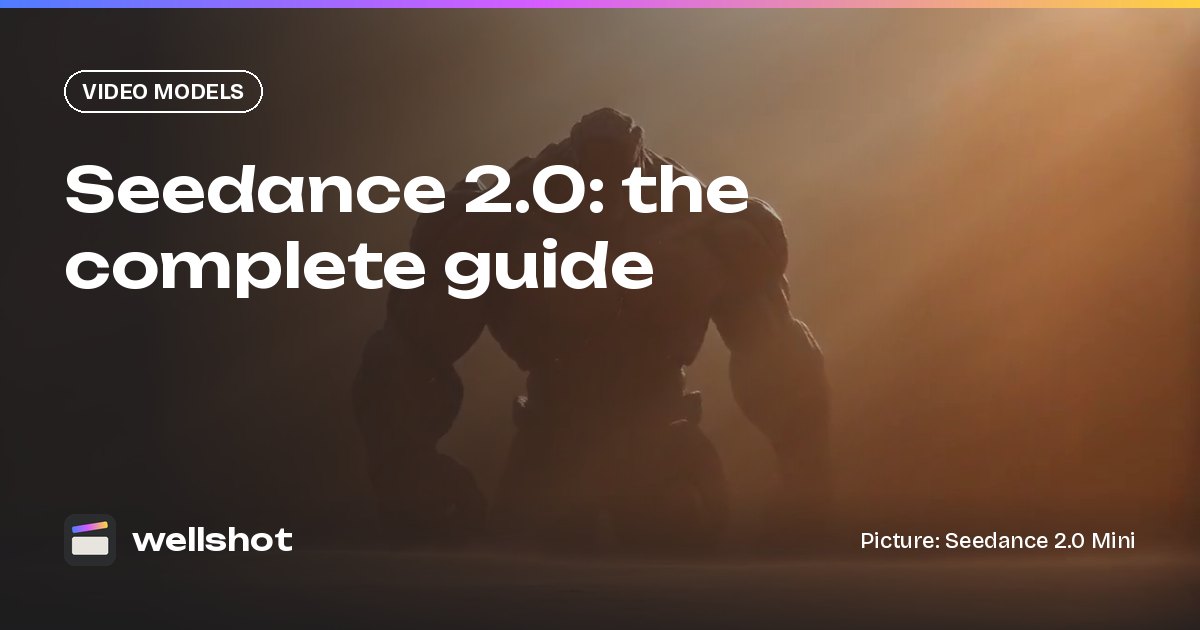
A towering stone giant strides through a desert sandstorm toward the
camera, each step throwing up plumes of sand. Tiny figures on a ridge in
the foreground for scale. Sun behind the storm, the giant mostly in
silhouette, dust glowing at the edges.
Sound: howling wind, deep thuds of footsteps, grit hitting the lens.
Because 4K costs more per generation, it is worth roughing the same prompt out on Seedance 2.0 Mini at 720p first to check composition and pacing. You can recreate the stone giant shot to start from the exact graph, seed and inputs.
Prompting tips for Seedance 2.0
- Lead with the camera. "Slow push in", "tracking shot", "crane up". It tells the model how the frame moves before you describe what is in it. More in our AI camera movement prompts.
- One main action per shot. In 15 seconds, one clear action with a beat in the middle reads better than three.
- Describe sound separately. Put a "Sound:" line at the end. Switch sound off if you will lay music in the Editor.
- Use the right aspect ratio for the platform. 9:16 for vertical social, 16:9 or 21:9 for widescreen.
Ready for a 4K shot? Open Seedance 2.0 in Wellshot.
FAQ
Can Seedance 2.0 make 4K video?
Yes. Seedance 2.0 renders at 480p, 720p, 1080p and 4K. Seedance 2.0 Fast and Mini top out at 720p.
How long can a Seedance 2.0 video be?
Clips run from 4 to 15 seconds. For longer single takes, use Seedance 2.5, which goes up to 30 seconds, or extend the clip.
Does Seedance 2.0 have sound?
Yes. Sound is generated with the picture and can be switched on or off per shot.
Is Seedance 2.0 better than Seedance 2.5?
Neither is better for everything. Seedance 2.0 gives you 4K; Seedance 2.5 gives you longer takes, many more references and draft mode.
How many references can Seedance 2.0 use?
Up to 9 pictures, 3 clips and 3 sounds. A sound needs at least one picture or clip with it.
Make it in Wellshot
Every model in one studio. Prompt it, wire it as nodes, or let the Director run it.