Seedance 2.0 Fast vs Mini: Which Cheap Model to Use
Seedance 2.0 Fast vs Mini compared: same four tasks, 4 to 15 seconds, sound, 720p. Which one to pick for drafts, social clips and storyboards.
By the Wellshot team · · 5 min read
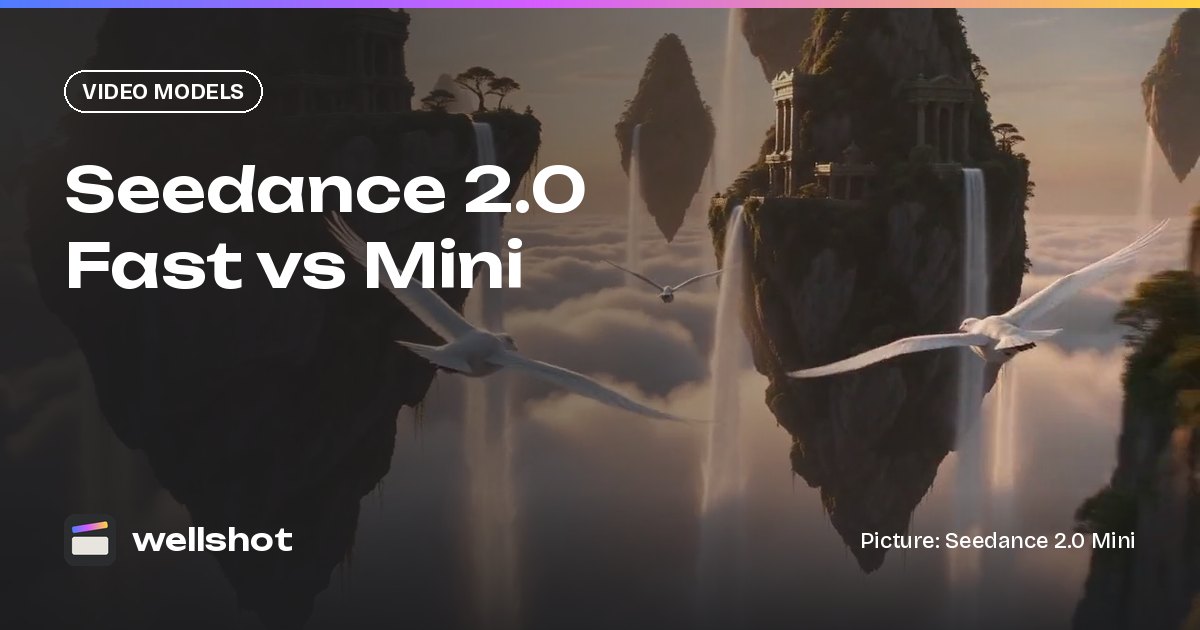
Seedance 2.0 Fast vs Mini comes down to cost versus a step up: both make 4 to 15 second clips with sound at up to 720p and support the same four tasks, but Mini is the cheapest model in the Seedance 2.0 family, while Fast is quicker and cheaper than full Seedance 2.0. Use Mini for drafts and volume, Fast when you want a bit more from the 2.0 family at 720p without paying for the full model.
Below is a side-by-side, a decision guide, and a workflow that uses both alongside Seedance 2.0.
Side by side
| Spec | Seedance 2.0 Fast | Seedance 2.0 Mini |
|---|---|---|
| Maker | ByteDance (Seed team) | ByteDance (Seed team) |
| Tasks | Text or image to video (start and end frame), reference to video, edit video, extend video | Same four tasks |
| Length | 4–15 s | 4–15 s |
| Resolution | 480p, 720p | 480p, 720p |
| Aspect ratios | 16:9, 9:16, 1:1, 4:3, 3:4, 21:9 | Same |
| Sound | Yes | Yes |
| Position in family | Quicker and cheaper than Seedance 2.0 | Cheapest of the 2.0 family |
On paper they look nearly identical. The practical difference is where they sit on price, and the credit cost for each shows on the generate button before you run, so you can compare them on your own shot.

What Mini is good at
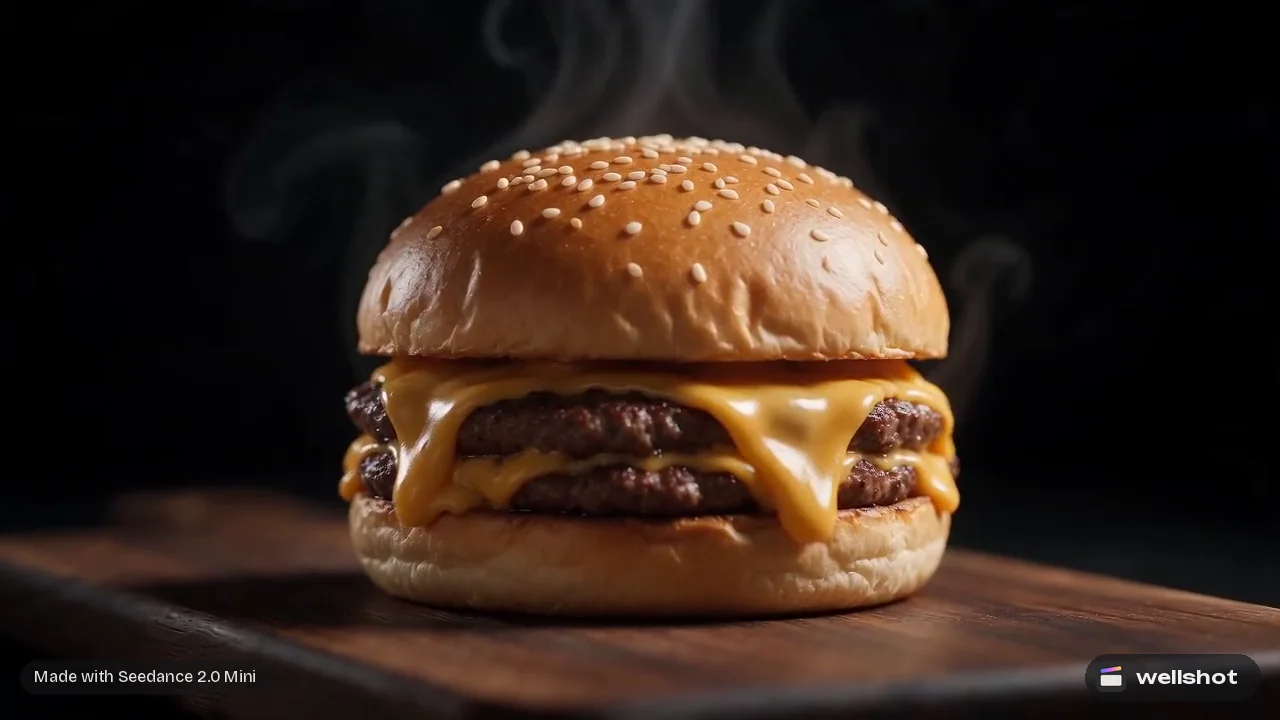
Many of the showcase clips on the Wellshot site were made with Seedance 2.0 Mini, across very different looks: claymation, neon noir, FPV drone moves, fashion and product shots. That range is the point. Mini is cheap enough to try many ideas, so you can explore a look before you decide where to spend.
Use Mini for:
- Storyboard animatics. Rough out every shot in a sequence to check pacing before you spend on finals.
- Social clips. Vertical 9:16 at 720p is often all a feed needs.
- Testing a reference setup. Before committing many references to a full render, check that the model is reading them the way you meant.
- Product photos to motion. A menu photo or property photo used as a start frame, animated into a short move.
When to step up to Fast
Fast sits between Mini and full Seedance 2.0. It is quicker and cheaper than 2.0, with the same 720p ceiling as Mini. Reach for it when:
- You have tried a shot on Mini and want another option within the 2.0 family before moving to a full model.
- You are producing a batch of 720p deliverables and want to compare both cheaper versions on the same prompt.
The honest advice: run the same prompt and seed on both for your type of shot, look at the results, and keep using whichever gives you what you need for less. In the Canvas this is easy: branch the graph into two model nodes and compare side by side.
Decision guide
- Need 1080p or 4K? Neither. Use Seedance 2.0 for up to 4K or Seedance 2.5 for up to 1080p and 30-second takes.
- Need more than 15 seconds? Neither. Use Seedance 2.5 or extend the clip.
- Blocking out lots of shots cheaply? Mini.
- Want a 720p final from the 2.0 family and Mini is not quite there? Try Fast.
- Want the draft to match the final exactly? Use Seedance draft mode on Seedance 2.5 instead. A Mini rough remade on another model is a new generation, so it will not match exactly.
- Need the cheapest video of all? Seedance 1.0 Pro Fast is among the cheapest video models in Wellshot, but it is silent and only takes a start frame. See Seedance 1.5 Pro vs 1.0 Pro.
A workflow that uses both
Here is how a 30-second social spot might come together with credits in mind.
- Tell the Director what you are making: a vertical 30-second social video, the audience, tone and look. It writes the brief and storyboard and picks a model per shot, or uses the one you ask for. Ask it to use Seedance 2.0 Mini for the first pass.
- Check the cost of the plan, which the Director shows before generating.
- Watch the rough cut on the timeline, assembled in story order and trimmed to the planned lengths.
- For any shot that is close but not right, try Fast on the same prompt.
- For hero shots that need more resolution, remake them on Seedance 2.0.
- Use "Swap take" on each shot so the cut updates with the better version.
A prompt that works well on Mini for this kind of piece:
Vertical 9:16. Slow crane up from a market stall stacked with spices,
rising over the crowded lanes at golden hour. Warm haze, colored awnings,
people moving below. The camera ends looking down over the rooftops.
Sound: market chatter, a distant call, soft wind.
For a fuller picture of how credits work across a project, read how much AI video costs. Want to start cheap? Open Seedance 2.0 Mini in Wellshot.
FAQ
What is the difference between Seedance 2.0 Fast and Mini?
Both support the same four tasks, 4 to 15 second clips, sound and up to 720p. Mini is the cheapest of the Seedance 2.0 family; Fast is quicker and cheaper than full Seedance 2.0.
Can Seedance 2.0 Mini make 1080p video?
No. Mini and Fast render at 480p or 720p. For 1080p or 4K, use Seedance 2.0, or Seedance 2.5 for 1080p.
Do Seedance 2.0 Fast and Mini have sound?
Yes. Both generate sound with the picture, and you can switch it off if you plan to add your own audio.
Which Seedance model is cheapest?
Within the 2.0 family, Mini is the cheapest. Across all video models in Wellshot, Seedance 1.0 Pro Fast, Kling 2.5 Turbo and PixVerse v6 are among the cheapest; Seedance 1.0 Pro Fast is silent and only takes a start frame.
Make it in Wellshot
Every model in one studio. Prompt it, wire it as nodes, or let the Director run it.