Seedance 2.5 Guide: 30-Second AI Video With Sound
Everything Seedance 2.5 can do in Wellshot: 30-second takes with sound, 30 reference images, edit and extend, and draft mode to save credits.
By the Wellshot team · · 6 min read
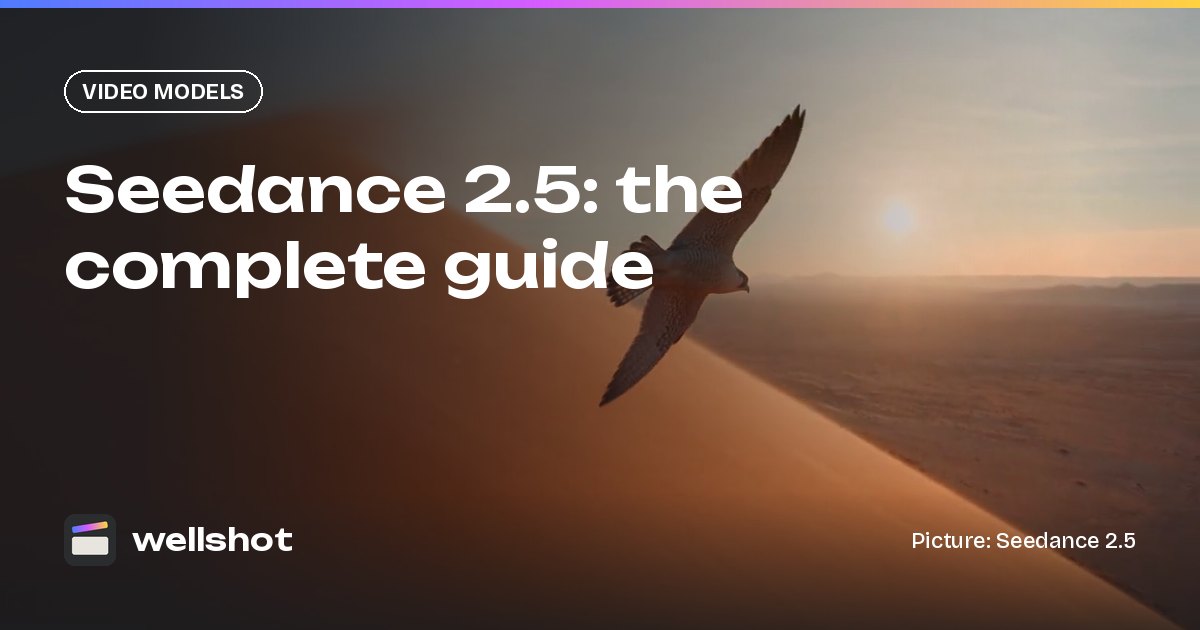
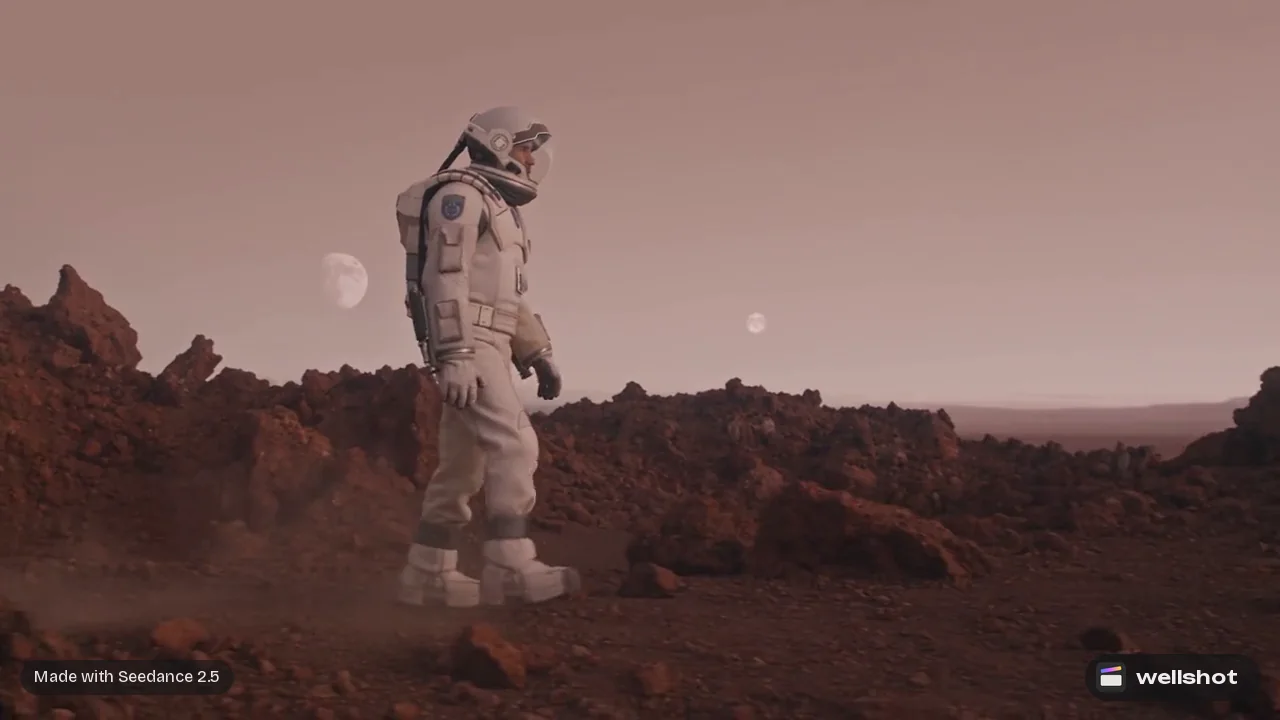
Seedance 2.5 is ByteDance's video model for long, single takes: it makes clips from 4 to 30 seconds, with sound, at up to 1080p. In Wellshot you can drive it from text, from a start and end frame, or from up to 30 reference pictures, and you can also use it to edit and extend clips you already have.
This guide covers what the model does, how its four tasks differ, how to keep costs down with draft mode, and when another model is the better pick for a shot.
Seedance 2.5 at a glance
Here is the spec sheet as it stands in Wellshot today.
| Spec | Seedance 2.5 |
|---|---|
| Maker | ByteDance (Seed team) |
| Tasks | Text or image to video (start and end frame), reference to video, edit video, extend video |
| Length | 4 to 30 seconds |
| Resolution | 480p, 720p, 1080p |
| Aspect ratios | 16:9, 9:16, 1:1, 4:3, 3:4, 21:9 |
| Sound | Yes, switchable on or off |
| References | Up to 30 pictures, 10 clips and 10 sounds |
| Draft mode | Yes: 480p preview, then a full-quality render from the same draft |
The number that matters most for producers is the length. Thirty seconds in one take means a full product reveal, a walk-and-talk or a slow establishing move can live in a single generation instead of being stitched from three or four short clips. For a side-by-side with the other video models, see the best AI video models in Wellshot.
The four tasks, and when to use each
In the Canvas, every model gets its own node for each task it can do, so you will find Seedance 2.5 under four headings. In Studio the same choices sit in the video mode of the prompt panel.
Text or image to video
Write a prompt, or give it a start frame and optionally an end frame, and the model animates between them. Use a start frame when you already have the look locked in a still, for example a product picture or a storyboard frame. Add an end frame when the shot has to land on a specific composition, like a logo lockup or a final pose. More on this in our guide to image to video with start and end frames.
Reference to video
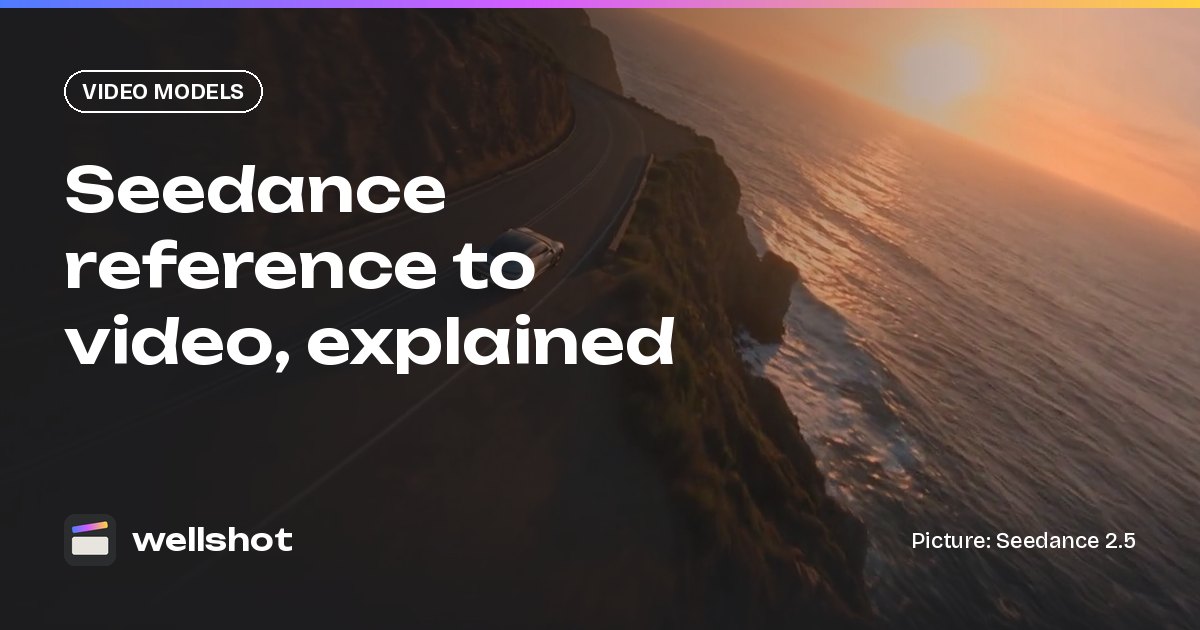
Instead of animating a frame, the model follows references: characters, products, locations, clips for motion and sounds for mood or dialogue. Seedance 2.5 takes up to 30 pictures, 10 clips and 10 sounds, and a sound on its own is enough to start from. You name each one in the prompt as @Image 1, @Video 1 or @Audio 1. The full walkthrough is in Seedance reference to video.
Edit video
Give it a clip and tell it what should change. This is the task behind Recast in Wellshot: keep the motion, framing, location and light of a performance and swap in a different person, or restyle a whole clip, for example into hand-drawn anime. See how to edit video with AI.
Extend video
Give it a clip and get more of it. Useful when a take is almost right but ends too soon. Read how to extend AI video for the full workflow.
Sound in the same take
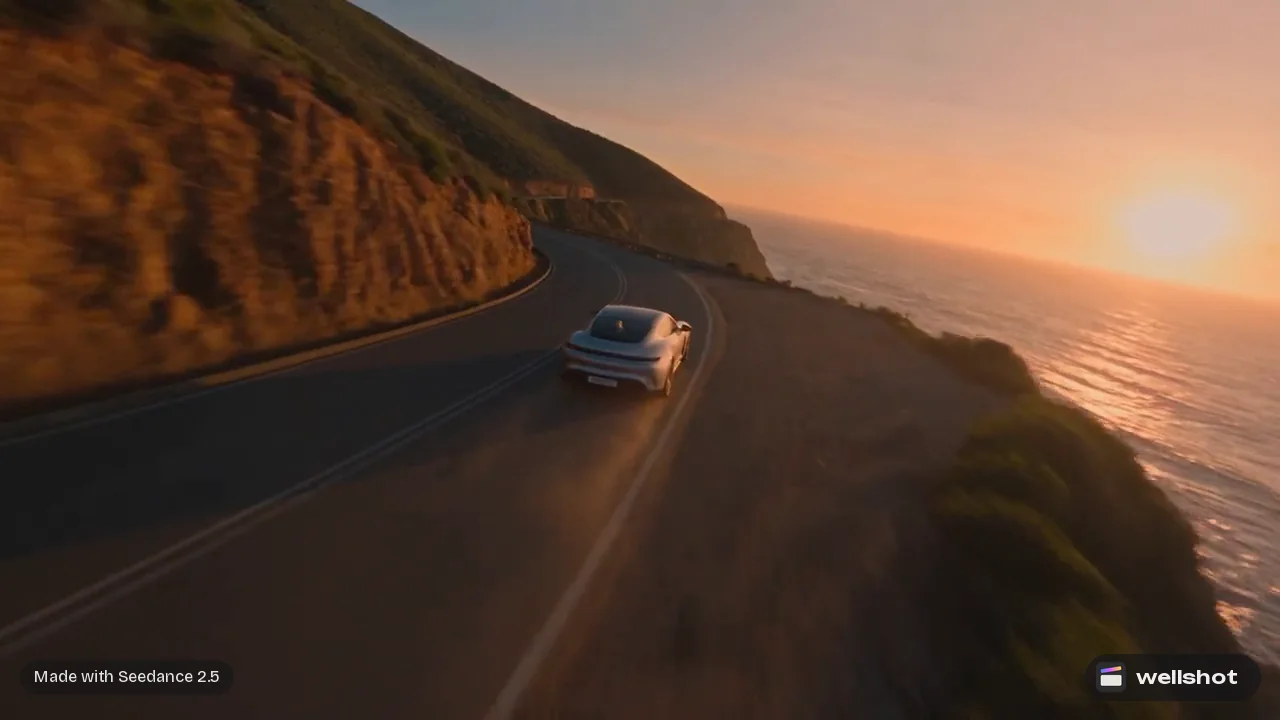
Seedance 2.5 can generate sound with the picture, and you can switch it off when you plan to lay your own audio in the Editor. Leave it on for ambience, effects and atmosphere that should sit in sync with the action, such as waves, footsteps or wind across sand. If you want more control over the sound, generate it separately with Seed Audio 1.0 and mix it on a track in the online video editor.
A practical habit: describe sound in its own sentence at the end of the prompt, so it does not get mixed up with what the camera sees.
Keep costs down with draft mode
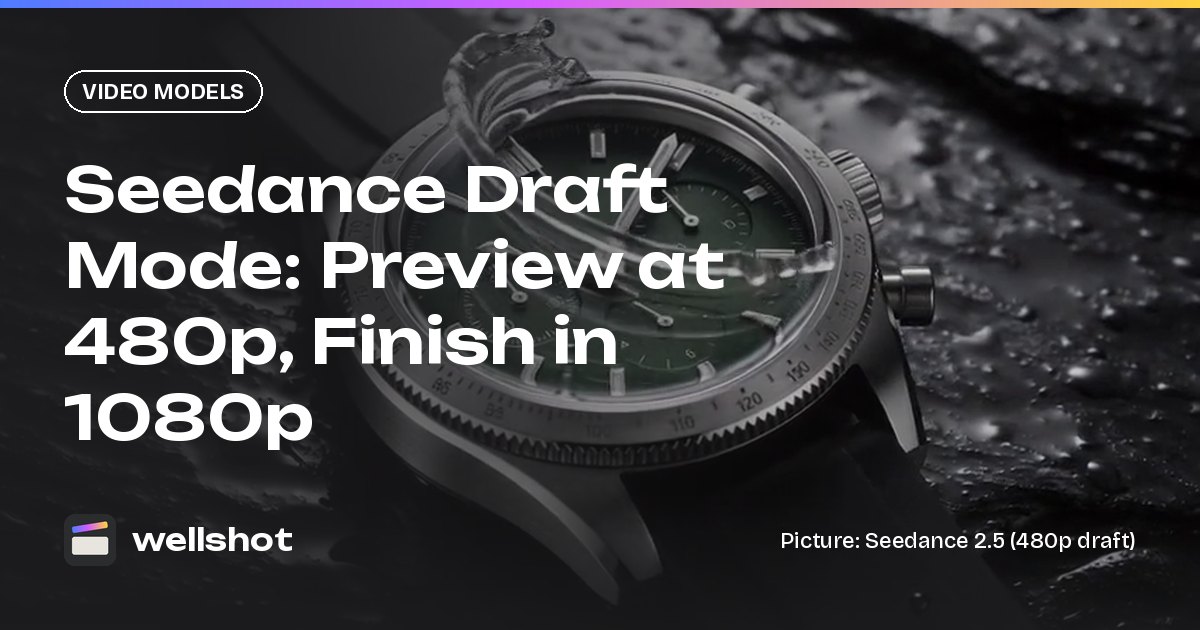
Every generation costs credits, and the price shows on the button before you run anything. Long takes at 1080p add up, so Seedance 2.5 has a draft mode. You make a cheap 480p preview, judge the motion and timing, and then render the one you like at full quality from the same draft. The prompt, inputs, length and seed stay the same, so the final matches what you approved.
If a generation fails, the credits come back automatically. The full process is in Seedance draft mode.
Worked example: a 20-second desert tracking shot
Here is how a single shot comes together in Studio.
- Open Studio and choose video mode. Pick Seedance 2.5 in the model picker.
- Set aspect ratio to 21:9 for a wide, cinematic frame, resolution to 1080p and length to 20 seconds.
- Turn draft mode on for the first pass.
- Write the prompt below and run it. Check the motion in the 480p draft.
- When the movement and pacing are right, render that draft at full quality.
- Send the take to the Editor, or let it land in the project's media and drop it on a video track.
Side tracking shot, low and close: a falcon glides a meter above rippled
sand dunes at golden hour, wings barely moving. The camera keeps pace
beside it, the sun low behind the dunes, long shadows, warm sand palette.
Halfway through, the falcon banks left and climbs over a dune crest.
Sound: steady wind over sand, soft wing flutter, no music.
Notes on that prompt:
- The camera move comes first, so the model knows the frame is moving with the subject.
- A single change in the middle ("halfway through, the falcon banks") gives a 20-second shot a beat. Long takes feel static without one.
- Light and palette are named the way you would in a camera brief.
If you want to set camera body, lens, focal length and lighting from menus instead of words, use cinema mode in Studio. You can also recreate the falcon shot and see the exact graph, seed and inputs that made it.
When to pick Seedance 2.5, and when not to
Seedance 2.5 covers the widest range of tasks of any video model in Wellshot, but it is not the right pick for every shot.
Pick Seedance 2.5 when:
- The shot needs to run longer than 15 seconds in one take.
- You have many references to honor: a cast, a product, a location and a motion clip together.
- You want to edit or extend a clip, or Recast a performance.
- You want to preview cheaply and finish at 1080p with a matching result.
Pick something else when:
- You need 4K. Seedance 2.0, Gemini Omni Flash, Kling 3.0 and FLUX 3 Video offer it; Seedance 2.5 tops out at 1080p.
- You are making lots of rough versions. Seedance 2.0 Mini or 2.0 Fast are cheaper for volume work.
- The shot is short and simple. A short clip from a cheaper model is often enough.
In the Director, the agent picks a model per shot, or uses the one you ask for, and tells you what the plan costs before it spends anything. Ready to try it? Open Seedance 2.5 in Wellshot.
FAQ
How long can a Seedance 2.5 video be?
Seedance 2.5 makes clips from 4 to 30 seconds in a single take. If you need more, extend the clip with the extend video task or cut several takes together in the Editor.
Does Seedance 2.5 generate sound?
Yes. Sound is generated with the picture and you can switch it on or off for each shot. Turn it off if you plan to add your own music or voice-over in the Editor.
Is Seedance 2.5 free?
Generations in Wellshot cost credits, and the exact price shows on the button before you run. Draft mode lets you preview at 480p for less, failed generations refund automatically, and plan credits refresh every month.
What resolution does Seedance 2.5 support?
It renders at 480p, 720p or 1080p. For 4K, use Seedance 2.0 or another model that supports it.
How many reference images can Seedance 2.5 use?
Up to 30 pictures, plus up to 10 video clips and 10 sounds, in reference to video. You name each one in the prompt as @Image 1, @Video 1 and so on.
Make it in Wellshot
Every model in one studio. Prompt it, wire it as nodes, or let the Director run it.