Kling Image 3.0 Omni Guide: Consistent People and Products
Kling Image 3.0 Omni in Wellshot: keep people and products consistent across images, up to 10 reference pictures, 1K to 4K sizes, and a worked prompt.
By the Wellshot team · · 5 min read
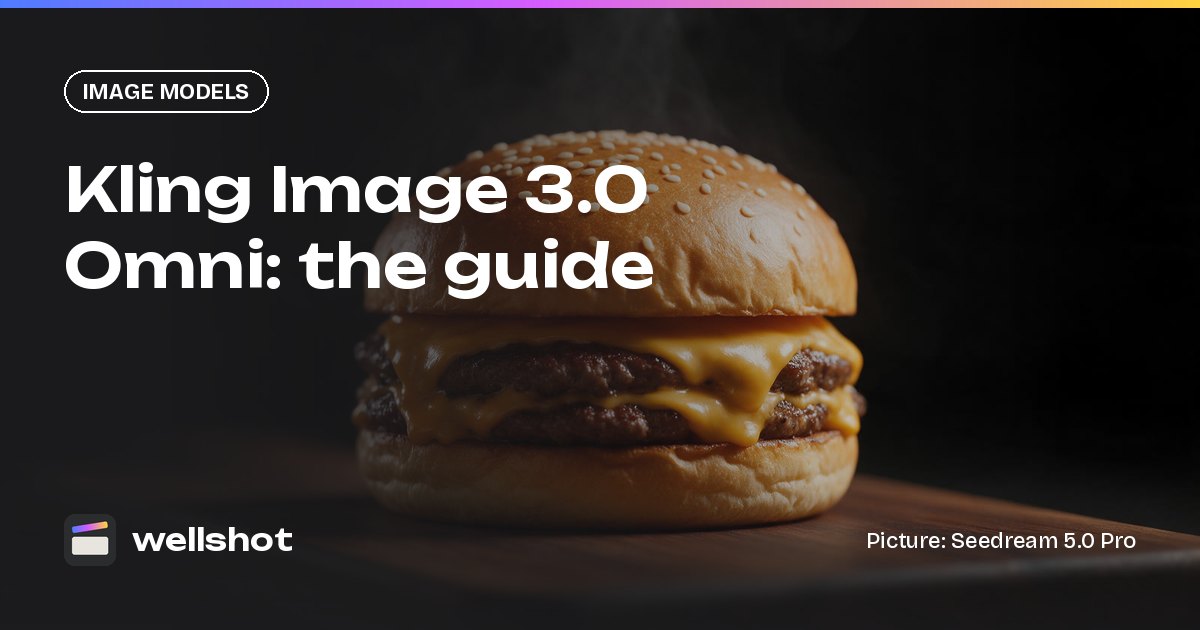
Kling Image 3.0 Omni is Kuaishou's image model for keeping people and products consistent from one picture to the next. In Wellshot it makes images from text or edits them with up to 10 reference pictures, at 1K, 2K or 4K. It's the Kling image model to choose for campaigns, catalogs and storyboards where the same face or the same product has to appear again and again.
Kling Image 3.0 Omni at a glance
Kling Image 3.0 Omni comes from Kuaishou's Kling team. Wellshot has three Kling image models, and Omni is the one built for consistency.
| Spec | Kling Image 3.0 Omni |
|---|---|
| Maker | Kuaishou (Kling) |
| Tasks | Text to image, edit with references |
| Sizes | 1K, 2K, 4K |
| Max references | 10 |
| Strength | Keeps people and products consistent |
| Aspect ratios | 16:9, 9:16, 1:1, 4:3, 3:4, 3:2, 2:3, 21:9 |
How it compares with the other two Kling image models:
| Model | Sizes | Max references | Note |
|---|---|---|---|
| Kling Image 3.0 Omni | 1K, 2K, 4K | 10 | Keeps people and products consistent |
| Kling Image 3.0 | 1K, 2K | 1 | Cheap stills from text or one reference |
| Kling Image O1 | 1K, 2K | 10 | Earlier Omni model: edits and mixes references |
So Omni is the only Kling image model that reaches 4K, and it takes ten references where Kling Image 3.0 takes one. For a deeper look at all three, read Kling Image O1, 3.0 and 3.0 Omni compared.
What "consistent" means in practice
Consistency is the problem every campaign hits: the model in shot 1 doesn't quite look like the model in shot 5, or the product's label shifts between pictures. Kling Image 3.0 Omni is built to hold:
- People: the same face, hair and build across a series.
- Products: the same shape, color and label across different sets.
- Both together: a person holding the same product in several scenes.
The method is the same as with any reference model: give it the same reference pictures every time, name them the same way, and tell it what to keep exactly. Our guide to consistent characters in AI covers this in more depth.
Setting up references
With up to 10 references, a typical split for a person-and-product campaign is:
- @Image 1 to @Image 3: the person (front, three-quarter, close-up)
- @Image 4 and @Image 5: the product (front and back)
- @Image 6: the location or set
- @Image 7: a lighting or mood reference
In Wellshot, the Director agent can cast characters with reference sheets (four full-body views plus portrait and detail close-ups, kept consistent). Those pictures can go straight into Omni's numbered inputs. On the Canvas, press "+" on the node to add more inputs, up to the model's limit of 10.
A worked example: one product, three scenes
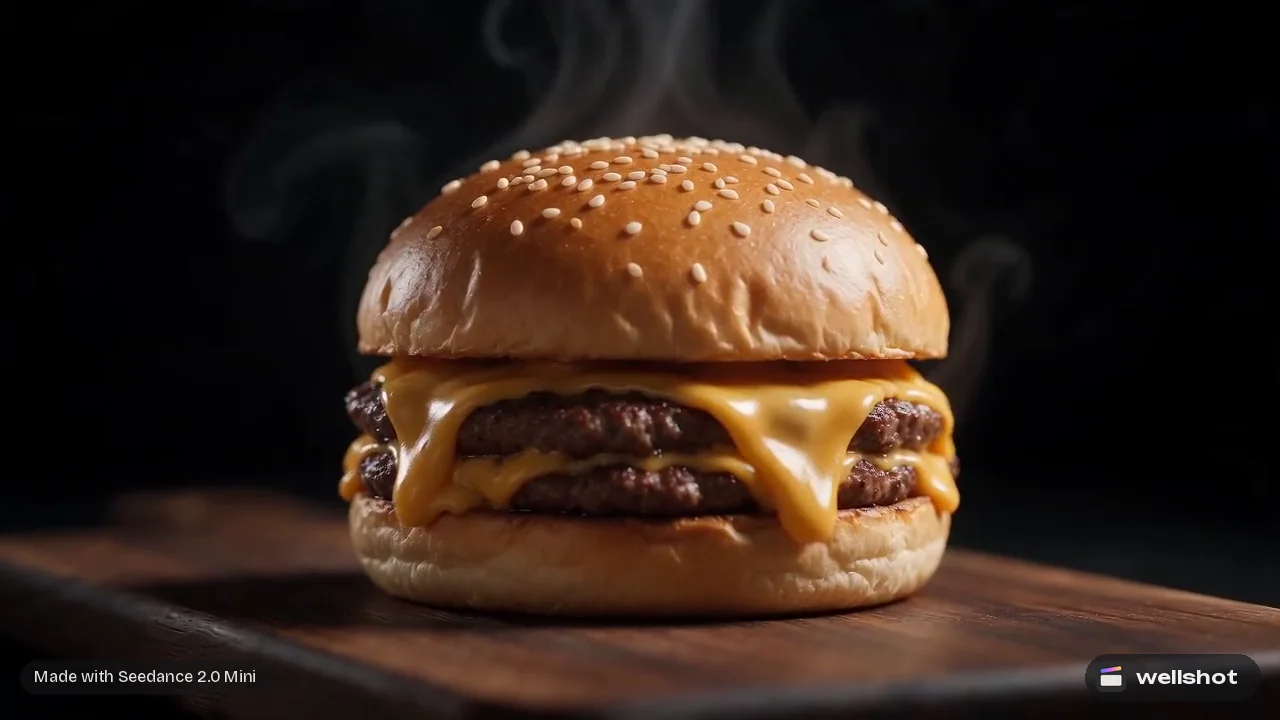
You're making a burger chain's social set. @Image 1 is the burger still, @Image 2 is the chef character, and you want three scenes that all keep both exactly.
Food advertising photograph, 3:4 vertical, 2K. The chef from
@Image 2 holds the burger from @Image 1 toward camera with both hands, smiling,
in a busy kitchen with warm practical lights behind. Shallow depth of field,
burger sharp in the foreground. Keep the chef's face, hair and uniform exactly
as in @Image 2. Keep the burger's bun, cheese, layers and wrapper exactly as in
@Image 1. No text.
For scene two, keep the "keep" lines and change only the place and action:
Food advertising photograph, 3:4 vertical, 2K. The chef from @Image 2 sits at a
sunny outdoor table and takes a bite of the burger from @Image 1. Soft daylight,
pastel palette. Keep the chef's face, hair and uniform exactly as in @Image 2.
Keep the burger's bun, cheese, layers and wrapper exactly as in @Image 1. No text.
Repeating the same "keep" wording in every prompt is what ties the set together.
How to use Kling Image 3.0 Omni in Wellshot
- Open a shot in the Studio, choose image mode and pick Kling Image 3.0 Omni.
- Pick a size (1K, 2K or 4K) and an aspect ratio.
- Add up to 10 references and name them in your prompt as @Image 1, @Image 2…
- Check the credit price on the button and generate.
- For a series, keep the same references and change only the scene part of the prompt.
On the Canvas, Omni appears under Image → generate from text and Image → edit images. Wire the references once, duplicate the node for each scene, and branch variations side by side. To change only part of a picture, draw on it with the Painter node to mark the area, as described in AI image editing with reference images. Approved stills can then go into a video node as start frames for an AI product video.
You can open Kling Image 3.0 Omni in Wellshot and start a consistent series.
When to pick Omni
- Pick Kling Image 3.0 Omni for a series where people and products must stay the same, and when you need up to 4K.
- Pick Kling Image 3.0 for cheap single stills from text or one reference.
- Pick Kling Image O1 if you want the earlier Omni model for edits and mixing references.
- Look at Nano Banana 2.1 when you need more than 10 references (it takes 14) or text in the picture.
FAQ
What is Kling Image 3.0 Omni?
It's an image model from Kuaishou's Kling team. In Wellshot it makes and edits images with up to 10 references, and is built to keep people and products consistent.
How many reference images does Kling Image 3.0 Omni accept?
Up to 10 reference pictures, named in the prompt as @Image 1 through @Image 10.
Can Kling Image 3.0 Omni make 4K images?
Yes. It renders at 1K, 2K or 4K. It's the only Kling image model in Wellshot with a 4K size.
What is the difference between Kling Image 3.0 and Kling Image 3.0 Omni?
Kling Image 3.0 makes cheap stills from text or one reference, at 1K or 2K. Omni takes up to 10 references, goes up to 4K, and is built to keep people and products consistent.
Make it in Wellshot
Every model in one studio. Prompt it, wire it as nodes, or let the Director run it.