AI Video Camera Movement Prompts: 13 Moves That Work
AI video camera movement prompts for push in, orbit, crane, tracking, dolly zoom and more, with copy-ready examples and the cinema mode settings for each.
By the Wellshot team · · 6 min read
Good AI video camera movement prompts name one clear move, say where it starts and ends, and set the pace. "Slow push in toward her face, steady, ending in a close-up" works far better than "cinematic camera". Below are the thirteen moves Wellshot's cinema mode offers, a prompt for each, and how to chain moves without confusing the model.
How to describe a camera move
Every move prompt should cover four things:
- The move: push in, orbit, crane up and so on. Use the film term; models know it.
- Direction and amount: left or right, up or down, a quarter turn, from wide to medium.
- Pace: slow, steady, sudden. Without it models often rush.
- What stays fixed: "subject stays centered", "horizon level", "no shake".
Keep it to one or two moves per shot. If you need three, it is probably two shots.
Set the camera in cinema mode instead of typing it
In the Studio, cinema mode turns camera choices into options, and it makes a still or a moving shot:
| Setting | Options |
|---|---|
| Camera body | Large-format digital, full-frame cinema digital, Super 35 digital, 65mm, 35mm or 16mm film |
| Lens | Modern clean prime, vintage prime, anamorphic, macro, tilt-shift, soft-focus diffusion |
| Focal length | 14, 24, 35, 50, 85, 135 mm |
| Aperture | f/1.4 to f/11 |
| Camera moves | Slow push in, pull out, pan, tilt, orbit, tracking, handheld, crane up/down, dolly zoom, whip pan, rack focus, POV, static, picked in order |
| Also | Genre, era (1920s to near future), tempo, lighting, color palette |
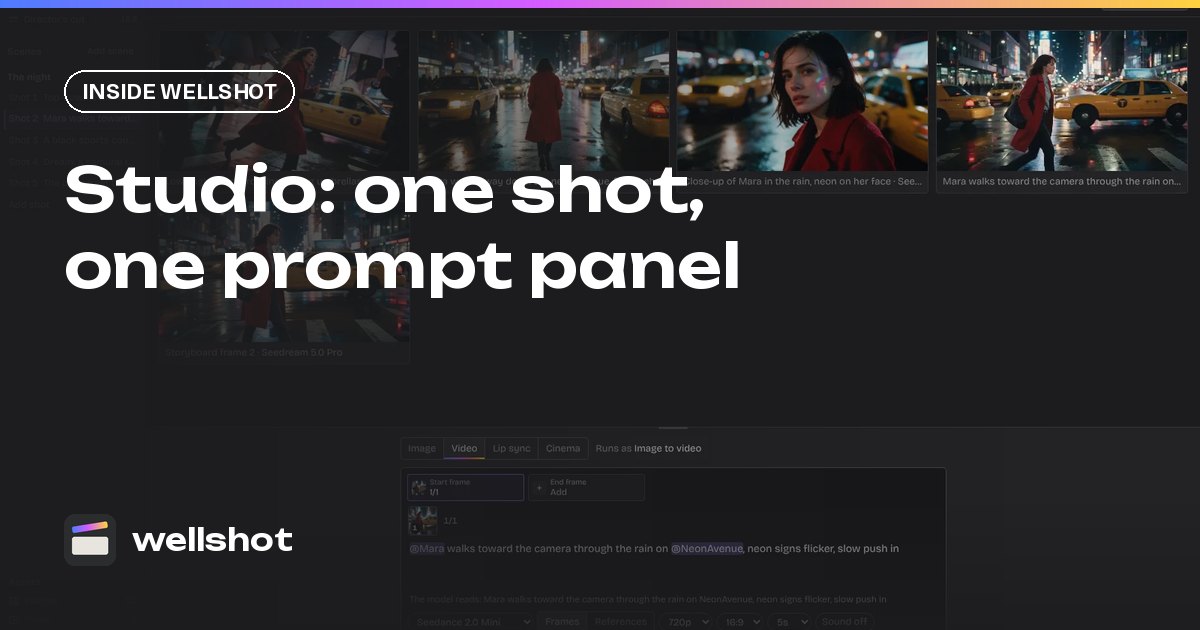
You can pick several moves in order, for example tracking then crane up, and still add detail in the prompt. Read more about the panel in our AI video Studio post.
A practical habit: set the body, lens and focal length once per scene so every shot in it shares a look, then change only the camera move from shot to shot. A scene where one shot is 14mm handheld and the next is 135mm anamorphic will feel like two different films. If you want to compare moves on the same setup, branch the shot on the Canvas and run two versions side by side; the unchanged nodes are cached and do not run again.
The 13 moves, with prompts
Slow push in
Builds tension or intimacy. Pair with a longer lens for a tighter feel.
Slow push in toward the woman at the diner counter, steady, no shake,
from a medium shot to a close-up of her face. 35mm film look.
Pull out
Reveals context or isolates a subject in a big space.
Slow pull out from the astronaut's visor to a wide shot of the empty
red plain, two moons low on the horizon. Smooth and steady.
Pan
A horizontal turn from a fixed position. Say which way and what it lands on.
Slow pan right across the harbor at blue hour, ending on the lighthouse.
Camera stays level, tripod steady.
Tilt
A vertical turn from a fixed position. Strong in vertical video.
Slow tilt up from the stone giant's feet to its head as it walks
through the sandstorm. Low angle, 24mm, heavy dust.
Orbit
Circles the subject. The classic product move; specify how far.
The camera orbits slowly around the perfume bottle, a half turn to the left,
keeping it centered. Light slides across the glass. Dark background.
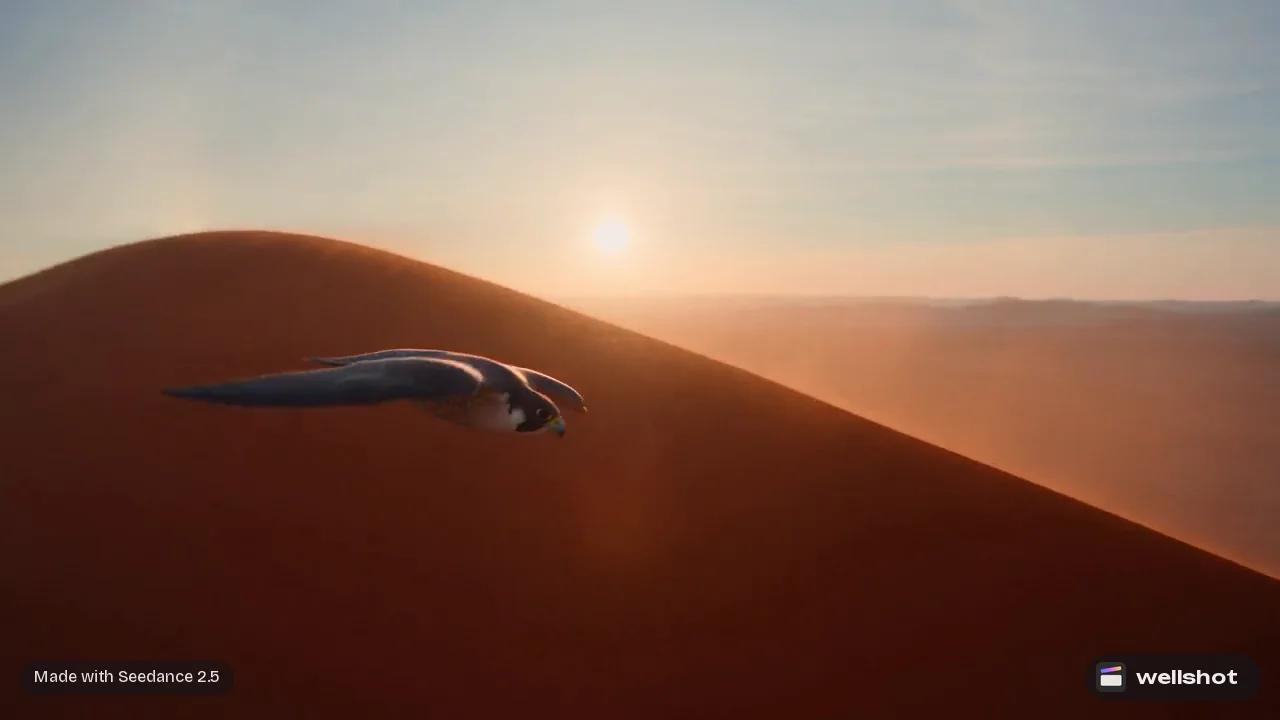
Tracking
Moves alongside, ahead of or behind a moving subject.
Side tracking shot alongside a falcon flying low over red dunes at sunrise,
camera matching its speed, falcon stays in the left third of frame.
Handheld
Adds presence and urgency. Ask for "subtle" unless you want chaos.
Subtle handheld, following just behind the runner along the waterfront
at dawn, slight natural bounce, keeping her in frame.
Crane up / crane down
Rises above or descends into a scene. Great for openings and endings.
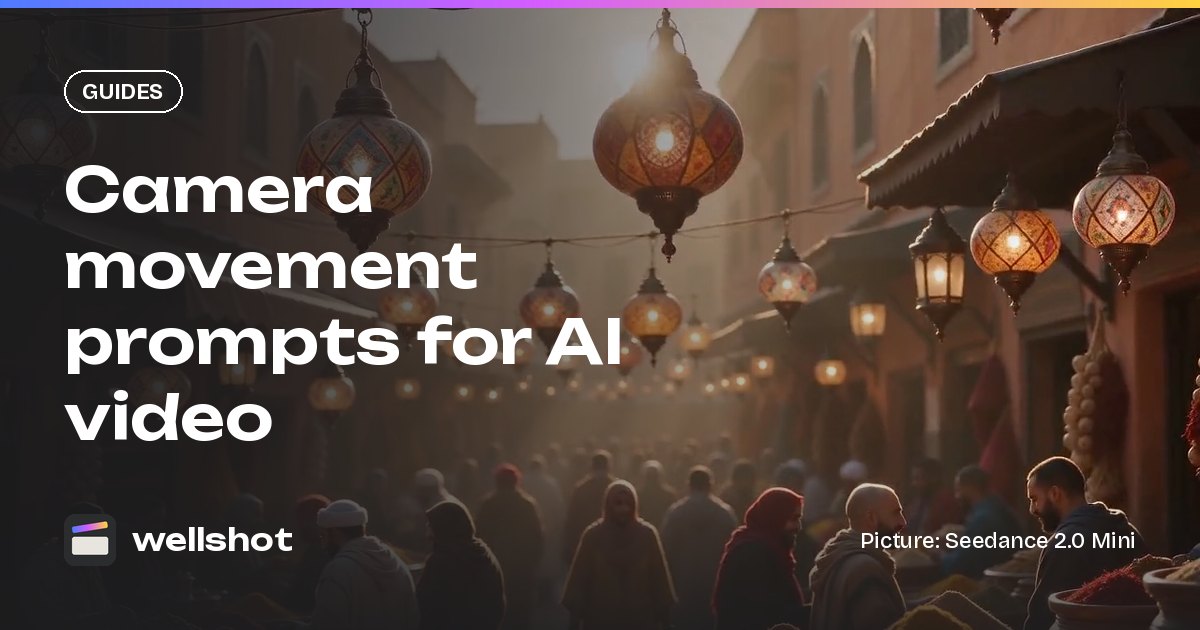
Crane up from street level over a crowded spice market at golden hour,
rising slowly above the awnings to reveal the rooftops of the old city.
Dolly zoom
The camera moves one way while the zoom goes the other, so the background stretches. Use sparingly, for a moment of shock.
Dolly zoom on the man's face as he realizes the truth: he stays the same size
while the corridor behind him stretches away. Two seconds, then hold.
Whip pan
A very fast pan that blurs. Good as a transition between two subjects.
Static on the singer, then a sudden whip pan right to the drummer,
motion blur in between, landing sharp.
Rack focus
Shifts focus from one plane to another, guiding the eye.
Rack focus from the raindrops on the window in the foreground to the woman
standing in the street behind. 85mm, f/1.4, shallow depth of field.
POV
The camera is a character's eyes.
POV of a drone pilot flying low over the water down a narrow fjord,
cliffs on both sides, fast and smooth, the sea a few meters below.
Static
Locked off. Lets the action carry the shot, and suits loops and macro work.
Static macro shot of a ladybird walking through dew drops on a leaf,
macro lens, soft morning light, very shallow focus.
Chaining moves and using frames
When you need a combined move, give it an order and a beat:
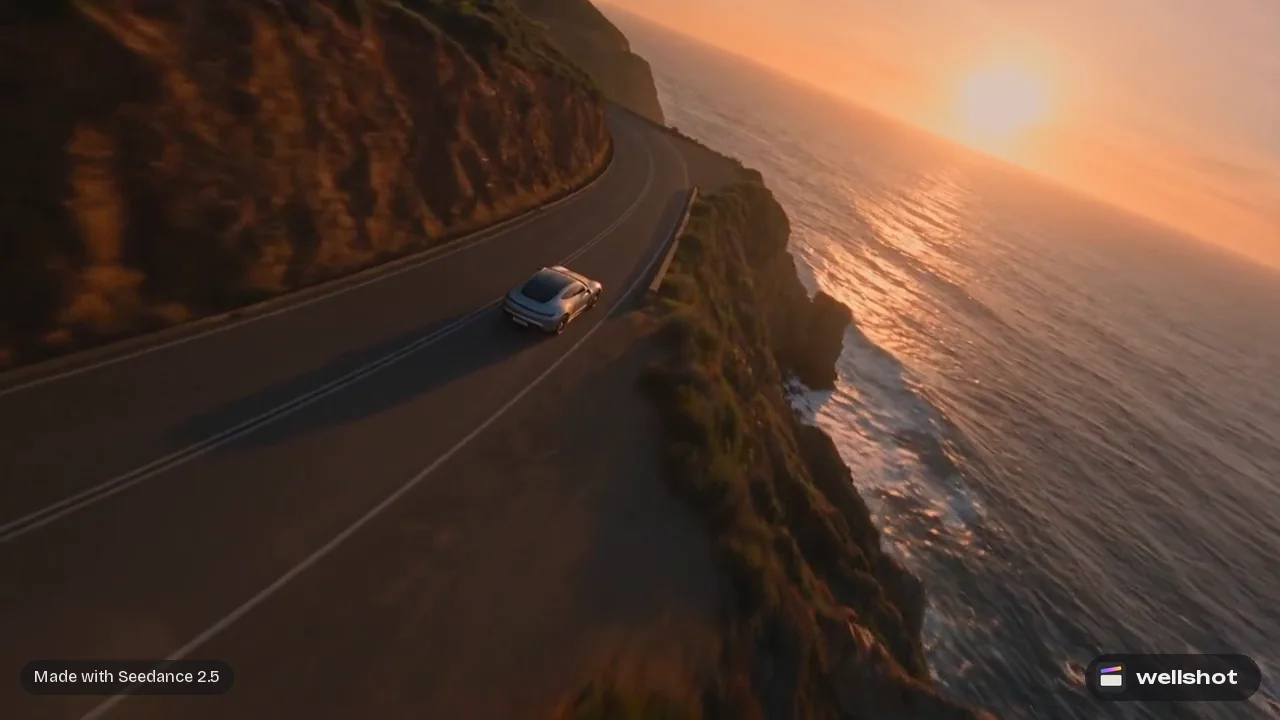
Tracking shot following the silver sports car along the coast road,
then the camera slowly cranes up to reveal the sea and the sunset.
For precise control, use a start and end frame: the start frame shows where the move begins, the end frame where it lands, and the prompt only names the move. See image to video with start and end frames. Longer moves need longer clips; Seedance 2.5 runs up to 30 seconds, so a slow crane does not have to be rushed.
Match the move to the moment
The move should serve what the shot is for. A quick guide:
| The shot is about... | Try |
|---|---|
| Revealing a place | Crane up, pull out, slow pan |
| A character's feeling | Slow push in, rack focus, static close-up |
| Speed or chase | Tracking, handheld, POV |
| A product | Orbit, slow push in, static macro |
| A shock or realization | Dolly zoom, whip pan |
| An ending | Crane up, pull out |
Fixes for common camera problems
- The move is too fast: add "slow, steady" and make the clip longer.
- The camera drifts when it should be still: pick "static" in cinema mode and write "locked-off tripod, no movement".
- The subject leaves the frame: say where it stays ("keeps him centered").
- Two moves blend into mush: split into two shots and cut on the Editor timeline.
- Shaky handheld: ask for "subtle handheld".
For the full prompt structure beyond the camera, read how to write AI video prompts.
You can recreate the market crane shot and change the move to see the difference.
FAQ
How do I make AI video camera movement smooth?
Name one move, add "slow, steady, no shake", and give it enough length. In cinema mode, pick the move from the list so it is set as an option rather than only in text.
What camera movements can AI video do?
In Wellshot's cinema mode you can choose slow push in, pull out, pan, tilt, orbit, tracking, handheld, crane up or down, dolly zoom, whip pan, rack focus, POV and static, in the order you want them.
Can I combine two camera moves in one AI shot?
Yes. Pick the moves in order in cinema mode or write them in sequence ("tracking, then crane up"). More than two in one shot usually works better as separate shots.
How do I keep the AI camera still?
Choose "static" in cinema mode and say "locked-off tripod, no camera movement" in the prompt. Describe only the action in the scene.
Does focal length matter in AI video prompts?
Yes. Cinema mode lets you pick 14, 24, 35, 50, 85 or 135 mm and an aperture from f/1.4 to f/11, which changes how wide the shot feels and how shallow the focus is.
Make it in Wellshot
Every model in one studio. Prompt it, wire it as nodes, or let the Director run it.