AI Sound Effects Generator: Seed Audio 1.0 in Wellshot
Use Seed Audio 1.0 as an AI sound effects generator: effects, ambience, speech and dialogue in one take up to 2 minutes, with prompts you can copy and adapt.
By the Wellshot team · · 6 min read
Seed Audio 1.0 is the most flexible AI sound effects generator in Wellshot: you describe a sound, and it makes sound effects, ambience, speech and dialogue in one take, up to 2 minutes long. It comes from ByteDance's Seed team, and you can use it from Studio's audio mode, from the Audio nodes on the Canvas, or let the Director call it while it builds your film.
This guide covers what it does, how to write a sound prompt that gives you usable takes, when the ElevenLabs audio models are the better pick, and how to get the result under your picture.
What Seed Audio 1.0 does
| Feature | Seed Audio 1.0 |
|---|---|
| Maker | ByteDance (Seed team) |
| Makes | Sound effects, ambience, speech and dialogue |
| Length | Up to 2 minutes per take |
| Input | A text description |
| Voice reference | Copy a voice from up to 3 reference sounds (@Audio 1–3) |
| Picture reference | Set the scene from one picture |
The point that matters most for sound design is "in one take". You can ask for a layered bed (wind, distant gulls, a rope creaking against a mast) and get it back as one piece, rather than generating each layer and mixing by hand. You can still do it layer by layer when you want control; both work.
Writing a sound effects prompt
Describe sound the way you'd brief a sound designer: what is making the noise, where it is, how close, and how it changes over time.
- Source. What makes the sound: "heavy wooden door", "small dog's claws on tile".
- Space. Where it happens: "in a stone stairwell", "open field, no reflections".
- Distance. Close and dry, or far and roomy.
- Timing. What happens in order: "a creak, a pause, then a slam".
- Length. Say how long you need it.
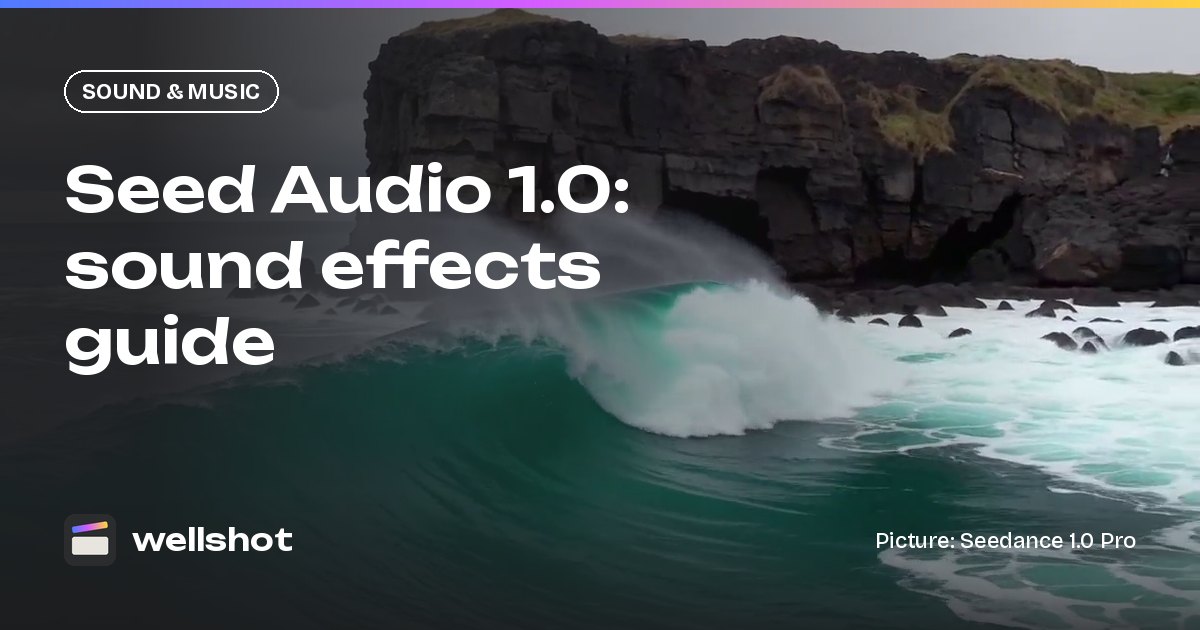
Ambience, 30 seconds. Waves breaking on volcanic cliffs below,
heard from the top: deep low booms every few seconds, spray hiss after each.
Steady wind across the microphone, light. Two seabirds call once,
far to the left, around the middle of the take. No music, no voices.
Ending with what you don't want ("no music, no voices") saves a lot of re-runs.
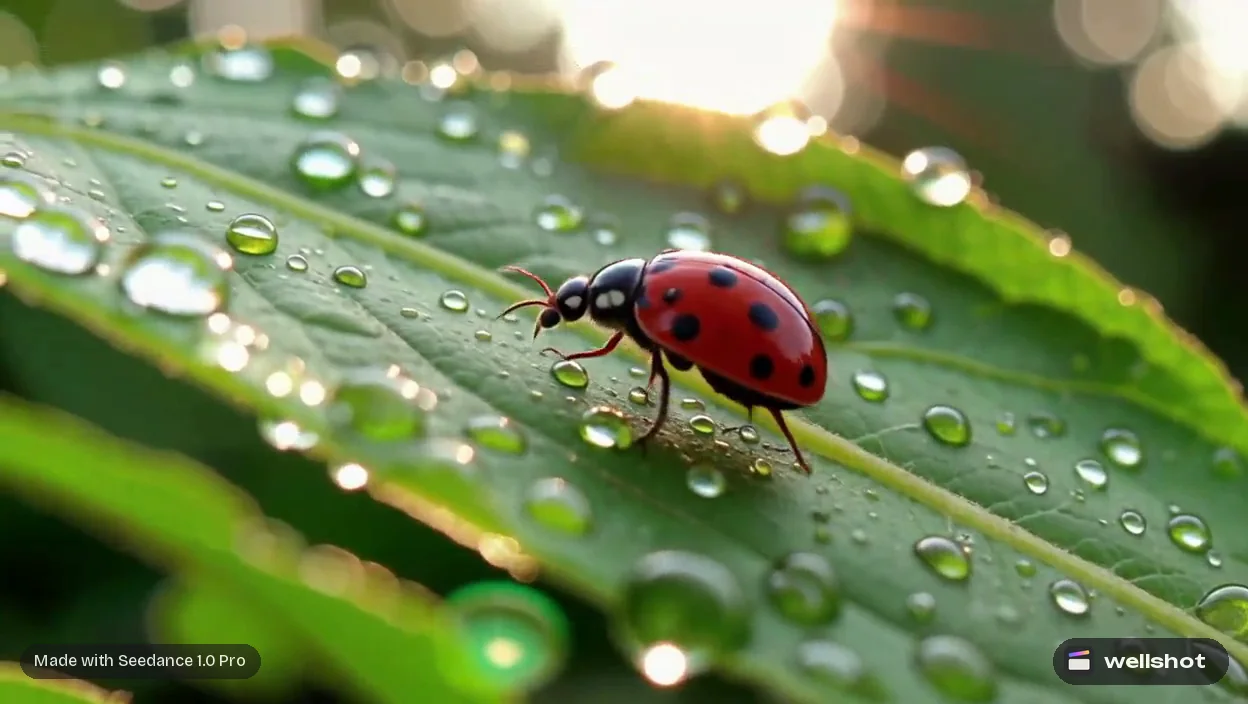
Matching sound to a picture
Seed Audio can set the scene from one picture. Give it a frame from your shot and it has something concrete to work from: the room, the weather, the objects in view. On the Canvas, use the Extract frame from video node to pull a still out of your clip, then wire it into the Seed Audio node.
This is especially useful for clips made with silent video models (see Seedance 1.5 Pro vs 1.0 Pro). Seedance 1.0 Pro, Seedance 1.0 Pro Fast and Kling 2.5 Turbo don't make sound, so their takes need a sound bed added afterwards.
Sound effects and dialogue in the same take
Because Seed Audio handles speech too, a single take can hold both a line and the world around it. Put spoken lines in quotes and describe the voice.
Busy spice market at midday. Close: a vendor, older man, warm raspy voice,
calls out "Saffron, cardamom, fresh today!" Behind him: crowd chatter,
a scale clinking, a moped passing left to right. 20 seconds.
For narration and longer reads, see the AI voiceover generator guide. If you want to copy a specific voice from reference recordings (@Audio 1–3), use only voices you have permission to use.
When to use video sound instead
Several video models in Wellshot make sound with the picture. Seedance 2.5, 2.0, 2.0 Fast, 2.0 Mini and 1.5 Pro have sound you can switch on or off; Gemini Omni Flash always includes sound; Kling 3.0 is on or off; Kling 3.0 Turbo always has it. Newer additions follow the same split: Wan 3.0, Kling O3, PixVerse v6 and FLUX 3 Video are switchable, while MiniMax H3 Max and Grok Imagine 1.5 always include sound. The trade-offs are covered in AI video with sound.
A quick way to decide:
- Use video sound when the sound is tightly tied to on-screen action and you are happy with what the model gives you.
- Use Seed Audio when the clip is silent, when you want more control, when you need a longer bed than the clip, or when you want a specific voice or line.
- Use both when you want the model's sync sound plus an extra ambience layer underneath.
Seed Audio or ElevenLabs?
Seed Audio isn't the only audio model in Wellshot. A set of ElevenLabs models covers narrower jobs, and each side has its strengths:
| Job | Pick |
|---|---|
| Speech, effects and ambience together in one take | Seed Audio 1.0 |
| A voice copied from reference sounds you have permission to use | Seed Audio 1.0 |
| Sound set from a picture of the scene | Seed Audio 1.0 |
| One clean sound effect, 2 to 22 seconds | Eleven Sound Effects |
| Narration in a stock voice, 70+ languages | Eleven v4 Voice or Eleven v3 Voice |
| A conversation between stock voices | Eleven v3 Dialogue |
| Music: songs or score, up to 3 minutes | Eleven Music |
| An existing read translated into another language | Eleven Dubbing |
In practice: reach for Seed Audio when you want a whole sound world from one prompt, and for Eleven Sound Effects when you need a single hit, whoosh or riser to drop on a cut. Voice options are compared in the AI voiceover generator guide.
Getting it into your cut
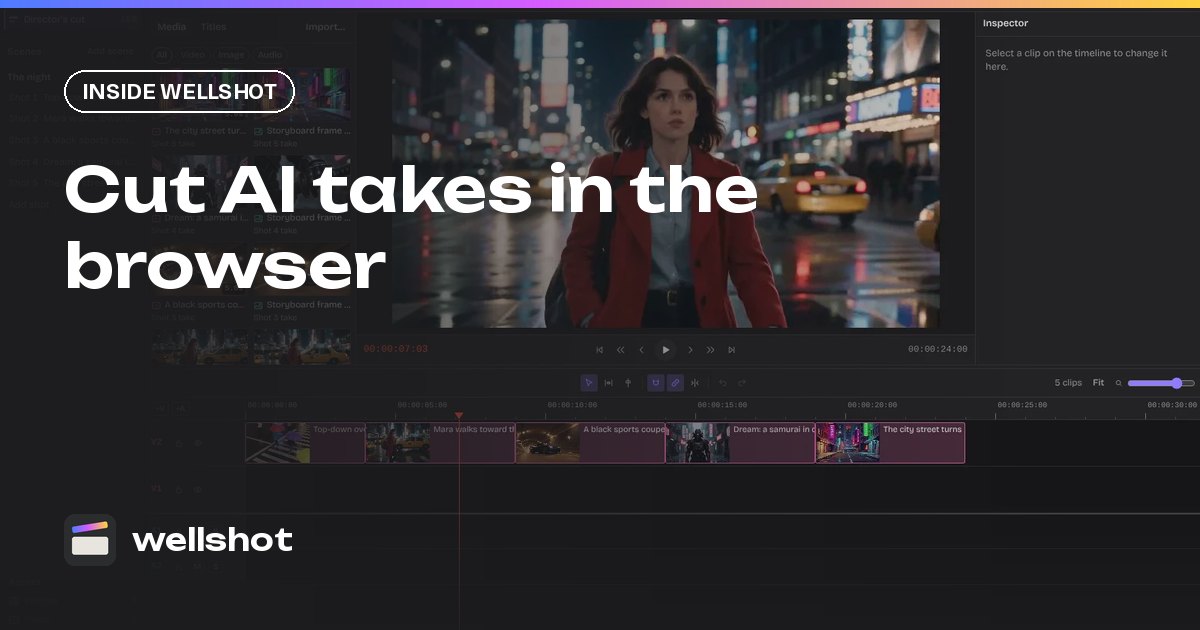
- Make the sound in Studio's audio mode, or on the Canvas with the Seed Audio node. The credit price shows on the button before you run.
- Every take lands in your project's media.
- In the online Editor, drop it on an audio track under the picture.
- Split and slip to line it up, set the volume, and mute the clip's own sound if you're replacing it.
If you don't like a take, generate another; every one is saved, so you can go back. Try a sound bed for your next shot: open Seed Audio 1.0 in Wellshot.
FAQ
What is the best AI sound effects generator?
In Wellshot, Seed Audio 1.0 makes sound effects, ambience, speech and dialogue in one take from a description, up to 2 minutes long, and can set the scene from one picture. For a single effect, Eleven Sound Effects makes one sound from a description, 2 to 22 seconds long.
How long can Seed Audio 1.0 sound effects be?
Up to 2 minutes per take. For a longer bed, make several takes and lay them end to end on an audio track in the Editor.
Can AI add sound effects to a silent video?
Yes. Pull a frame from the clip with the Extract frame node, give it to Seed Audio 1.0 to set the scene, describe the sounds you want, then lay the result under the clip in the Editor.
Is the AI sound effects generator free?
Each generation costs credits, and the price shows on the button before you run. Failed generations are refunded automatically and plan credits refresh every month.
Make it in Wellshot
Every model in one studio. Prompt it, wire it as nodes, or let the Director run it.