Seedance Reference to Video: Up to 30 Images in One Shot
How Seedance reference to video works in Wellshot: up to 30 pictures, 10 clips and 10 sounds, how to name them in a prompt, and a worked example.
By the Wellshot team · · 6 min read
Seedance reference to video makes a clip that follows the pictures, clips and sounds you give it, instead of animating a single start frame. In Wellshot, Seedance 2.5 accepts up to 30 reference pictures, 10 clips and 10 sounds per shot, and you point to each one in the prompt by name, such as @Image 1 or @Video 1.
That makes it the task to reach for when a shot has to keep a cast, a product and a location consistent at the same time. Here is how it works, how it differs between Seedance versions, and how to set one up.
What reference to video actually does
With image to video, you hand the model a frame and it moves that exact frame. With reference to video, the references describe what should appear, and the model builds a new shot around them. A character sheet tells it who the person is. A product still tells it what the bottle looks like. A clip can show the kind of motion or camera move you want. A sound can set the mood or carry a line of dialogue.
The prompt is where you tie them together. You write the shot the way you would brief a camera crew, and you mention each reference where it belongs: "@Image 1 walks toward @Image 3, holding @Image 2."
Reference limits by model
Not every Seedance model takes the same number of references, and the rules for sound differ.
| Model | Reference limits | Sound alone? | Length | Max resolution |
|---|---|---|---|---|
| Seedance 2.5 | 30 pictures, 10 clips, 10 sounds | Yes | 4–30 s | 1080p |
| Seedance 2.0 | 9 pictures, 3 clips, 3 sounds | No, needs a picture or clip | 4–15 s | 4K |
| Seedance 2.0 Fast | Task supported; "+" adds inputs up to the model limit | 4–15 s | 720p | |
| Seedance 2.0 Mini | Task supported; "+" adds inputs up to the model limit | 4–15 s | 720p |
Seedance 2.5 is the one to use when you have a large cast or many product angles. Seedance 2.0 is the pick if the final has to be 4K and your references fit within 9 pictures. The cheaper 2.0 Fast and Mini also support the task, which makes them handy for trying a reference setup before you commit to a full render; see Seedance 2.0 Fast vs Mini.
Seedance 1.5 Pro and 1.0 Pro do not have reference to video. They only animate start and end frames.
Naming references in the prompt
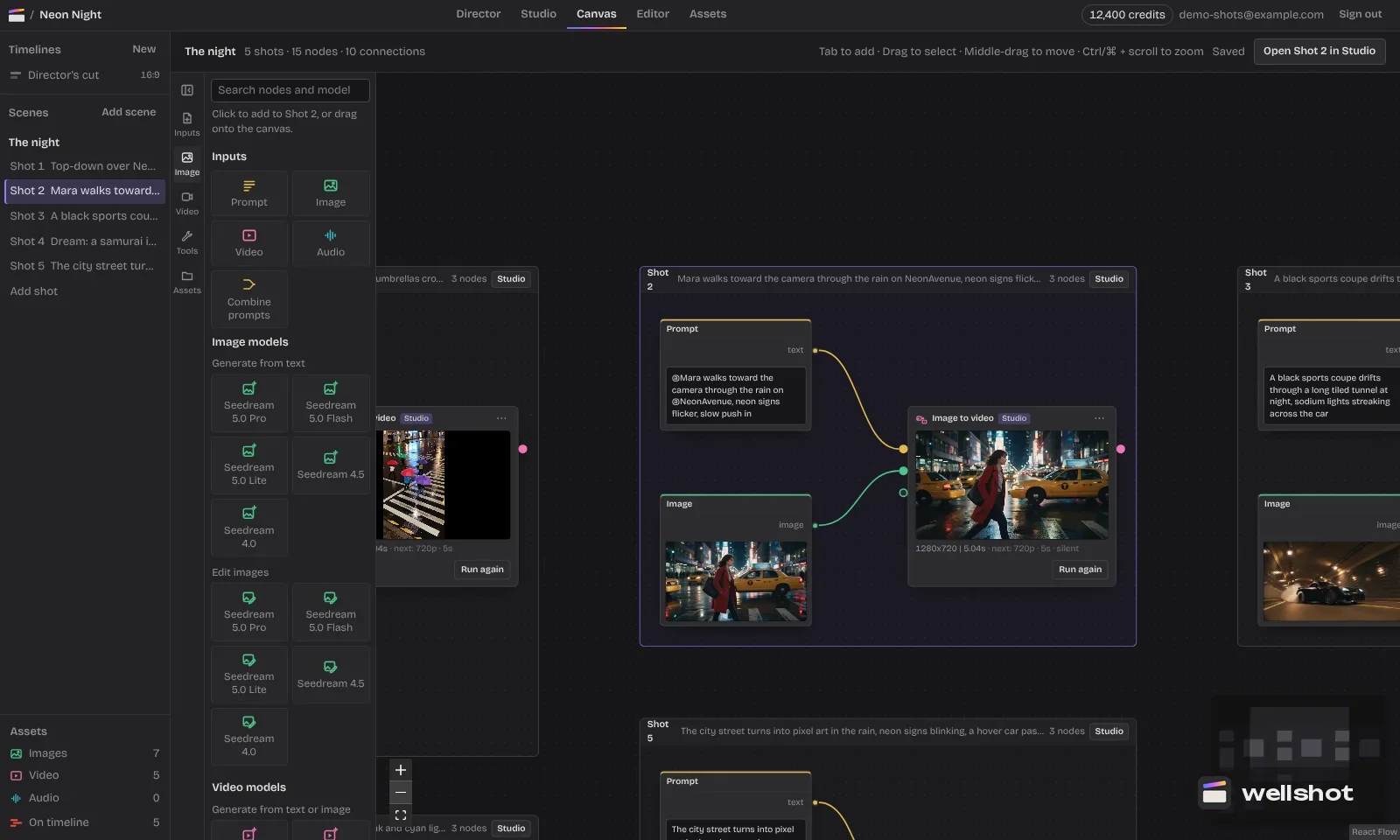
In the Canvas, the reference to video node (for example "Seedance 2.5 · Reference to video") has numbered inputs: Image 1, Image 2 and so on. Press "+" to add more, up to the model's limit. Clips and sounds work the same way. In the prompt, you name them as:
- @Image 1, @Image 2 ... for pictures
- @Video 1, @Video 2 ... for clips
- @Audio 1, @Audio 2 ... for sounds
A few habits that help:
- Give each reference one job. One picture for the face, one for the outfit, one for the location works better than a single busy collage.
- Say what to take from a clip. "Follow the camera move in @Video 1" is clearer than just attaching it.
- Keep the numbering stable across shots in a scene. If @Image 1 is your lead in shot 1, keep it as @Image 1 in shot 2 so prompts stay easy to read and reuse.
Where references come from
You can upload your own, but most of the time they come from inside the project:
- Characters. The Director casts characters as reference sheets: four full-body views (front, side, back, three-quarter) plus a portrait and detail close-ups, kept consistent. Those sheets can be wired straight into a reference to video node. More in consistent characters with AI.
- Products and locations. Make clean stills with an image model such as Seedream 5.0 Pro, or edit an existing photo with references; see AI image editing with reference images.
- Motion. Any earlier take in the project's media can be wired in as a clip.
- Sound. Upload a sound, or make one with Seed Audio 1.0.
Worked example: a car commercial shot
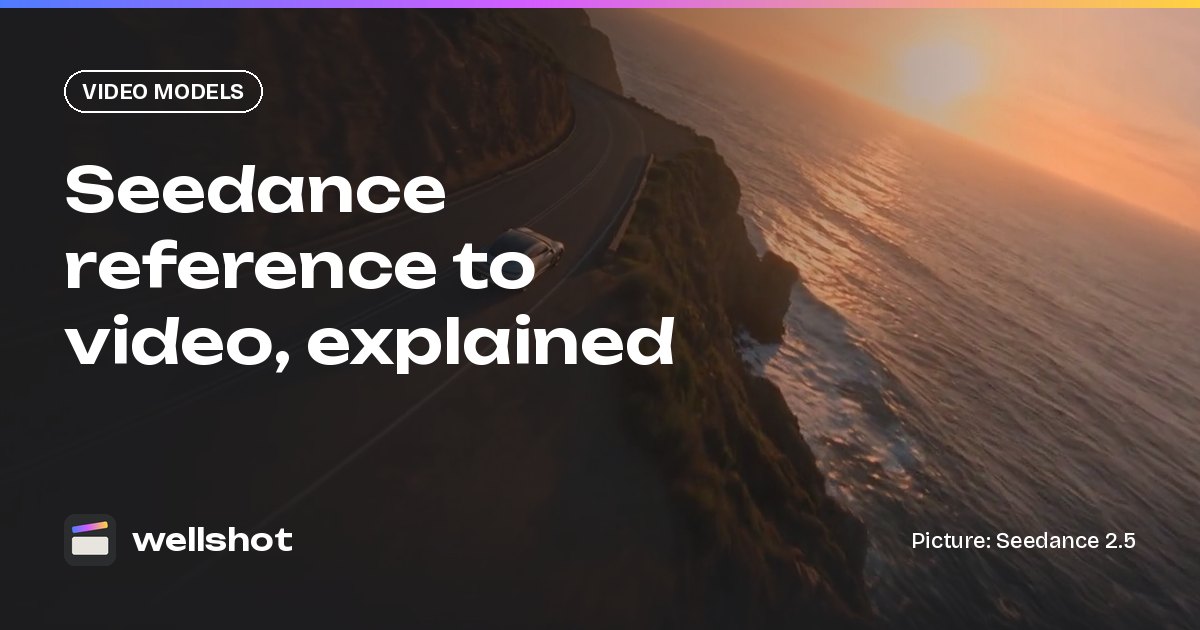
Say you are cutting a short car spot and need a coast road shot that matches the car in your product stills and the driver from your casting.
- Open the Canvas and add a node with Tab search: type "Seedance 2.5" and pick Reference to video.
- Wire three product stills of the car into Image 1 to Image 3.
- Wire the driver's character sheet into Image 4.
- Wire a still of the coast road into Image 5.
- Set 16:9, 1080p, 12 seconds, sound on. Turn on draft mode for the first pass.
- Write the prompt and run it.
Drone follow shot from behind and slightly above: the sports car from
@Image 1, @Image 2 and @Image 3 drives along the coast road from @Image 5
in late afternoon light. The driver from @Image 4 is visible through the
open window, one hand on the wheel. The camera slowly rises as the road
curves along the cliffs, revealing the sea. Keep the car's color and body
lines exactly as in the references.
Sound: engine note, tires on asphalt, distant waves.
Check the 480p draft for the car's shape and the camera path. If it is right, render the same draft at full quality; the prompt, inputs, length and seed carry over, so the result matches what you approved. Read Seedance draft mode for details.
If the car drifts off-model, add another angle of it rather than more words. With Seedance 2.5 you have room for up to 30 pictures.
Common mistakes
- Too many jobs per picture. A mood board stitched into one image confuses the model. Split it up.
- Unnamed references. If a reference is wired in but never named in the prompt, you leave it to the model to guess its role.
- Expecting a frame-exact start. Reference to video builds a new shot. If the first frame has to match a specific picture exactly, use image to video with a start frame instead.
- Sound only on Seedance 2.0. On 2.0, a sound needs at least one picture or clip with it. On 2.5, a sound alone works.
Want to try it with your own cast? Open Seedance 2.5 in Wellshot.
FAQ
How many reference images can Seedance use?
Seedance 2.5 takes up to 30 pictures, 10 clips and 10 sounds in one reference to video shot. Seedance 2.0 takes up to 9 pictures, 3 clips and 3 sounds.
What is the difference between image to video and reference to video?
Image to video animates the exact start frame you give it, and can end on an end frame. Reference to video uses your pictures, clips and sounds as guides and builds a new shot that includes them.
Can I use only a sound as a reference?
With Seedance 2.5, yes: a sound on its own is enough. With Seedance 2.0 the sound needs at least one picture or clip alongside it.
Does reference to video keep characters consistent?
It is built for that. Feed in a character reference sheet with several angles, name it in the prompt, and keep the same reference across every shot of the scene.
Make it in Wellshot
Every model in one studio. Prompt it, wire it as nodes, or let the Director run it.