AI Vertical Video Generator for Reels, TikTok and Shorts
An AI vertical video generator guide for 9:16 Reels, TikTok and Shorts: which models do 9:16, how to frame for phones, hook prompts and how to cut the final.
By the Wellshot team · · 6 min read
An AI vertical video generator makes 9:16 clips for Reels, TikTok and Shorts directly, so you frame for the phone instead of cropping a widescreen shot. Every Seedance model, Gemini Omni Flash and Kling 3.0 in Wellshot can render 9:16, as can newer additions like Wan 3.0, Kling O3, MiniMax H3 Max, Grok Imagine 1.5, PixVerse v6 and FLUX 3 Video, which means the real choices are length, sound and budget. This guide covers which model to use, how to compose for a tall frame, prompts that hook in the first second and how to cut the final.
Shoot 9:16, don't crop it
Cropping a 16:9 shot to vertical throws away two thirds of the frame and usually cuts off the subject. Generating at 9:16 lets the model compose for the tall frame: the subject fills the height, there is room above for titles and below for captions. Also make any start frame picture at 9:16, so the model does not have to invent the missing space. All image models in Wellshot support 9:16.
Which models make vertical video
| Model | 9:16 | Length | Sound | Good for |
|---|---|---|---|---|
| Seedance 2.5 | Yes | 4–30 s | Switchable | Longer single takes, many references |
| Seedance 2.0 | Yes | 4–15 s | Switchable | Quality up to 4K |
| Seedance 2.0 Fast | Yes | 4–15 s | Switchable | Quicker, cheaper than 2.0 |
| Seedance 2.0 Mini | Yes | 4–15 s | Switchable | Cheapest 2.0, volume and drafts |
| Gemini Omni Flash | Yes | 3–10 s, model picks | Always on | Google's newest video model |
| Kling 3.0 | Yes | 3–15 s | On or off | Also does 1:1 for feed posts |
| Wan 3.0 | Yes | 2–30 s | On or off | Long single takes at low cost |
| MiniMax H3 Max | Yes | 5 or 10 s | Always on | Fast, cheap clips with sound |
| PixVerse v6 | Yes | 5 or 8 s | On or off | Very cheap stylized clips |
A simple way to choose:
- Posting daily, lots of variations: Seedance 2.0 Mini or Seedance 2.0 Fast. See Seedance 2.0 Fast vs Mini.
- Native sound matters (voices, waves, crowd): Gemini Omni Flash or MiniMax H3 Max, which always generate sound. More in AI video with sound.
- One continuous 20–30 second take: Seedance 2.5 or Wan 3.0.
- Same campaign in 9:16 and 1:1: Kling 3.0 or Seedance.
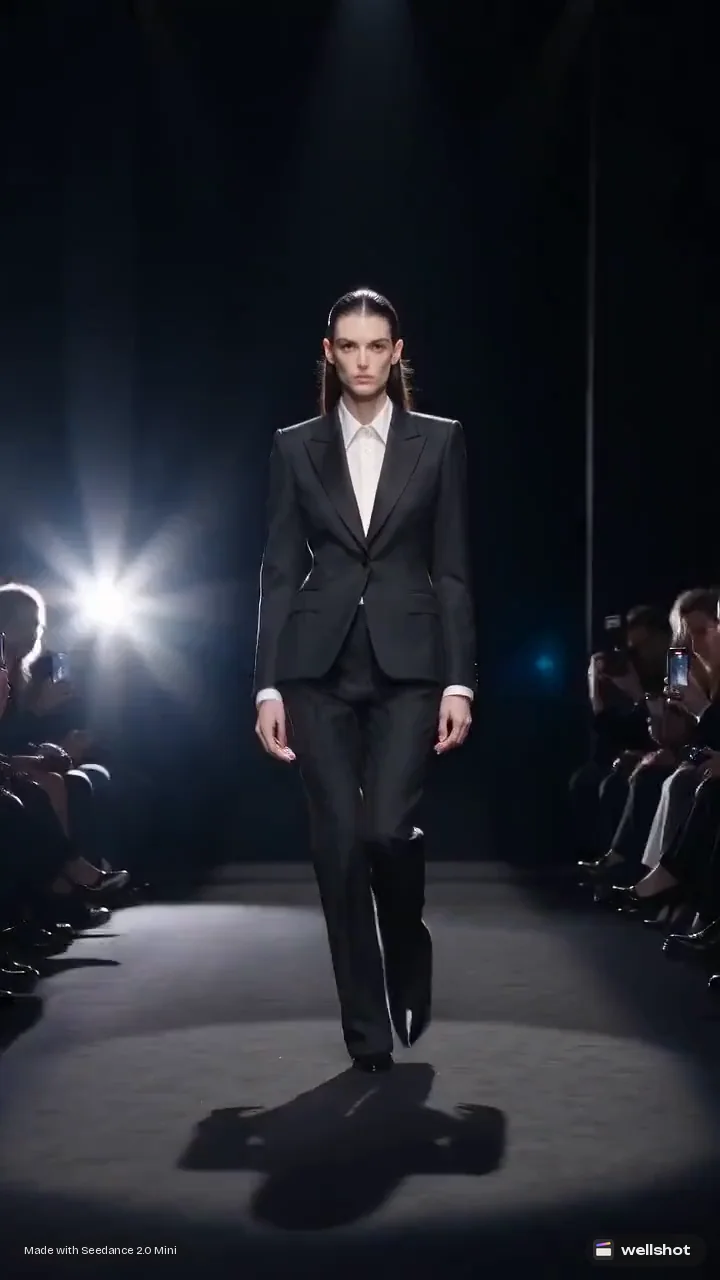
Compose for the phone
A tall frame changes what works:
- One subject, centered, filling the height. Full-body people, bottles, buildings and waterfalls suit 9:16. Wide landscapes don't.
- Vertical motion reads best. Crane up and down, tilts, falling objects, a diver moving down, smoke rising. Pans have little room.
- Leave safe areas. Keep faces and products out of the top strip and the bottom third where app interfaces and captions sit.
- Close is better. Phones are small. Medium shots and close-ups carry more than wide shots.
- Fast hook. Something should happen in the first second: movement, a reveal, a sound.
Prompts for vertical clips
State the format and give the clip a hook. Here are three prompts in the style of our vertical showcase clips.
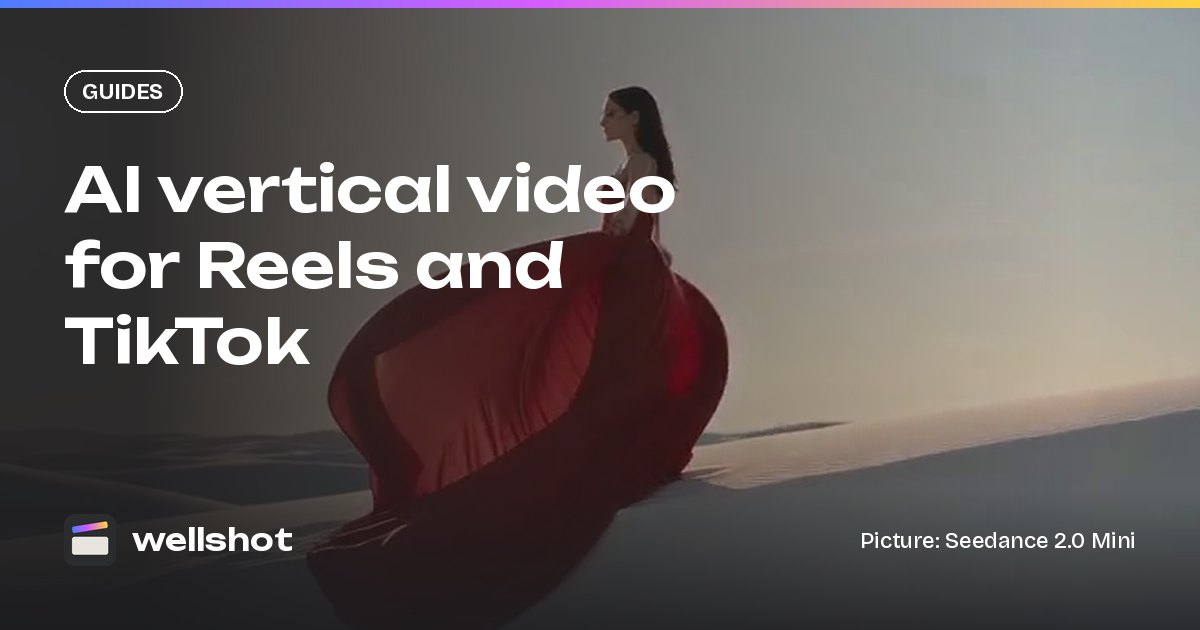
Vertical 9:16. A long red silk scarf blows across the crest of a sand dune
in strong wind, filling the frame from bottom to top. Golden hour,
low sun behind. Camera slowly tilts up following the silk into the sky.
Vertical 9:16. A surfer runs into the sea on a black sand beach, board
under her arm, waves breaking white. Handheld feel, camera following
just behind. Sound: waves, wind, her footsteps on wet sand.
Vertical 9:16. Bioluminescent jellyfish drift upward through black water,
glowing blue and violet. Camera static. Slow, hypnotic, seamless loop feel.
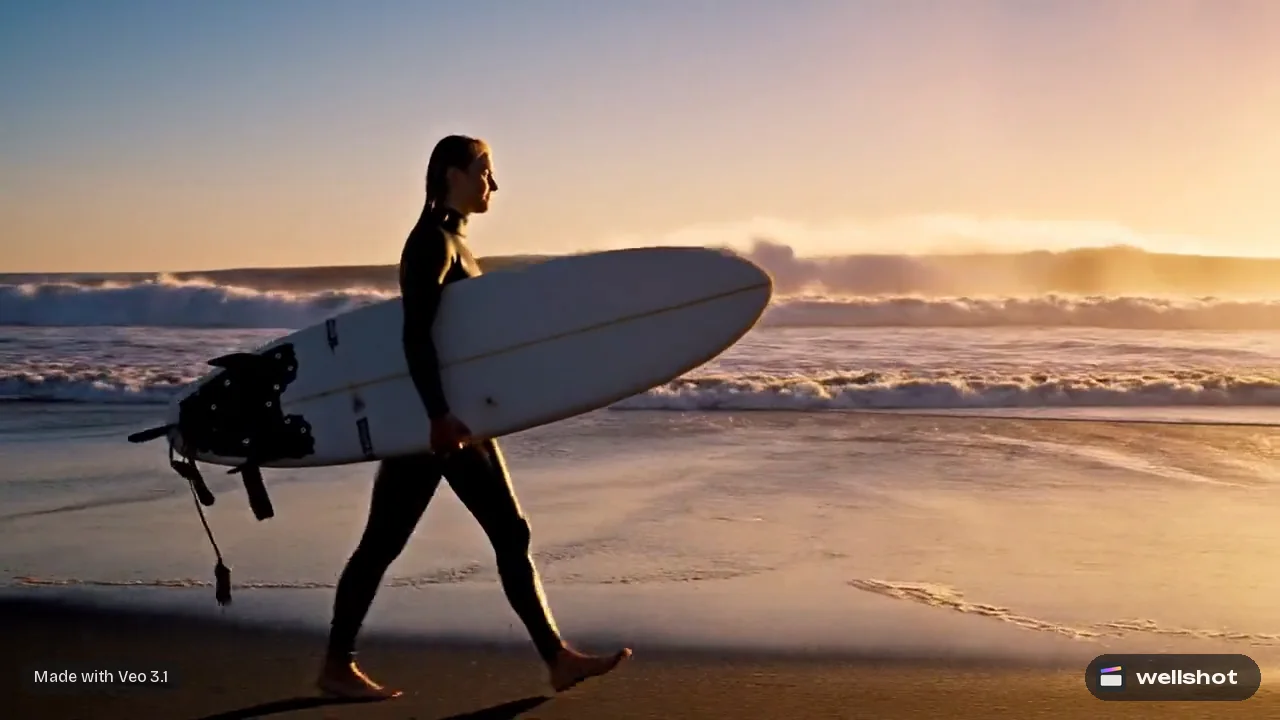
For more structure, read how to write AI video prompts.
One idea, many versions
Social channels reward volume and testing. Because every generation is saved as a take on the shot, you can make several versions of the same idea and compare them before you post:
- Change only the hook: the first action, or what the camera does in the first second.
- Change the look: the same prompt with a different lighting or color palette in cinema mode.
- Change the model: branch the shot on the Canvas and run Seedance 2.0 Mini next to Gemini Omni Flash with the same prompt.
On the Canvas, re-running only executes nodes that changed, so a variation that edits the prompt does not re-make the start frame. Credits show on the button before each run, and failed generations refund automatically.
Make it in Wellshot
One clip in the Studio
- Open the Studio in video mode.
- Set aspect ratio to 9:16 and pick the model.
- Add a start frame if you have one (also at 9:16), or prompt from text.
- Set length and sound. Check the credit price on the button, then generate.
A full social video with the Director
Tell the Director the platform and length, and it plans the shots for it. Social video and music video are formats it knows. For a music-driven Reel, upload your track or make one with Eleven Music: the Director cuts shots to the beat, typically 2 to 4 seconds each. See the AI music video generator post.
A 20-second vertical TikTok for a new iced coffee. Audience: students.
Upbeat, bright, quick cuts. I'll upload a track. End on the cup and the logo.
Cut and title in the Editor
Drop takes on the timeline, add your own music, and add titles with font, color, size, position, opacity, rotation, letter spacing and a background box, which helps text read over busy video. Then export.
Set the Studio to 9:16 and make your first vertical clip with Seedance 2.0 Mini.
FAQ
Can AI generate vertical videos for TikTok?
Yes. Many video models in Wellshot render 9:16, including Seedance 2.5, Seedance 2.0, Gemini Omni Flash and Kling 3.0, so you can generate vertical clips directly instead of cropping.
What is the best AI vertical video generator?
It depends on the clip. Seedance 2.0 Mini is the cheapest for volume, Gemini Omni Flash always includes sound, and Seedance 2.5 handles single takes up to 30 seconds.
How long can an AI vertical video be?
One generated clip can be up to 30 seconds with Seedance 2.5, 15 seconds with Seedance 2.0 or Kling 3.0, and 10 seconds with Gemini Omni Flash. Longer videos are cut from several clips in the Editor.
Can I add music to an AI Reel?
Yes. Upload your own track or generate one with Eleven Music, and the Director can cut shots to the beat while the Editor lays it under the picture.
Should I crop 16:9 AI video to 9:16?
Generating at 9:16 is usually better. Cropping loses most of the frame and often the subject, while a native vertical generation composes the shot for the tall frame.
Make it in Wellshot
Every model in one studio. Prompt it, wire it as nodes, or let the Director run it.