Kling 3.0 Guide: 15-Second AI Video, 4K and Sound
Kling 3.0 in Wellshot: text or image to video, first and last frame control, 3 to 15 second takes, 4K output, sound on or off, and when to pick it.
By the Wellshot team · · 5 min read
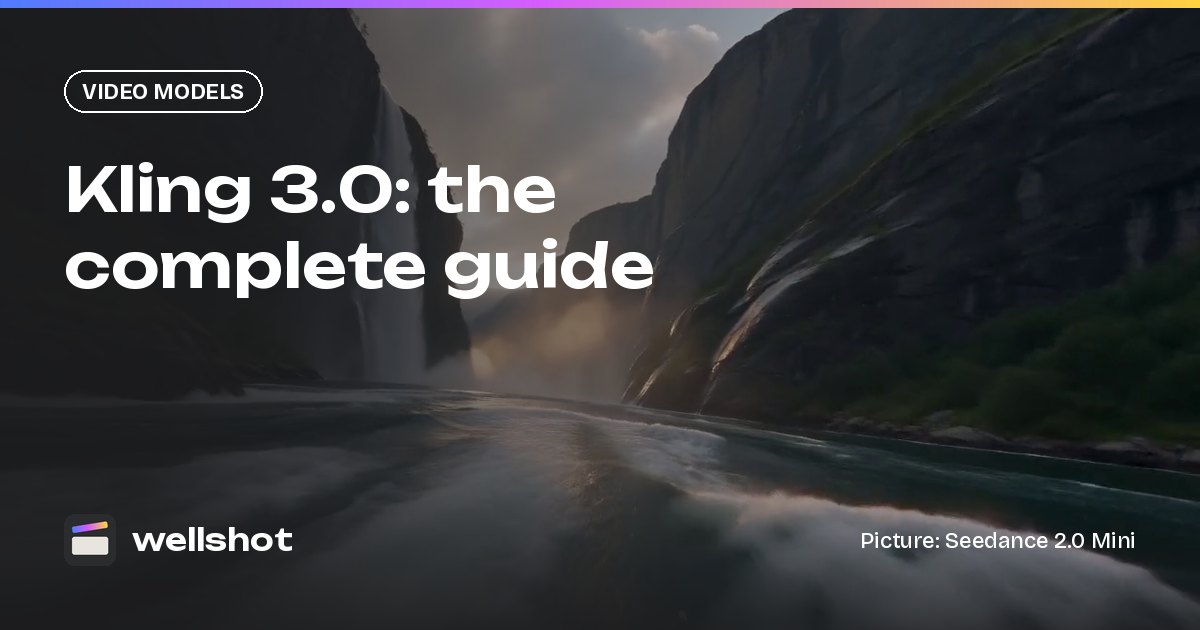
Kling 3.0 is Kuaishou's video model, and in Wellshot it makes 3 to 15 second clips from a text prompt or from a first frame, with an optional last frame to land the shot exactly where you want. It renders up to 4K, works in 16:9, 9:16 or 1:1, and lets you switch sound on or off per take. Below is what it does, how to prompt it, and where it fits next to the other models in the picker.
Kling 3.0 at a glance
Kling 3.0 is made by Kuaishou, under its Kling brand. It is one of two Kling video models in Wellshot; the other is the quicker Kling 3.0 Turbo.
| Spec | Kling 3.0 |
|---|---|
| Maker | Kuaishou (Kling) |
| Tasks | Text to video, image to video with first and last frame |
| Length | 3–15 seconds |
| Resolution | 720p, 1080p, 4K |
| Sound | On or off, your choice |
| Aspect ratio | 16:9, 9:16, 1:1 |
What it doesn't do in Wellshot: reference-to-video with a set of pictures, editing an existing clip, or extending one. Those are Seedance tasks (see the Seedance 2.5 guide). Kling 3.0 is a generator: you give it words, or words plus frames, and it gives you a shot.
First and last frame: the control that matters
The strongest reason to use Kling 3.0 is first and last frame control. You give it two stills, and it works out the motion between them.
This is useful when:
- A product has to end on a hero angle. Start on a close detail, end on the packshot.
- Two shots must cut together. Use the last frame of shot A as the first frame of shot B, and the join is clean.
- A move has to arrive somewhere specific. A crane that has to finish on a rooftop, a push in that has to stop on a face.
If you only give a first frame, Kling 3.0 animates forward from it and decides where to end. If you give no frames, it works from text alone. The full technique, with tips that apply across models, is in our start and end frame image to video guide.
Sound on or off
Kling 3.0 lets you choose. Turn sound on and the take comes back with audio generated with the picture. Turn it off for a silent clip.
When to switch it off:
- You will lay your own music under the cut in the Editor.
- The shot is a cutaway that will sit under a voice-over.
- You plan to build the sound bed separately, for example with Seed Audio 1.0 for AI sound effects and ambience.
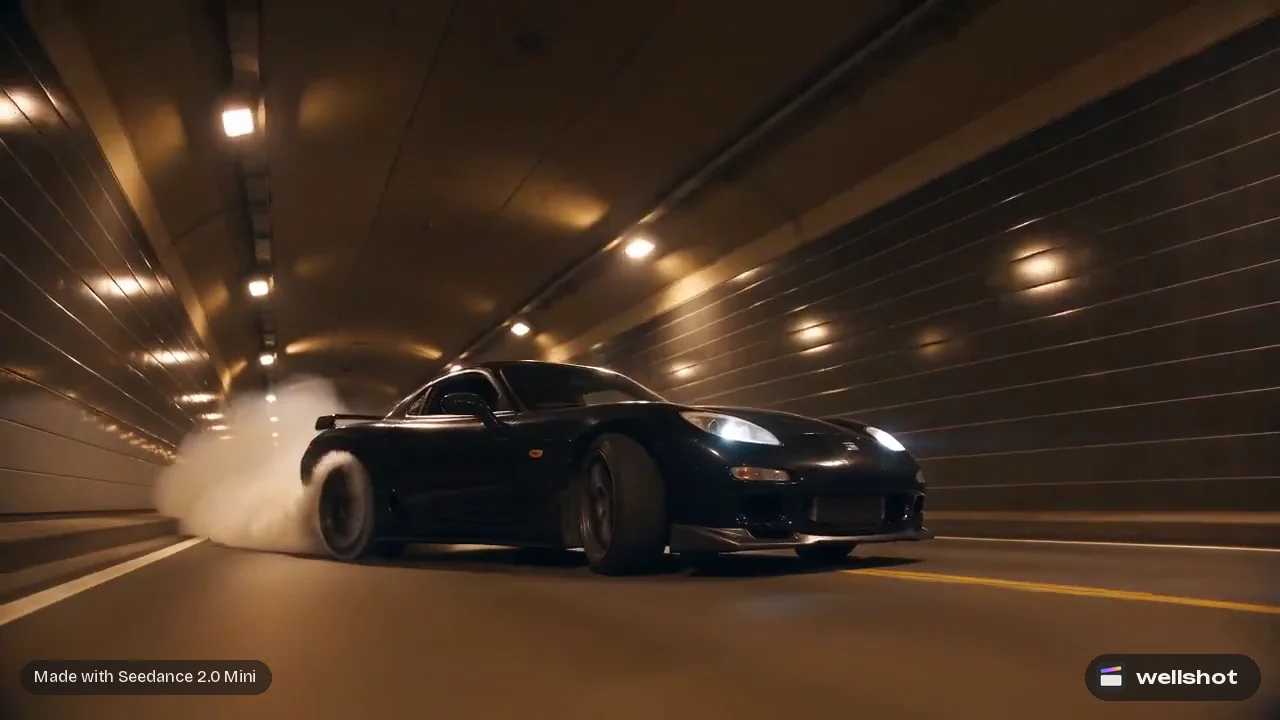
When to leave it on: anything where the sound sells the moment, such as an engine, a splash, footsteps, a crowd. Write the sounds you want into the prompt, just like the picture.
A worked example
Here is a first-and-last-frame prompt for a 10-second FPV-style drone shot. The first frame is a still of a cliff edge above a fjord; the last frame is a still of a small boat on the water far below.
16:9, 10 seconds. FPV drone shot. Start on the cliff edge from the first frame,
tip forward and dive down the rock face, then level out low over the water and
race toward the small red boat from the last frame. Fast, smooth, slight banking
on the turn. Overcast Nordic light, cold blue-green water, mist on the far peaks.
Sound: wind rush that builds on the dive, then water spray and a distant gull.
The prompt gives the move an order (tip, dive, level out, race in), names the light, and describes the sound. With the end frame locked, the model's job is to get from A to B in a believable way.
How to use Kling 3.0 in Wellshot
- Open the shot in the Studio, choose video mode, and pick Kling 3.0.
- Set the aspect ratio (16:9, 9:16 or 1:1), resolution (720p, 1080p or 4K) and length (3–15 s).
- Add a first frame, and a last frame if you want to control the ending.
- Switch sound on or off.
- Write the prompt, check the credit price on the button, and generate.
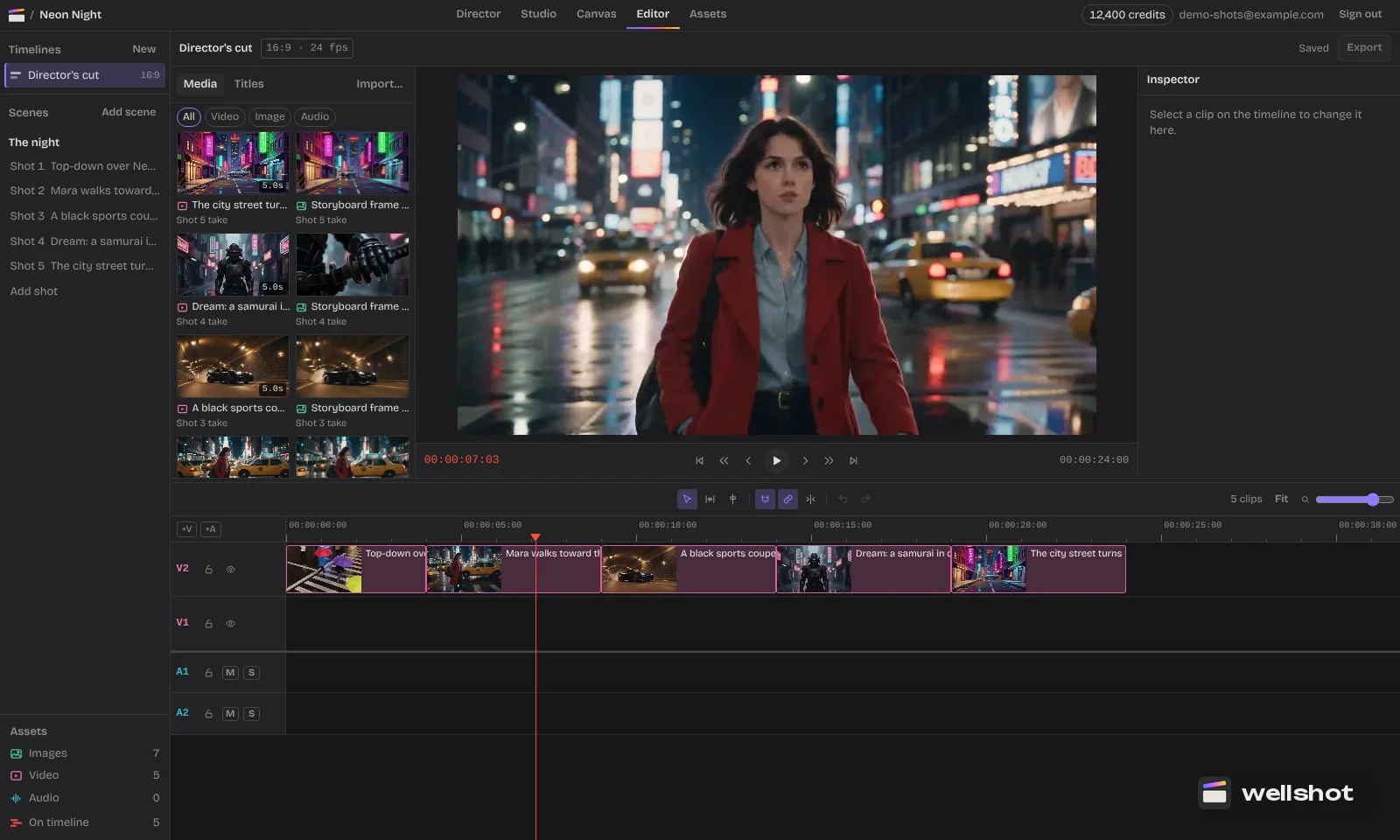
Every take is saved on the shot. Drop the one you like onto the timeline in the online video editor, and if you later make a better one, "Swap take" updates the cut. On the Canvas, Kling 3.0 has its own nodes with its real inputs, so you can wire a still from an image node straight into its first frame.
Open Kling 3.0 in Wellshot to try a first and last frame shot.
When to pick Kling 3.0
Pick Kling 3.0 when:
- You need first and last frame control with up to 15 seconds to play with.
- You want 4K and also want the option of a silent take.
- You need square 1:1 as well as landscape and vertical.
Pick something else when:
- You want speed over options: Kling 3.0 Turbo (first frame only, always with sound, quicker).
- You need takes longer than 15 seconds or many reference pictures: Seedance 2.5 (up to 30 s, up to 30 pictures).
- You need to edit or extend an existing clip: Seedance.
- You need 4:3 or 21:9: Seedance.
For a fuller comparison, read the best AI video models in Wellshot.
Credits
Kling 3.0 generations cost credits, and the cost shows on the button before you run, so you can compare a 720p test with a 4K final. Failed generations refund automatically. Plan credits refresh every month. A good routine is to find the move at 720p, then re-run the keeper at 4K with the same frames and prompt.
FAQ
How long can a Kling 3.0 video be?
From 3 to 15 seconds per take. You set the length in the Studio or on the Kling 3.0 node.
Does Kling 3.0 have sound?
Yes, and it is optional. You can switch sound on or off for each generation in Wellshot.
Can Kling 3.0 make 4K video?
Yes. Kling 3.0 renders at 720p, 1080p or 4K, in 16:9, 9:16 or 1:1.
Does Kling 3.0 support first and last frame?
Yes. Give it a first frame, or a first and last frame, and it generates the motion between them. It also works from text alone.
What is the difference between Kling 3.0 and Kling 3.0 Turbo?
Kling 3.0 offers first and last frame, 4K and switchable sound. Kling 3.0 Turbo is quicker, uses a first frame only, renders up to 1080p and always has sound.
Make it in Wellshot
Every model in one studio. Prompt it, wire it as nodes, or let the Director run it.