Kling 4.0 Guide: 30-Second AI Video With Sound and Edits
Kling 4.0 in Wellshot: 3 to 30 second AI video with sound, 1080p, start and end frames, up to 10 reference pictures and 5 clips, and clip edits from words.
By the Wellshot team · · 6 min read
Kling 4.0 is Kling's newest video model, and in Wellshot it makes 3 to 30 second takes, always with sound, at 720p or 1080p. It works from text, from a start and end frame, or from references (up to 10 pictures and 5 clips), and it can edit a clip you already have from a description. Below is what it does, how it differs from the other Kling models, and how to get good takes from it.
Kling 4.0 at a glance
| Spec | Kling 4.0 |
|---|---|
| Maker | Kuaishou, under its Kling brand |
| Tasks | Text to video, image to video (start and end frame), reference to video, edit video |
| Length | 3 to 30 seconds |
| Resolution | 720p, 1080p |
| Sound | Always on, generated with the picture |
| Aspect ratios | 16:9, 9:16, 1:1, 21:9 |
| References | Up to 10 pictures and 5 clips |
Two things set it apart from the earlier Kling models. First, length: 30 seconds in one take, double what Kling 3.0 allows. Second, it takes reference clips as well as pictures, and it edits clips you already have; Kling O3 takes up to 4 reference pictures, but no other Kling video model in Wellshot edits a clip. It is also the only Kling video model here with 21:9.
What it doesn't do: extend a clip, take reference sounds, or render 4K. For a longer take than you made, either generate a new one up to 30 seconds or cut on to a new shot.
Kling 4.0 vs the other Kling models
Wellshot carries five Kling video models. Here is how they split:
| Model | Length | Resolution | Sound | Frames and references |
|---|---|---|---|---|
| Kling 4.0 | 3–30 s | 720p, 1080p | Always | Start and end frame, 10 pictures, 5 clips, edits clips |
| Kling 3.0 | 3–15 s | 720p, 1080p, 4K | On or off | First and last frame |
| Kling 3.0 Turbo | 3–15 s | 720p, 1080p | Always | First frame only |
| Kling O3 | 3–15 s | 720p, 1080p | On or off | Start and end frame, or up to 4 reference pictures |
| Kling 2.5 Turbo | 5 or 10 s | 1080p | Silent | Start and end frame |
Pick by what the shot needs:
- Longer than 15 seconds, reference clips, more than 4 reference pictures, or an edit: Kling 4.0.
- A few reference pictures within 15 seconds, with sound on or off: Kling O3.
- 4K, or a silent take: Kling 3.0.
- Quick drafts with sound: Kling 3.0 Turbo.
- The cheapest Kling: Kling 2.5 Turbo, silent, 5 or 10 seconds.
- Copying a performance onto your character: that's a different tool, Kling motion control.
The three ways to work
From text or frames
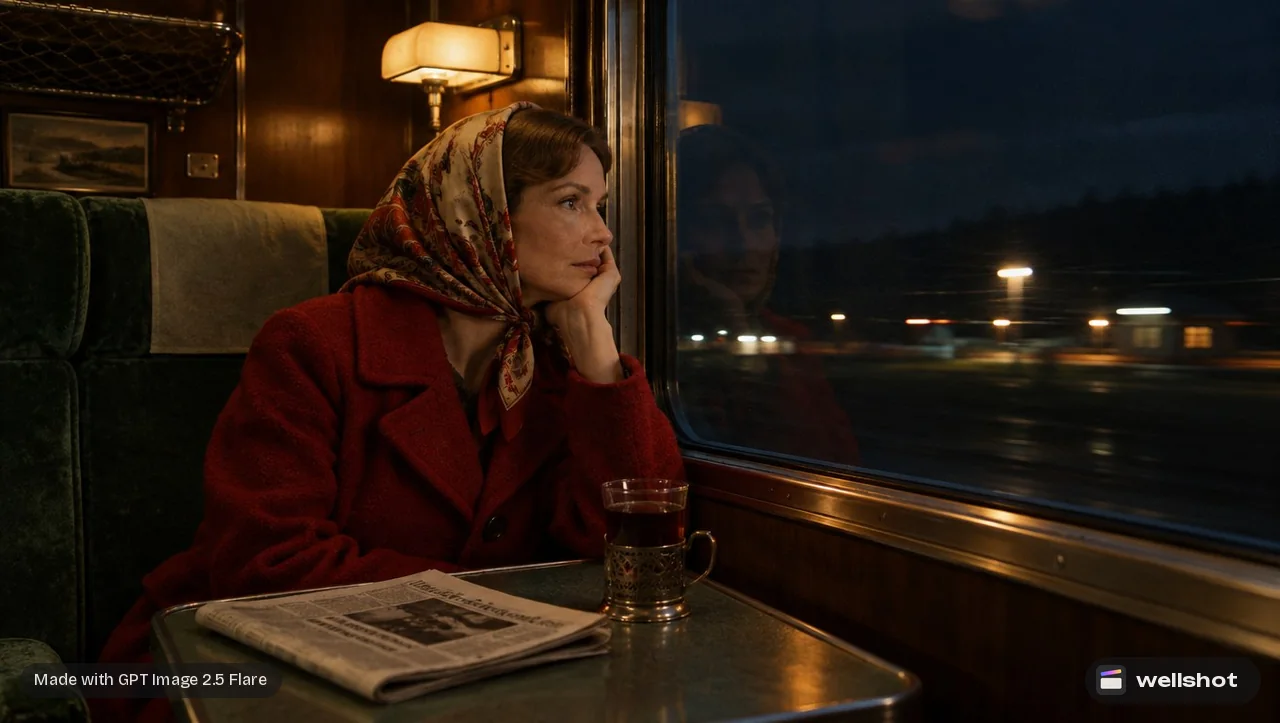
Describe the shot, or add a start frame and an optional end frame so the take lands exactly where you want. Thirty seconds gives a camera move room to develop: a slow push down a train carriage, a walk through a market, a product turning on a stand. The start and end frame guide covers the technique.
From references
Give it up to 10 pictures (a character from several angles, a costume, a product, a location) and up to 5 clips, and name them in the prompt as @Image 1, @Video 1 and so on. A reference clip is useful for showing a move or a rhythm you want the new shot to follow. The idea is the same as with Seedance, explained in reference to video.
Editing a clip
Plug in a clip as @Video 1 and say what to change: replace a subject, add or remove something, restyle it. "Make it night, with the lamps on and rain on the window" keeps the shot and changes the scene. Other models that edit clips, and how to brief them, are in how to edit video with AI.
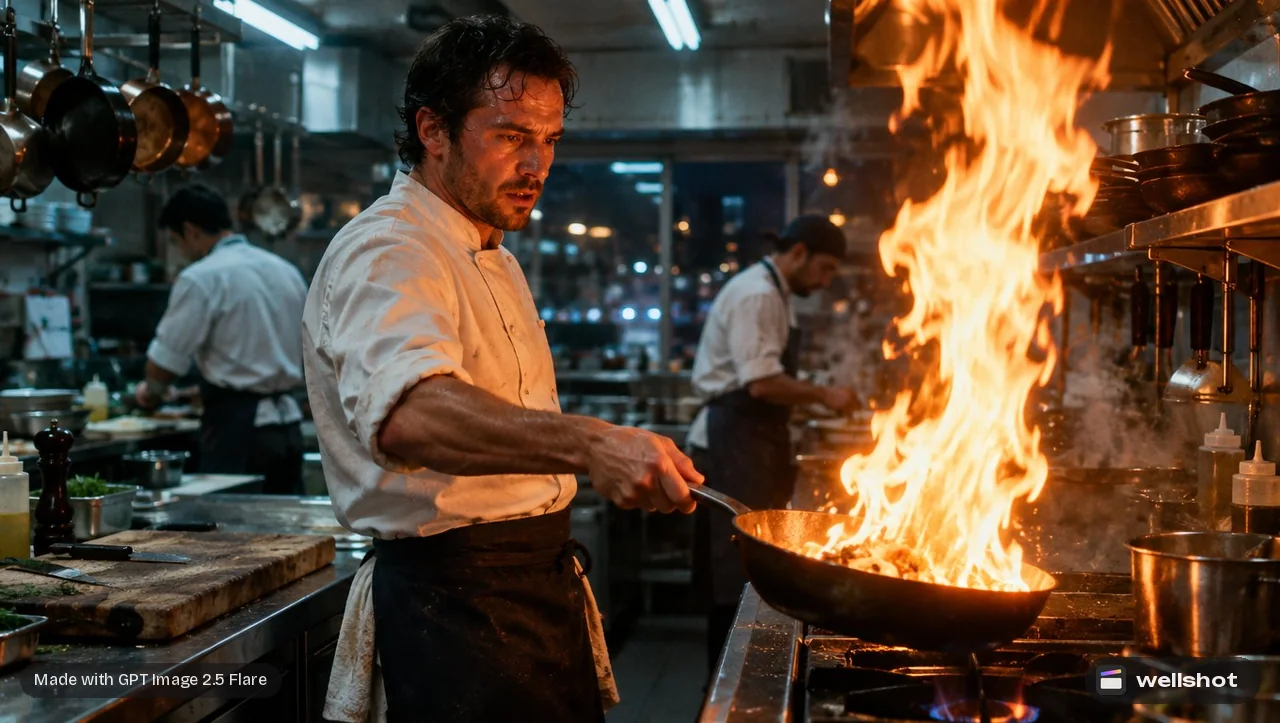
A worked example
Start frame: a still of a chef at the stove. Length: 12 seconds, 16:9, 1080p.
16:9, 12 seconds. Start on the chef from the first frame at the stove.
She tosses the vegetables, flames leap up from the pan, and the camera
slowly pushes in to a medium close-up as she plates the dish and slides
it across the pass. Warm tungsten kitchen light, steam, busy cooks
blurred behind her.
Sound: oil sizzling, the whoosh of the flame, pans clattering, a
distant order called out.
Write the move as a sequence (tosses, flames, pushes in, plates, slides) so the model knows how to fill the time, and write the sound you want just like the picture, because Kling 4.0 always makes sound. If you will lay your own music under it, you can add a track to the take in Wellshot and choose whether it replaces the model's sound or keeps it quietly underneath. More prompt craft in how to write AI video prompts.
How to use Kling 4.0 in Wellshot
- Open a shot in the Studio, choose video mode, and pick Kling 4.0, or open Kling 4.0 in Wellshot directly.
- Choose the task: describe the shot, add a start (and end) frame, add references, or plug in a clip to edit.
- Set the aspect ratio, 720p or 1080p, and the length (3 to 30 seconds).
- Write the prompt, including the sound. Check the credit price on the button, then run.
On the Canvas, Kling 4.0 has its own nodes under Video (generate, reference to video and edit video), each with its real inputs. In the Director you can ask for it by name ("use Kling 4.0 for the long shots") and it prices the plan before spending.
Credits
Every take costs credits, shown on the button before you run. Length and resolution drive the price: a 30-second take costs more than a 10-second one, and 1080p more than 720p. Failed generations refund automatically. A good routine is to find the move at 720p and shorter, then run the keeper at full length and 1080p. See how much AI video costs for the full picture.
FAQ
How long can a Kling 4.0 video be?
From 3 to 30 seconds in one take. You set the length in the Studio or on the Kling 4.0 node.
Does Kling 4.0 have sound?
Yes, always. It generates sound with the picture, so describe the sounds you want in the prompt.
Can Kling 4.0 use reference images?
Yes. It takes up to 10 reference pictures and up to 5 reference clips, named in the prompt as @Image 1, @Video 1 and so on.
Can Kling 4.0 edit a video?
Yes. Plug in a clip and describe the change, such as replacing a subject, adding or removing something, or restyling it. It can't extend a clip.
What is the difference between Kling 4.0 and Kling 3.0?
Kling 4.0 goes up to 30 seconds, always has sound, and takes references and edits clips, at up to 1080p. Kling 3.0 goes up to 15 seconds and 4K, with sound on or off, from text or first and last frames.
Make it in Wellshot
Every model in one studio. Prompt it, wire it as nodes, or let the Director run it.