How to Write AI Video Prompts That Give You Usable Shots
How to write AI video prompts: a six-part structure, real examples, references with @Image 1, sound and dialogue lines, and fixes for the usual failures.
By the Wellshot team · · 5 min read
To write AI video prompts that work, describe one shot the way you would on a shot list: who or what is in frame, what happens, where, how the camera moves, the light and look, and the sound. Short, concrete and in that order beats long and poetic. This guide gives you a structure, real prompts and the fixes we use every day in Wellshot.
The six-part structure
Think of a prompt as one line of a shot list, expanded:
- Subject: who or what, with the details that matter. "An astronaut in a white suit with a gold visor."
- Action: one main action, with a beginning and an end. "Walks slowly toward camera, then stops."
- Setting: place and time. "A flat red desert plain, two moons low in the sky."
- Camera: shot size, move and lens. "Wide shot, slow push in, 35mm."
- Light and look: lighting style, color palette, era. "Hard low sun, long shadows, warm sand palette."
- Sound: on models with sound. "Wind, the crunch of boots, breathing inside the helmet."
Put together:
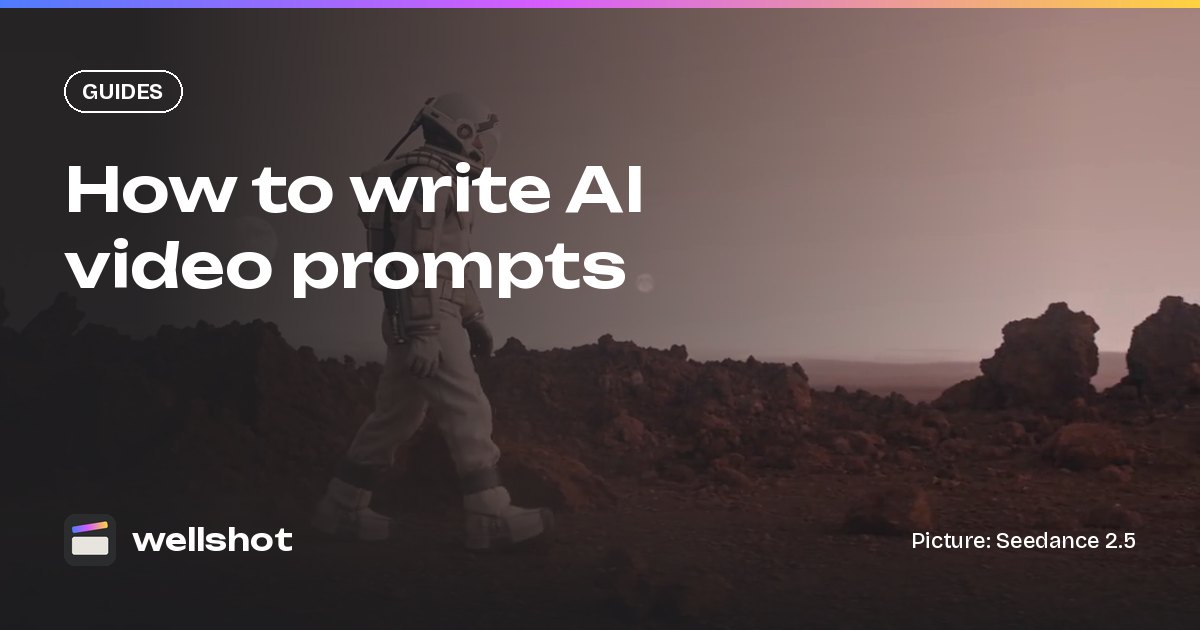
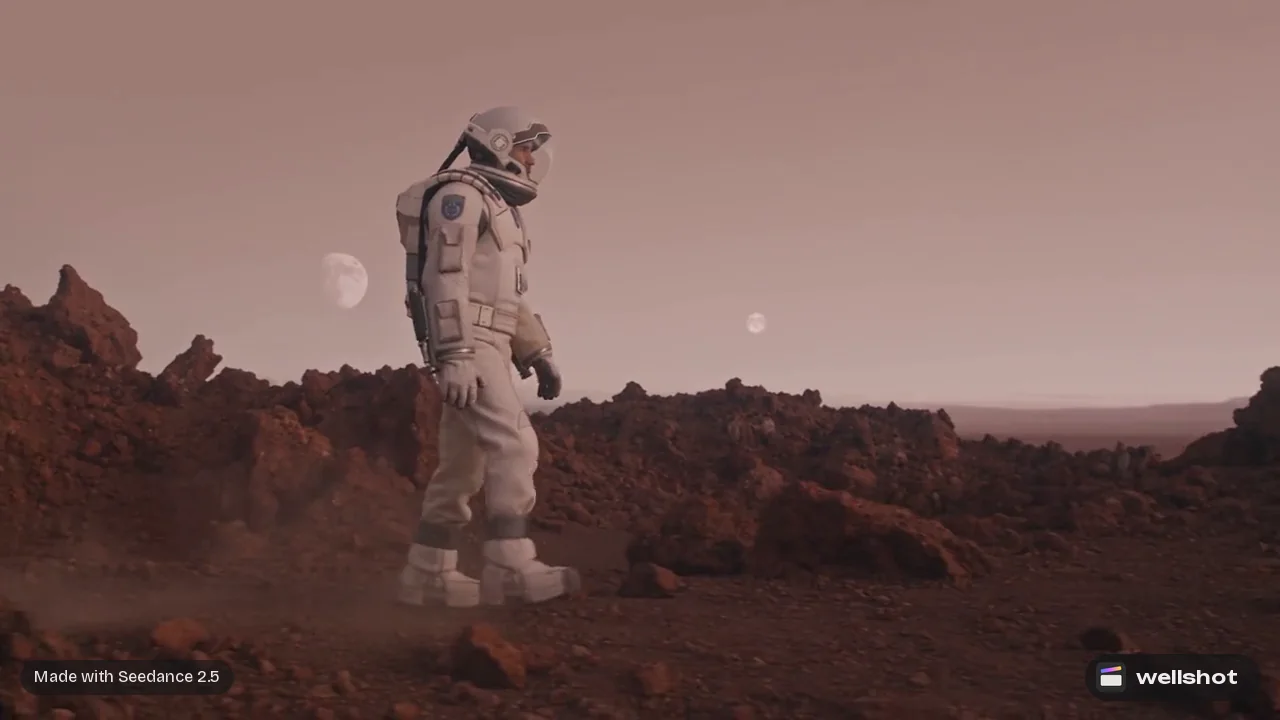
An astronaut in a white suit with a gold visor walks slowly across a flat
red desert plain toward camera, then stops and looks up. Two moons hang low
in a pale sky. Wide shot, slow push in, 35mm, steady. Hard low sun, long
shadows, warm sand palette. Sound: wind, boots crunching, breathing in the helmet.
Rules that save takes
- One shot per prompt. If you write "then cut to", you want two shots.
- One main action. Two simultaneous complex actions usually means neither works.
- Use film terms. Push in, crane up, rack focus, low-key light, anamorphic. Models know them.
- Say the pace. "Slow", "steady", "sudden". Models tend to rush without it.
- Be specific, not stacked. "Golden hour" is better than "beautiful, stunning, epic lighting".
- Describe what you want, not what you don't. "Empty street" works better than "no people".
- Match the length. A crane over a whole city does not fit in 4 seconds. Seedance 2.5 runs 4 to 30 seconds, Kling 3.0 3 to 15 seconds.
Prompting from a picture
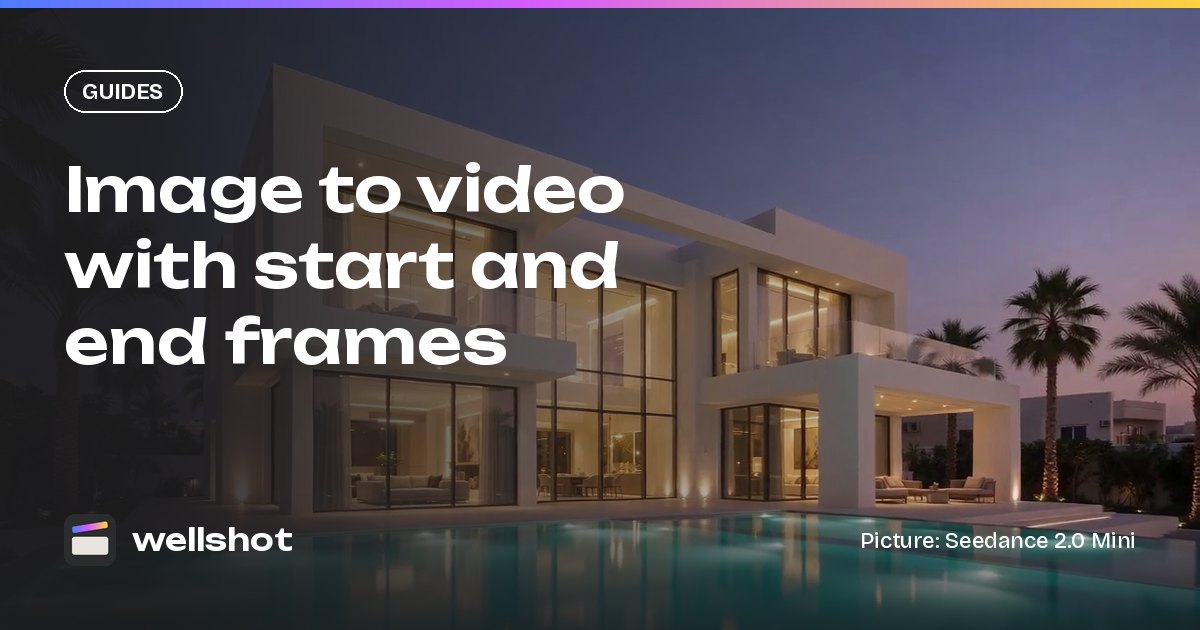
When you animate a start frame (and optionally an end frame), the model already sees the subject. Describe only the motion and change, otherwise the model may redraw what you already approved.
The camera pushes in slowly toward the villa entrance. Palm leaves sway,
pool water ripples. The light stays golden. Ends level with the front door.
The image to video start and end frame guide covers which models take both frames.
Prompting with references
Reference to video lets the model follow pictures, clips or sounds instead of starting frames. In Wellshot you name each input in the prompt as @Image 1, @Video 1, @Audio 1. Seedance 2.5 takes up to 30 pictures, 10 clips and 10 sounds; Seedance 2.0 takes 9 pictures, 3 clips and 3 sounds; Gemini Omni Flash takes up to 3 pictures.
The woman from @Image 1, wearing the coat from @Image 2, walks through
the market from @Image 3 at golden hour. Tracking shot from the side,
camera moving with her. Warm light, shallow focus.
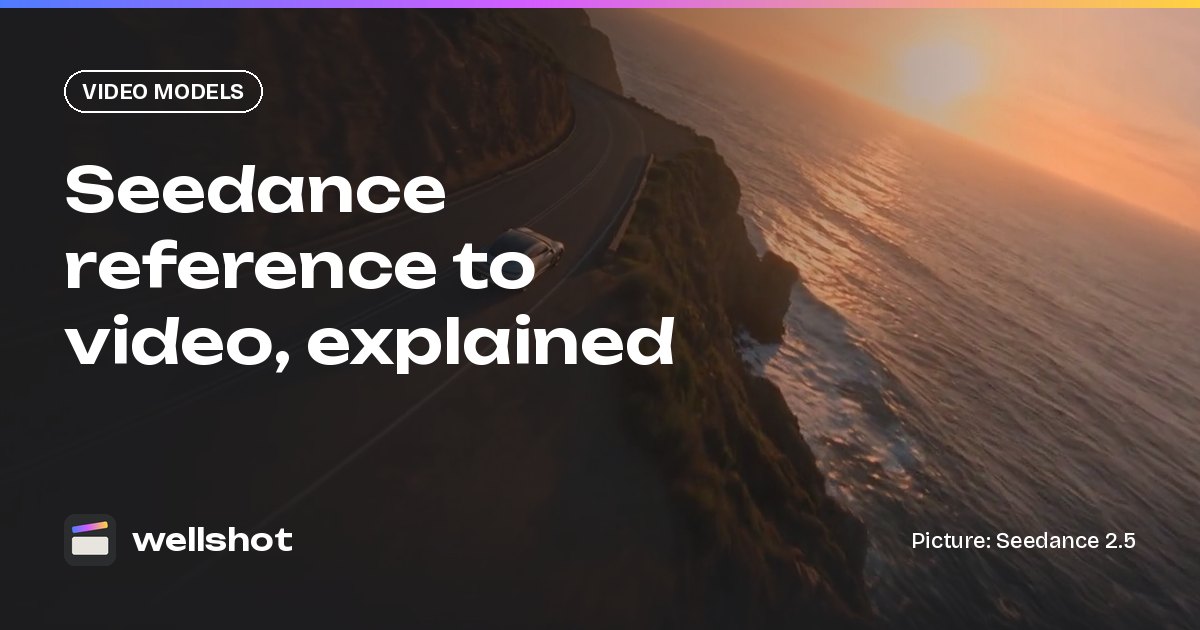
Same camera movement as @Video 1, but the subject is the sports car
from @Image 1 on a coastal road at sunset.
Say what each reference is for: the face, the outfit, the place, the move. See Seedance reference to video for more patterns.
Sound and dialogue in the prompt
Several models generate sound with the picture: Seedance 2.5, 2.0, 2.0 Fast, 2.0 Mini and 1.5 Pro (switchable), Gemini Omni Flash (always on), Kling 3.0 (on or off). Add a sound line at the end, and put spoken words in quotes with a short description of the voice.
Close-up of an old fisherman on a wooden dock at dawn, gulls overhead.
Static camera, soft blue-hour light. He says quietly, in a rough low voice:
"The sea gives back what it takes." Sound: water lapping, gulls, distant boat engine.
For voice-over or sound design on its own track, Seed Audio 1.0 uses the same idea: describe the voice and quote the lines. More in AI video with sound.
Let the tools write part of the prompt
You do not have to type everything:
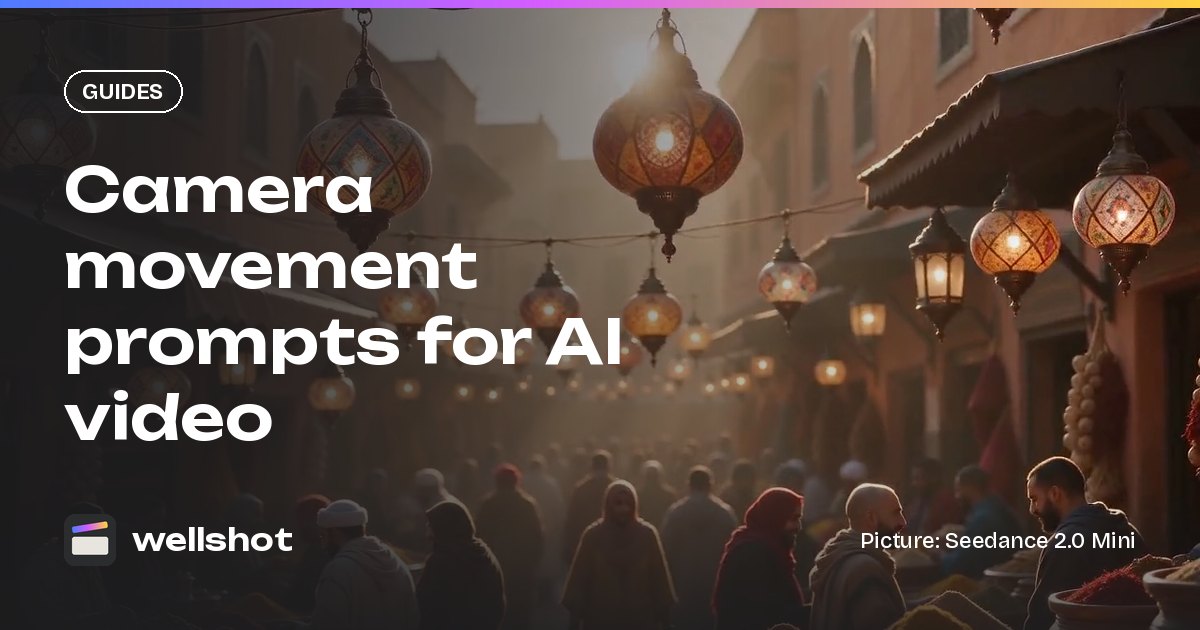
- In the Studio's cinema mode, pick camera body, lens, focal length, aperture, camera moves in order, genre, era, tempo, lighting and color palette as options. See AI video camera movement prompts.
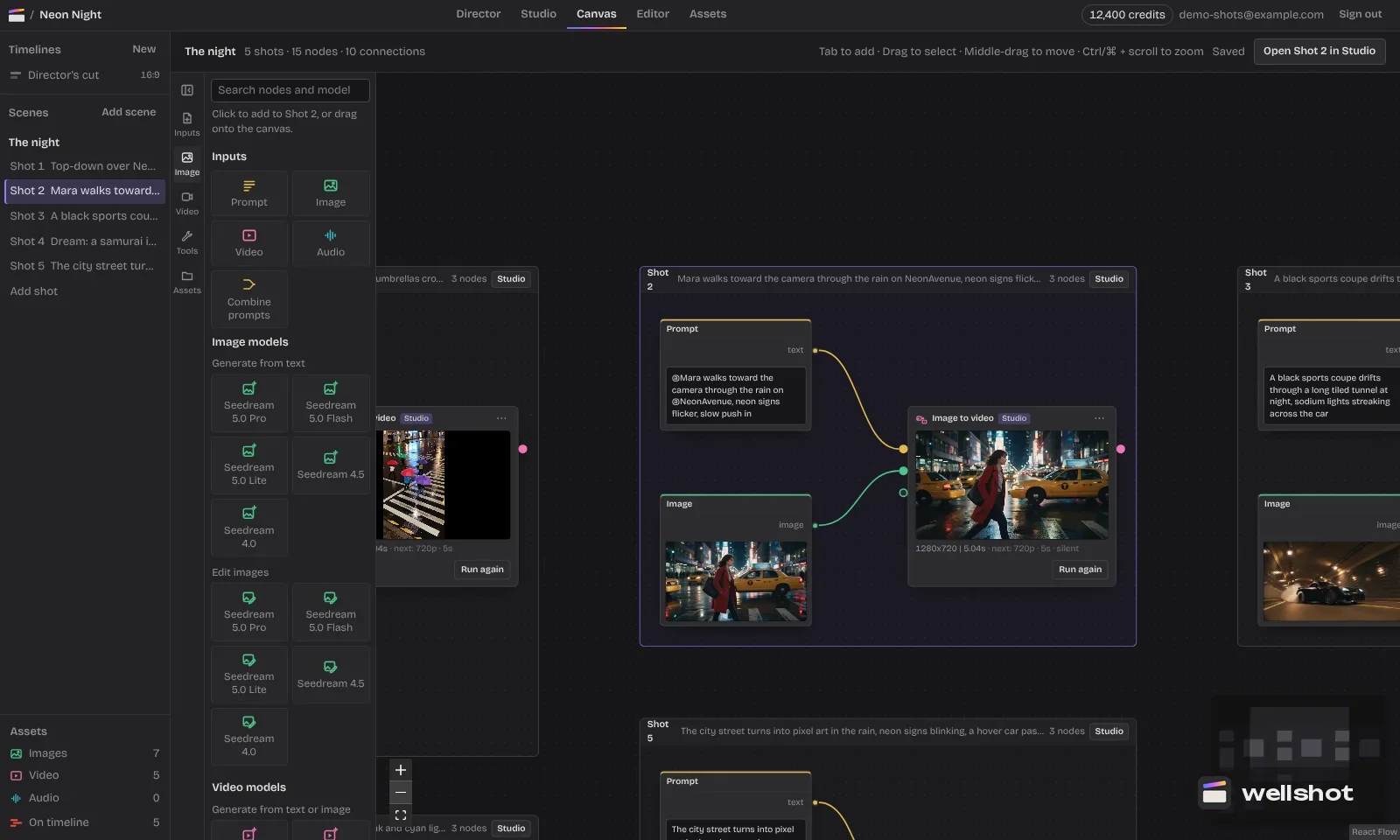
- On the Canvas, the combine prompts node joins a shared style prompt with a per-shot prompt, so a whole scene keeps the same look.
- The Director agent writes shot prompts for a whole storyboard from your brief, and you can edit any of them.
Fixing weak prompts
Before and after
| Problem prompt | Better prompt |
|---|---|
| "Epic cinematic samurai, 8k, masterpiece" | "A samurai walks down a neon alley in heavy rain, tracking backward, low angle, teal and amber" |
| "A car drives and then explodes and people run" | Split into two shots: the car driving; the people running |
| "Camera moves around" | "Slow orbit to the left, a quarter turn, subject centered" |
| "No blur, no people, no text" | "Sharp focus, empty street, clean walls" |
Troubleshooting
- The shot ignores your action: move the action to the start of the prompt and cut adjectives.
- The face changes: use a character reference and name it ("the woman from @Image 1").
- Motion is too fast: add "slow, steady" and increase the length.
- The look is inconsistent across shots: reuse one style line, or choose the same palette and lighting in cinema mode.
- Too many failed tries: test with cheap models or Seedance 2.5 draft mode first (480p preview, then the full render from the same draft). Failed generations refund automatically.
Write your next shot with the six parts and open Seedance 2.5 in Wellshot to try it.
FAQ
How long should an AI video prompt be?
Long enough to cover subject, action, setting, camera, light and sound, usually two to five sentences. Extra adjectives rarely help; concrete details do.
What should I put first in an AI video prompt?
The subject and the main action. Leading with who is in frame and what happens keeps the most important part of the shot clear.
Do negative prompts work in AI video?
Describe what you want instead. "Empty street" usually works better than "no people", because naming the thing can make it appear.
How do I add dialogue to an AI video prompt?
Put the spoken line in quotes and describe the voice, for example: He says in a rough low voice: "The sea gives back what it takes." This works on models that generate sound with the picture.
How do I reference an image in a prompt?
Add it as an input and name it in the prompt as @Image 1, @Image 2 and so on. Clips and sounds work the same way as @Video 1 and @Audio 1 on models that accept them.
Make it in Wellshot
Every model in one studio. Prompt it, wire it as nodes, or let the Director run it.