Kling 3.0 Turbo Guide: Fast AI Video With Built-In Sound
Kling 3.0 Turbo in Wellshot: quicker 3 to 15 second clips from text or a first frame, sound on every take, 720p or 1080p, and when to pick it over Kling 3.0.
By the Wellshot team · · 5 min read
Kling 3.0 Turbo is the quicker version of Kuaishou's Kling 3.0 video model. In Wellshot it makes 3 to 15 second clips from a text prompt or a single first frame, always with sound, at 720p or 1080p. If you want to move fast through ideas and don't need an end frame or 4K, it is the Kling model to reach for.
What Kling 3.0 Turbo does
Kling 3.0 Turbo comes from Kuaishou's Kling team, the same makers as Kling 3.0. It trades a few controls for speed.
| Spec | Kling 3.0 Turbo |
|---|---|
| Maker | Kuaishou (Kling) |
| Tasks | Text to video, image to video (first frame only) |
| Length | 3–15 seconds |
| Resolution | 720p, 1080p |
| Sound | Always on |
| Speed | Quicker than Kling 3.0 |
Things it does not do: take a last frame, render 4K, or produce a silent take. If you need any of those, step up to Kling 3.0.
Turbo vs Kling 3.0: what you give up
The two models share a length range (3–15 s), so the choice comes down to control, resolution and sound.
| Kling 3.0 Turbo | Kling 3.0 | |
|---|---|---|
| First frame | Yes | Yes |
| Last frame | No | Yes |
| Max resolution | 1080p | 4K |
| Sound | Always on | On or off |
| Speed | Quicker | Standard |
A simple way to think about it: Turbo is for finding the shot, Kling 3.0 is for landing it precisely. Plenty of shots never need a last frame, though, and for social work 1080p is often all you need, so Turbo can be the final as well as the draft.
Sound is always on
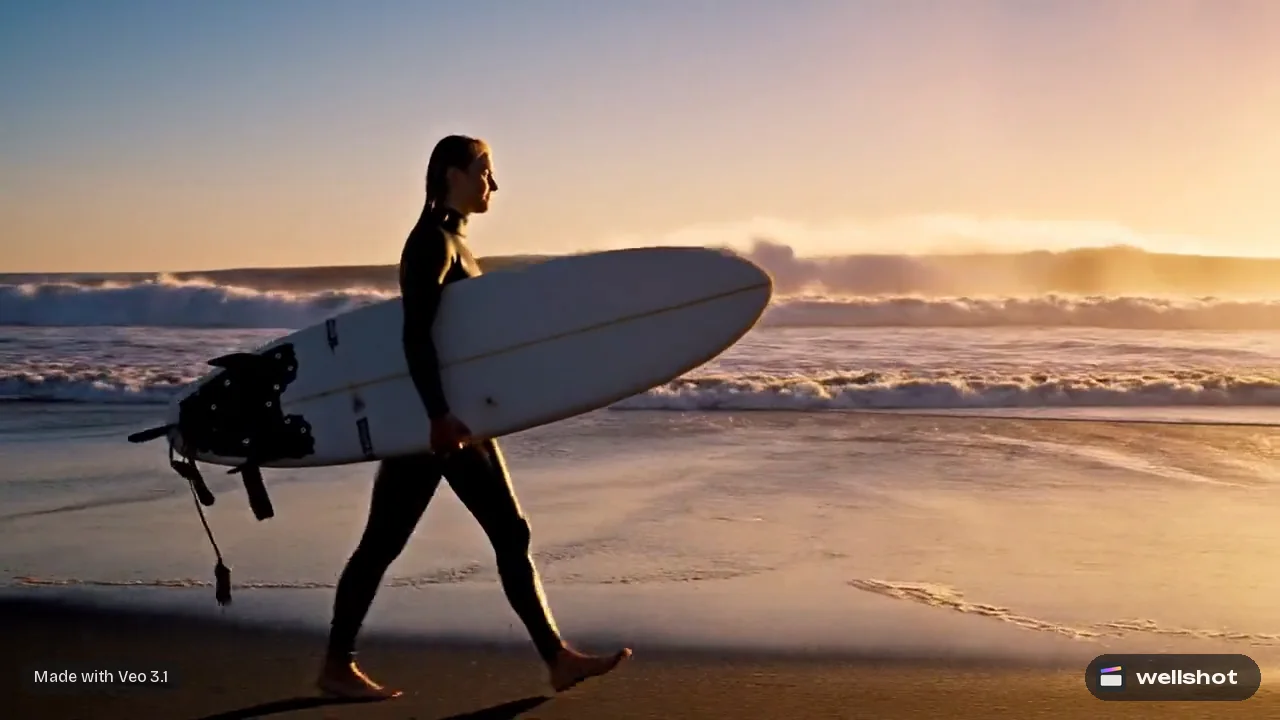
Every Kling 3.0 Turbo take comes back with sound. That makes it a good fit for social clips where the audio carries the moment: footsteps, fabric, crowd, wind. Write the sounds into the prompt so the model knows what to make.
If you plan to put your own music under the cut, you can lower or mute the clip's audio on its track in the Wellshot Editor. For more on how sound works across all the video models, read AI video with sound.
A worked example
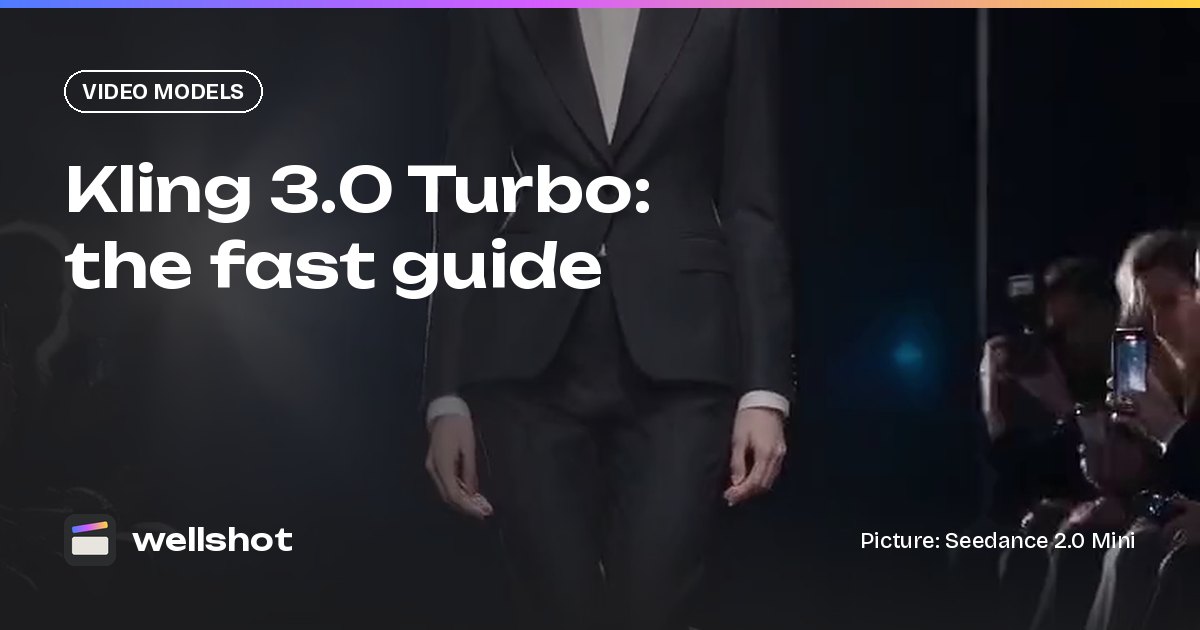
A quick vertical catwalk clip from a single first frame: a still of a model at the top of a runway.
Vertical 9:16, 8 seconds. Starting from the first frame, the model walks toward
camera down a glossy black runway, confident pace, coat swinging. Camera holds
at the end of the runway, slight slow push in. Rows of camera flashes pop on both
sides. High-contrast fashion lighting, cool white key, dark audience.
Sound: heels on the runway, a rapid flutter of camera shutters, low crowd murmur.
Because there is no end frame, the model chooses where the walk finishes. If you need it to stop on a specific pose, take the shot into Kling 3.0 and add that pose as the last frame.
How to use Kling 3.0 Turbo in Wellshot
- Open a shot in the Studio, choose video mode and pick Kling 3.0 Turbo.
- Set the aspect ratio, resolution (720p or 1080p) and length (3–15 s).
- Add a first frame if you have one, or leave it empty to go from text.
- Write the prompt with sound cues, check the credit price on the button, and generate.
- Run a few variations. Every take is saved, so you can compare and pick.
On the Canvas, Kling 3.0 Turbo has its own node under video generation from text or image, with a first frame input you can wire from any image node. If you're making a vertical series, our guide to the AI vertical video generator workflow covers framing and pacing for Reels and TikTok.
You can open Kling 3.0 Turbo in Wellshot and try the catwalk prompt above.
When to pick Kling 3.0 Turbo
Pick it when:
- You are exploring ideas and want quicker turnaround.
- The shot only needs a starting picture, not a fixed ending.
- 720p or 1080p is enough for where the video is going.
- You want sound on every take without switching anything.
Pick something else when:
- You need a last frame or 4K: Kling 3.0.
- You need a silent take: Kling 3.0 with sound off, or a Seedance model with sound switched off.
- You need reference pictures, editing or extending: Seedance (see the Seedance 2.5 guide).
- You want the cheapest possible drafts: compare with the options in Seedance 2.0 Fast vs Mini.
Prompt tips for Turbo
- Lead with the action. With no end frame, the first verb you write does most of the steering.
- Keep one camera move per take. "Slow push in" or "handheld follow", not both.
- Write the sound in its own line. It keeps picture and audio cues from blurring together.
- Run three variations, not one. Turbo is quick, so compare takes and keep the best.
Credits
Turbo generations cost credits like every model in Wellshot. The price is on the button before you generate, failed generations are refunded automatically, and plan credits refresh every month. Because you can see the cost up front, it is easy to compare a Turbo take with the same shot on Kling 3.0 before committing.
FAQ
Is Kling 3.0 Turbo faster than Kling 3.0?
Yes. Kling 3.0 Turbo is the quicker of the two. In exchange it uses a first frame only and tops out at 1080p.
Does Kling 3.0 Turbo have sound?
Yes, always. Every Kling 3.0 Turbo clip comes with sound; there is no silent option.
How long can a Kling 3.0 Turbo video be?
From 3 to 15 seconds per take, the same range as Kling 3.0.
Can Kling 3.0 Turbo use an end frame?
No. It works from text or from a first frame only. For first and last frame control, use Kling 3.0.
Does Kling 3.0 Turbo support 4K?
No. Kling 3.0 Turbo renders at 720p or 1080p. For 4K, use Kling 3.0.
Make it in Wellshot
Every model in one studio. Prompt it, wire it as nodes, or let the Director run it.