4K AI Video Generator: Which Models Render True 4K
A 4K AI video generator guide: which models render 4K in Wellshot, their lengths and sound, 4K start frames, prompts for fine detail and how to save credits.
By the Wellshot team · · 5 min read
A 4K AI video generator renders the clip at 4K resolution itself, so fine detail like skin texture, fabric and water is generated rather than stretched from a smaller file. In Wellshot four video models render 4K: Seedance 2.0, Gemini Omni Flash, Kling 3.0 and FLUX 3 Video. Which one to pick depends on length, sound, aspect ratio and budget, and the smart workflow is to test at lower resolution first.
Video models that render 4K
| Model | Maker | Length | Sound | Aspect ratios | Inputs |
|---|---|---|---|---|---|
| Seedance 2.0 | ByteDance | 4–15 s | Switchable | 16:9, 9:16, 1:1, 4:3, 3:4, 21:9 | Start + end frame, references (9 pictures, 3 clips, 3 sounds), edit, extend |
| Gemini Omni Flash | 3–10 s, the model picks | Always on | 16:9, 9:16 | Start + end frame, up to 3 reference pictures | |
| Kling 3.0 | Kuaishou | 3–15 s | On or off | 16:9, 9:16, 1:1 | First and last frame |
| FLUX 3 Video | Black Forest Labs | 5–20 s | On or off | 16:9, 9:16, 1:1, 4:3, 3:4, 21:9 | Start + last frame; also renders 1440p |
Other video models in Wellshot top out lower: Seedance 2.5 renders up to 1080p, Seedance 2.0 Fast and Mini 720p, Kling 3.0 Turbo 1080p. The other newer models (Wan 3.0, Kling O3, Kling 2.5 Turbo, MiniMax H3 Max, Grok Imagine 1.5 and PixVerse v6) top out at 1080p too.
Pick by need
- Longest takes at 4K: FLUX 3 Video, up to 20 seconds, with 1440p as a middle step when 4K is more than you need.
- 21:9 widescreen at 4K: Seedance 2.0 (up to 15 seconds, with references, edit and extend) or FLUX 3 Video. See the Seedance 2.0 guide.
- 4K square for feeds: Kling 3.0, which also does 1:1. See Kling 3.0.
- 4K with natural sound, short shots: Gemini Omni Flash, which always makes sound and picks its own length between 3 and 10 seconds. See Gemini Omni Flash.
Start with a 4K still
If you animate a start frame, give the model a sharp picture at the same aspect ratio. Image models in Wellshot that output 4K:
| Image model | Sizes | Max references |
|---|---|---|
| Seedream 5.0 Lite | 2K, 3K, 4K | 14 |
| Seedream 4.5 | 2K, 4K | 14 |
| Seedream 4.0 | 1K, 2K, 4K | 14 |
| Nano Banana 2.1 | 1K, 2K, 4K | 14 |
| Nano Banana Pro | 1K, 2K, 4K | 14 |
| GPT Image 2.5 Flare | 1K, 2K, 4K | 10 |
| Kling Image 3.0 Omni | 1K, 2K, 4K | 10 |
Seedream 5.0 Lite is built for high resolution; GPT Image 2.5 Flare is the one to use when the frame has sharp text or a precise layout. More in the 4K AI image generator post.
Prompting for 4K detail
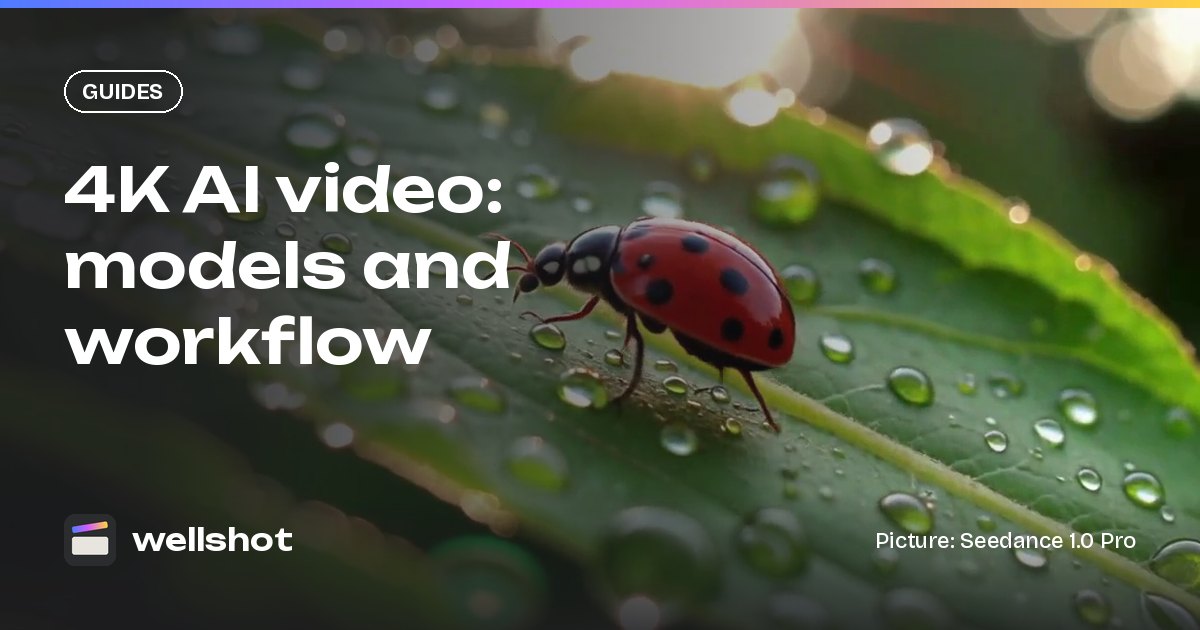
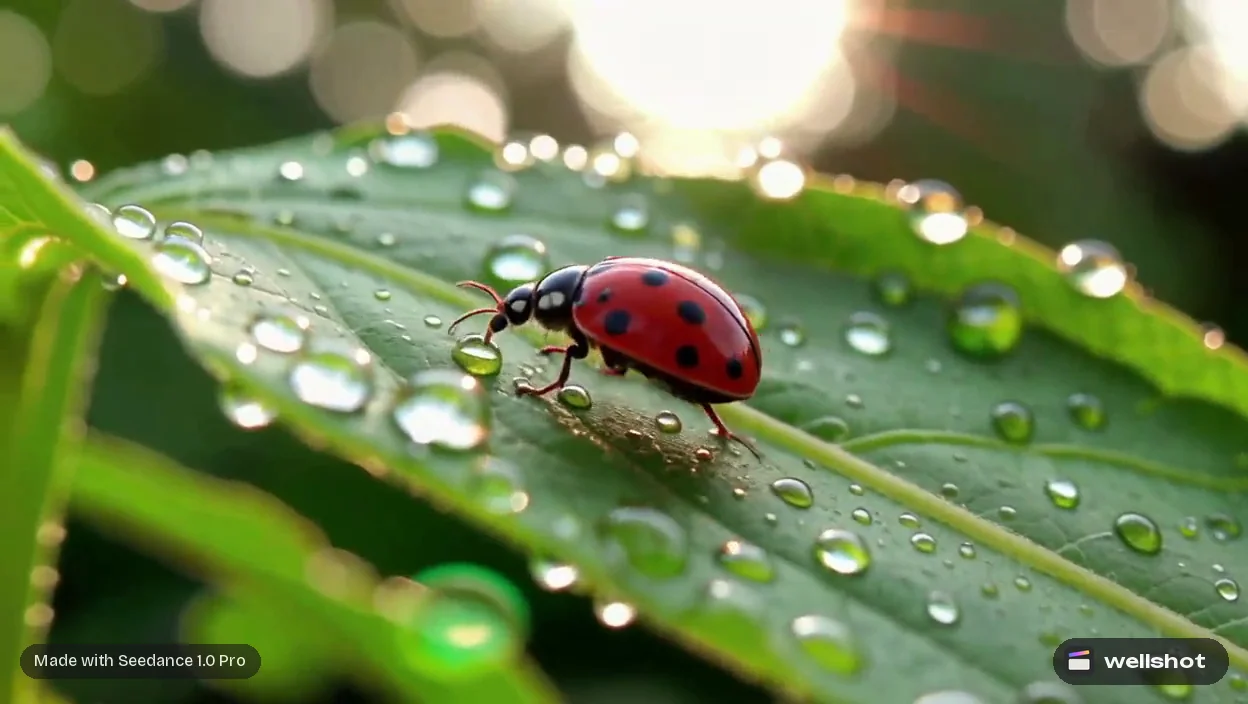
4K rewards subjects with texture: macro nature, fabric, water, skin, food, architecture. It is wasted on fast motion and heavy blur. Ask for the textures you want to see and keep motion controlled.
Extreme macro of a ladybird walking along a leaf covered in dew drops.
Each drop reflects the morning sky. Static camera, macro lens, f/2.8.
Soft early daylight, very shallow focus, fine texture on the shell.
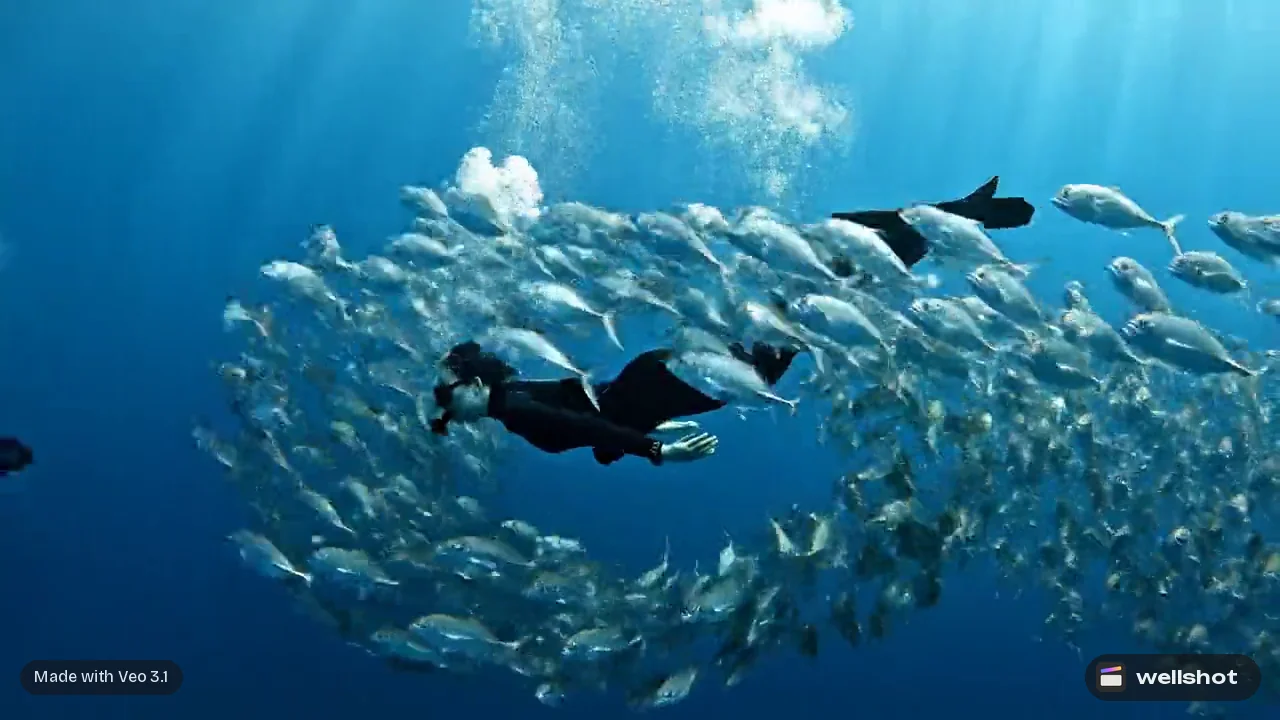
A free diver glides slowly down through deep blue water past a wall of
coral, sun rays from above. Camera follows from slightly behind and above.
Calm, smooth, fine detail on the water particles and the fins.
Sound: muffled water, slow bubbles.
Wide shot of turquoise waves breaking on black volcanic cliffs, slow aerial
push in. White foam detail, wet rock texture, hard noon sun. 16:9.
In the Studio's cinema mode, choosing a large-format digital body, a modern clean prime and a deeper aperture like f/8 pushes the look toward crisp detail across the frame.
Save credits: test low, render 4K once
The credit price depends on the model, resolution and length, and it shows on the button before you run anything. Don't explore at 4K.
- Test the idea cheaply. Use Seedance 2.0 Mini or Seedance 2.0 Fast at 480p or 720p with the same prompt and frames.
- Lock the seed and inputs. Once a test works, keep its seed, prompt and frames.
- Render the final at 4K. Switch to Seedance 2.0 (or your 4K model) and set resolution to 4K.
Note that a different model is a different generation, so the 4K result will not be identical to a test from another model. On the Canvas you can branch the test and the final side by side, and re-running only executes the nodes that changed. Failed generations refund automatically. Our post on how much AI video costs explains credits and plans.
Set it up in Wellshot
- Open the Studio in video mode, or add a video node on the Canvas under "generate from text or image".
- Choose a 4K model: Seedance 2.0, Gemini Omni Flash, Kling 3.0 or FLUX 3 Video.
- Set resolution to 4K, the aspect ratio and length. Gemini Omni Flash picks its own length.
- Add a 4K start frame if you have one, write the prompt, set sound.
- Check the credit price and generate. The take is saved to the shot and lands in the project's media for the Editor.
Try a 4K shot with Seedance 2.0.
FAQ
Which AI video generator makes 4K?
In Wellshot, Seedance 2.0, Gemini Omni Flash, Kling 3.0 and FLUX 3 Video render 4K video. Seedance 2.5 renders up to 1080p.
How long can a 4K AI video be?
FLUX 3 Video makes 4K clips of up to 20 seconds. Seedance 2.0 and Kling 3.0 make clips of up to 15 seconds and both render 4K. Gemini Omni Flash makes 3 to 10 seconds.
Does 4K AI video have sound?
It can. Gemini Omni Flash always generates sound, Seedance 2.0 has switchable sound, and Kling 3.0 and FLUX 3 Video let you turn sound on or off.
Is 4K AI video more expensive?
The credit price depends on model, resolution and length, and it shows on the button before you generate. Test at a lower resolution and render 4K only for the take you keep.
Can I make a 4K vertical AI video?
Yes. Seedance 2.0, Gemini Omni Flash, Kling 3.0 and FLUX 3 Video all offer both 9:16 and 4K. Set the aspect ratio and resolution before you generate.
Make it in Wellshot
Every model in one studio. Prompt it, wire it as nodes, or let the Director run it.