Seedance 1.5 Pro vs 1.0 Pro: Cheap AI Video Compared
Seedance 1.5 Pro vs 1.0 Pro and 1.0 Pro Fast: length, sound, start and end frames, and which cheap Seedance model to pick for each kind of shot.
By the Wellshot team · · 5 min read
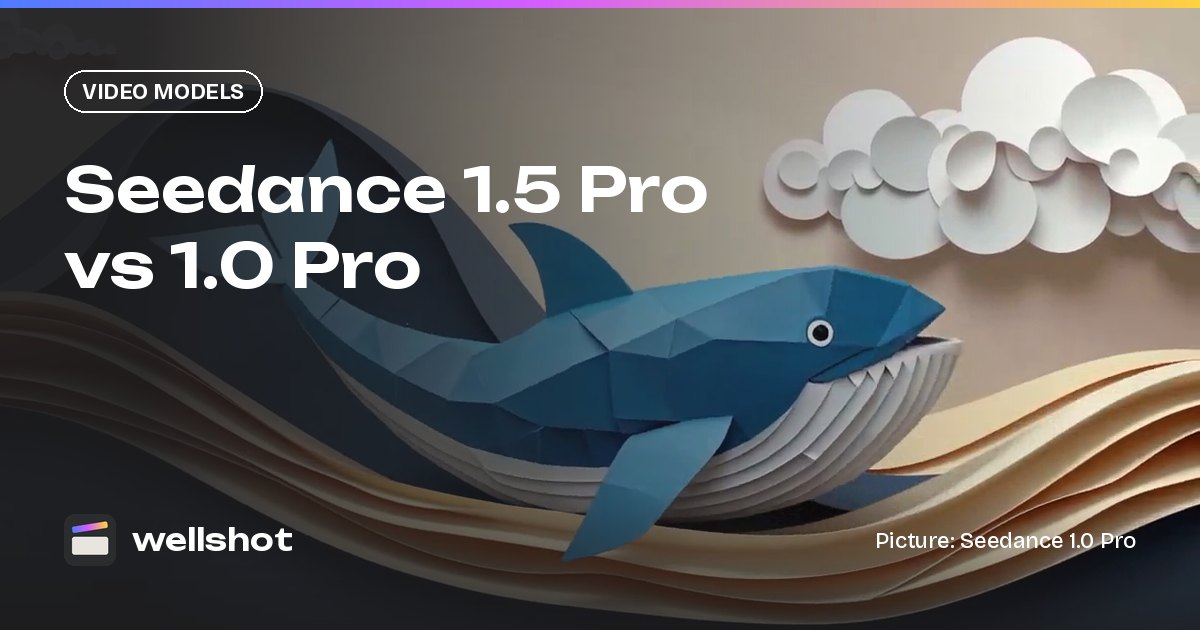
Seedance 1.5 Pro is a low-cost ByteDance video model that turns text or a start and end frame into 4 to 12 second clips with sound, at 480p to 1080p. Its older siblings, Seedance 1.0 Pro and 1.0 Pro Fast, run 2 to 12 seconds and are silent, and 1.0 Pro Fast is among the cheapest video models in Wellshot.
If you want sound on a budget, pick 1.5 Pro. If you only need silent picture and will lay audio yourself, the 1.0 models are still useful. Here is how they compare.
The three models side by side
| Spec | Seedance 1.5 Pro | Seedance 1.0 Pro | Seedance 1.0 Pro Fast |
|---|---|---|---|
| Maker | ByteDance (Seed team) | ByteDance (Seed team) | ByteDance (Seed team) |
| Task | Text or image to video | Text or image to video | Text or image to video |
| Frames | Start and end frame | Start and end frame | Start frame only |
| Length | 4–12 s | 2–12 s | 2–12 s |
| Resolution | 480p to 1080p | 480p to 1080p | 480p to 1080p |
| Sound | Yes, switchable | Silent | Silent |
| Cost | Cheap | Older model | Cheapest Seedance |
| Aspect ratios | 16:9, 9:16, 1:1, 4:3, 3:4, 21:9 | Same | Same |
What none of them do: reference to video, edit video or extend video. Those tasks belong to Seedance 2.0 and Seedance 2.5.

Seedance 1.5 Pro: sound on a budget
The main reason to pick 1.5 Pro over 1.0 Pro is sound. It generates audio with the picture, and you can switch it off per shot. For short social clips, product loops with a little ambience, or quick tests where you want to hear the shot, that saves a separate audio pass.
It also handles start and end frames, so you can lock both the opening and the final composition. That is handy for product shots that need to land on a clean packshot, or transitions where the last frame has to match the next shot. See image to video with start and end frames for how to set that up.
Seedance 1.0 Pro: silent, with start and end frames
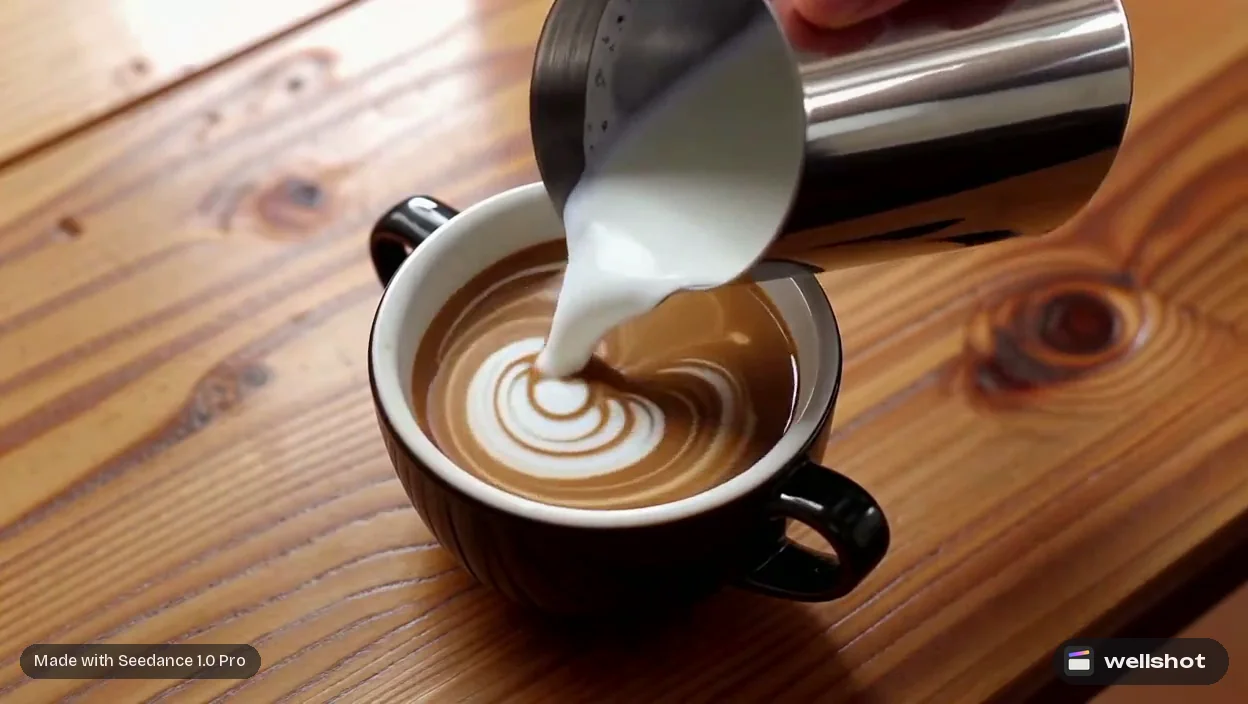
Seedance 1.0 Pro is older and silent, but it supports start and end frames and goes down to 2-second clips, which 1.5 Pro does not. Many of the showcase clips on the Wellshot site were made with it: a latte art top shot, a noodle lift in slow motion, an ink-wash dragon, pixel art, a macro of a ladybird in the dew, a dolly in through a 1950s diner.
Use it when:
- You will lay your own music or sound in the Editor anyway.
- You want a 2 or 3 second cutaway or insert.
- You need an end frame on a silent clip.
Seedance 1.0 Pro Fast: the cheapest Seedance
1.0 Pro Fast is the cheapest Seedance model and among the cheapest video models in Wellshot. It is silent and takes a start frame only, no end frame. That makes it a good tool for:
- Testing whether a still animates well before spending more.
- Lots of short loops from product photos.
- Rough motion for a storyboard animatic.
Decision guide
- Need sound and want to keep cost low? Seedance 1.5 Pro.
- Silent is fine, and you need an end frame or a 2 s clip? Seedance 1.0 Pro.
- Silent is fine, start frame only, lowest cost? Seedance 1.0 Pro Fast.
- Need references, edits or extensions? Seedance 2.0 family or 2.5.
- Need more than 12 seconds? Seedance 2.0 (up to 15 s) or 2.5 (up to 30 s).
- Need 4K? Seedance 2.0, or see the 4K AI video generator guide.
- Want a cheap model in the 2.0 family instead? Compare Seedance 2.0 Fast vs Mini.
Worked example: a coffee top shot with sound
- Make or upload a clean start frame of the cup from above.
- Open Studio, choose video mode, animate start frame, and pick Seedance 1.5 Pro.
- Set 1:1, 1080p, 6 seconds, sound on.
- Write the prompt and check the credit price on the button.
Top shot, static camera: milk is poured slowly into an espresso cup,
forming a leaf of latte art. Soft window light from the left, warm wood
table. The pour ends and a thin wisp of steam rises.
Sound: gentle pour, a spoon tapping the saucer once, quiet cafe ambience.
Switch the same setup to Seedance 1.0 Pro and turn off sound if you would rather add your own music in the online video editor. You can also recreate the coffee pour to open the exact graph, seed and inputs behind the showcase clip.
How credits work for these models
All generations in Wellshot cost credits. Seedance 1.5 Pro is a cheap option with sound, and 1.0 Pro Fast is among the cheapest video models in Wellshot. The price shows on the button before you run, failed generations refund automatically, and plan credits refresh every month. For the full picture, read how much AI video costs.
Want sound on a budget? Open Seedance 1.5 Pro in Wellshot.
FAQ
What is the difference between Seedance 1.5 Pro and 1.0 Pro?
Seedance 1.5 Pro generates sound and makes 4 to 12 second clips. Seedance 1.0 Pro is older and silent, and makes 2 to 12 second clips. Both support start and end frames at 480p to 1080p.
Does Seedance 1.0 Pro have sound?
No. Seedance 1.0 Pro and 1.0 Pro Fast are silent. Add your own audio in the Editor, or use Seedance 1.5 Pro if you want sound generated with the picture.
What is the cheapest AI video model in Wellshot?
Seedance 1.0 Pro Fast is among the cheapest, alongside Kling 2.5 Turbo and PixVerse v6; the price for your settings shows on the button before you run. 1.0 Pro Fast is silent and takes a start frame only. Seedance 1.5 Pro is a cheap option with sound.
How long can a Seedance 1.5 Pro video be?
From 4 to 12 seconds per clip.
Make it in Wellshot
Every model in one studio. Prompt it, wire it as nodes, or let the Director run it.