Consistent Characters AI Guide: Same Face in Every Shot
Consistent characters AI guide: build character reference sheets, pick image models that hold a face, name references, and carry the same face into video.
By the Wellshot team · · 5 min read
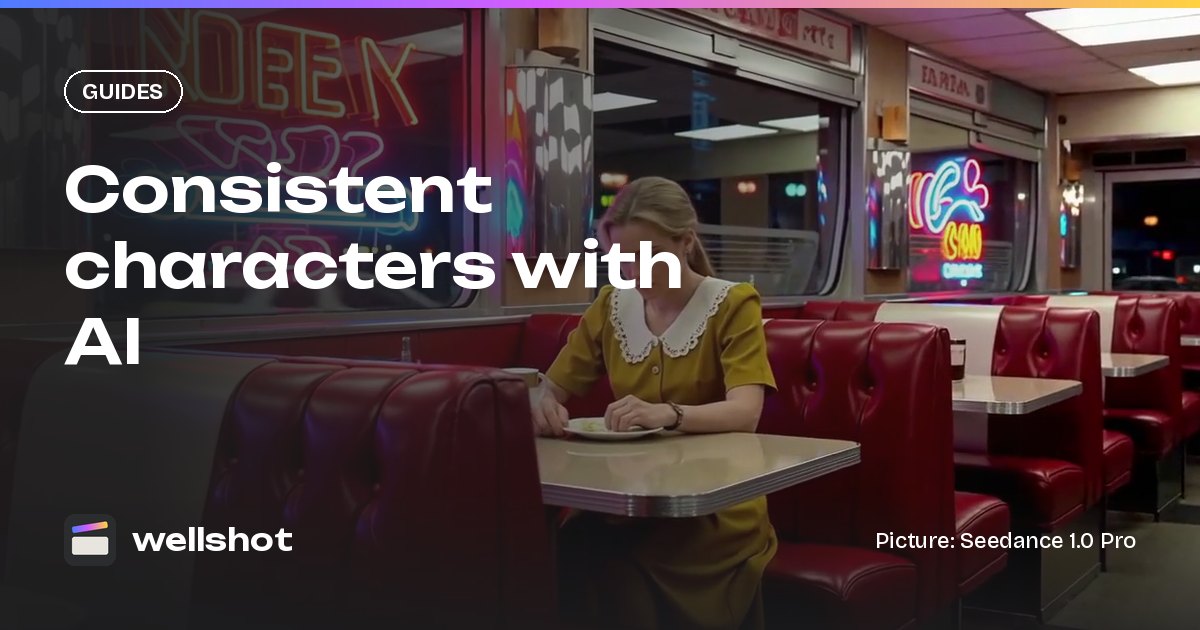
Getting consistent characters in AI images and video comes down to one habit: never ask a model to remember a face, always show it one. In Wellshot you build a character reference sheet once, then pass those pictures into every image and video shot as named references, so the same person turns up in scene one and scene twelve.
This guide covers how the Director builds the sheet for you, which models hold a face best, how to write the prompt, and how to carry the character from stills into moving shots.
Why characters drift
A model given only text invents a new person each time. Even with a very detailed description ("woman, 30s, short dark hair, green coat"), every run is a fresh guess. The fix is references: pictures of the character that the model copies from. The more angles the model has seen, the less it has to invent when you ask for a three-quarter back view or a close-up of the hands.
So the work splits into two steps:
- Make a good set of reference pictures for each character.
- Pass the right ones into every shot, and say in the prompt what they are.
Step 1: build a character reference sheet
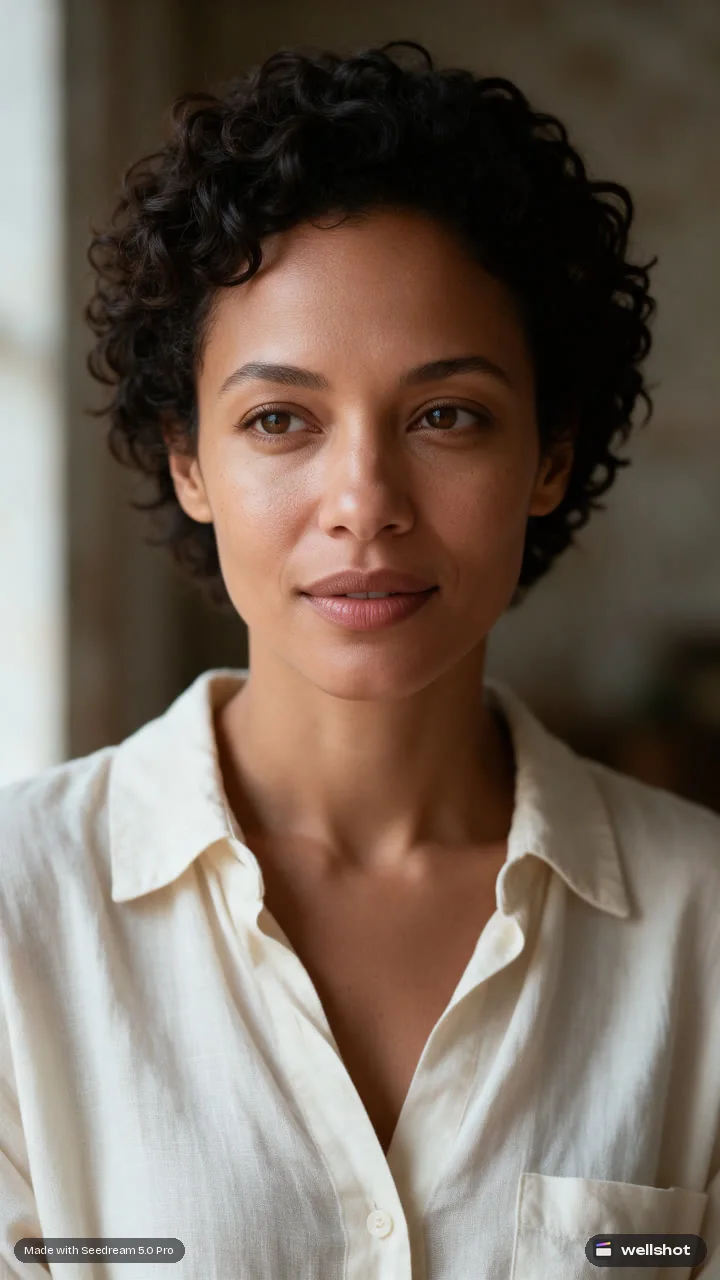
When you describe your film to the Director agent, it casts your characters and makes a character reference sheet for each one. The sheet has:
- Four full-body views: front, side, back and three-quarter.
- A portrait close-up.
- Detail close-ups (for example hands, a tattoo, a piece of jewelry).
The Director keeps these consistent with each other and uses them in the shots that character appears in. You can also build a sheet by hand in Studio or on the Canvas with any image model that edits with references: generate the front view first, then feed it back in as @Image 1 for each other angle.
Which models hold a face best
All image models in Wellshot accept references, but some are tuned for keeping people the same.
| Model | Max references | Sizes | Why use it for characters |
|---|---|---|---|
| Nano Banana 2.1 | 14 | 1K, 2K, 4K | Strong edits and character consistency |
| Nano Banana Pro | 14 | 1K, 2K, 4K | Premium detail for hero close-ups |
| Kling Image 3.0 Omni | 10 | 1K, 2K, 4K | Keeps people and products consistent |
| Seedream 5.0 Pro | 10 | 1K, 1.5K, 2K | Precise edits when the face is already right |
| Seedream 4.5 | 14 | 2K, 4K | Proven editing with many references |
A sensible approach: make the sheet with Nano Banana 2.1 or Kling Image 3.0 Omni, then use the same model for the shot stills so the look does not shift between makers. If a shot needs a fix, run it again with the same seed and a tighter prompt, or branch a second model on the Canvas and compare.
Step 2: write the shot prompt around the references
Name each reference and its job. Keep the character line short and firm, and spend the rest of the prompt on the shot.
@Image 1 is Mara (front view), @Image 2 is Mara (three-quarter view),
@Image 3 is the diner interior.
Mara from @Image 1 and @Image 2 sits in the booth from @Image 3,
same face, same hair, same green coat. She looks out the window.
Night, warm practical light from the counter, neon from outside.
35mm, eye level, medium shot. 16:9.
Tips that help:
- Pick the angle references that match the shot. A side-on shot wants the side view in the list.
- Keep wardrobe in the references, not just the prompt. If the coat changes in scene three, make a new sheet view with the new coat.
- Use one reference per role. Don't pass four near-identical portraits.
- When two characters share a frame, label them clearly ("Mara from @Image 1, Leo from @Image 4").
For more on reference prompts and the Painter node for spot fixes, read the guide to AI image editing with reference images.
Step 3: carry the character into video
Stills are half the job. To keep the face in moving shots you have two routes.
Start and end frames. Make the first frame (and optionally the last) as consistent stills, then animate between them with a video model. Every video model in Wellshot takes a start frame; most also take an end frame. See image to video with start and end frames.
Reference to video. Pass the character sheet directly to the video model. Seedance 2.5 takes up to 30 reference pictures, Seedance 2.0 up to 9, and Gemini Omni Flash up to 3. The Seedance reference to video guide covers this in detail.
There is also a third case: you already have a performance on video and want a different person in it. That is what Recast does, with an edit-video model from the Seedance 2.5 or 2.0 family keeping the motion, framing and light. Read replace a person in a video with AI, and use only faces you have the rights to use.
A checklist before you generate the whole film
- Every character has a sheet: four body views, portrait, details.
- Each shot lists the references that match its angle.
- The same image model is used for a character's stills where possible.
- Wardrobe changes have their own sheet views.
- You have run one or two test shots per character and checked them side by side.
The quickest way to get all of this set up is to describe your story and let the Director cast it: start with the Director.
FAQ
How do I keep the same character in AI images?
Make a set of reference pictures of the character and pass them into every generation, naming them in the prompt as @Image 1, @Image 2 and so on. Text descriptions alone produce a new face each time.
What is a character reference sheet?
It is a set of pictures of one character from several angles. In Wellshot the Director makes four full-body views (front, side, back, three-quarter) plus a portrait and detail close-ups, and keeps them consistent.
Which AI model is best for consistent characters?
Nano Banana 2.1 and Kling Image 3.0 Omni are tuned for keeping people consistent, and both accept many references. For video, Seedance 2.5 takes up to 30 reference pictures.
Can I keep a character consistent in AI video too?
Yes. Use consistent stills as start and end frames, or pass the character sheet straight to a reference-to-video model such as Seedance 2.5, Seedance 2.0, Kling O3 or Gemini Omni Flash.
Make it in Wellshot
Every model in one studio. Prompt it, wire it as nodes, or let the Director run it.