Replace Person in Video AI Tool: How Recast Works
Replace person in video AI tool Recast keeps the motion, framing, location and light of your clip and swaps in someone new, or restyles it as anime.
By the Wellshot team · · 5 min read
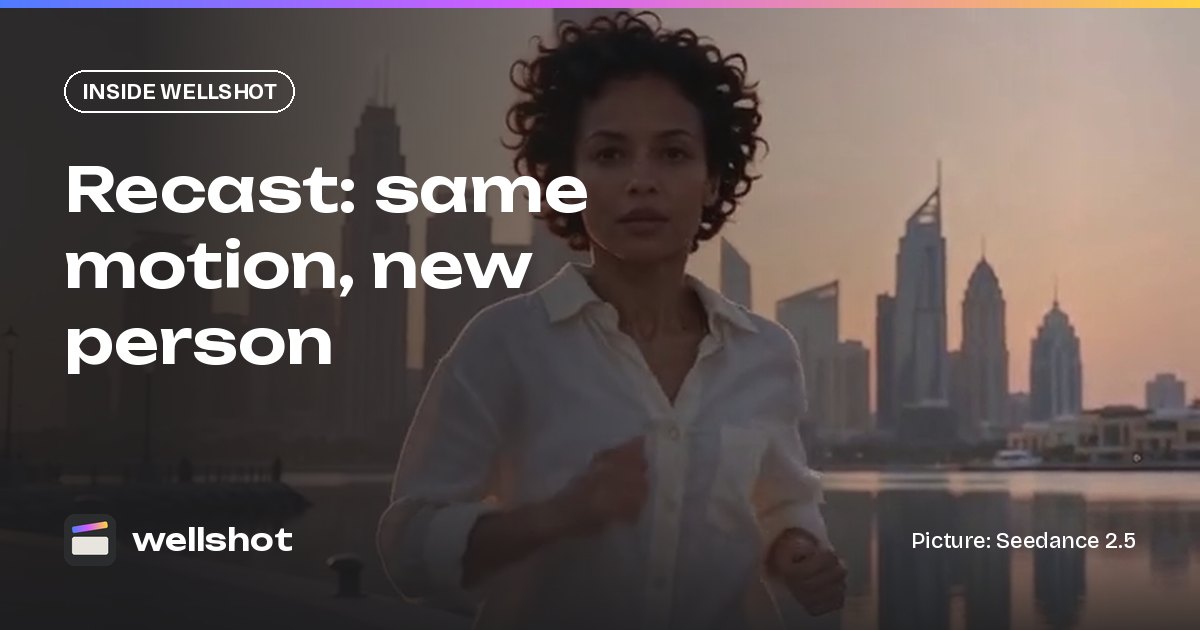
Recast is Wellshot's replace person in video AI tool: you upload a clip and a picture of a person, and an edit-video model remakes the same performance with someone new. The motion, framing, location and light stay; the person changes. Recast can also restyle a whole clip, for example into hand-drawn anime.
One rule before anything else: only use faces you have the rights to use. That means yourself, actors or models who have agreed to it, or characters you created. More on that below.
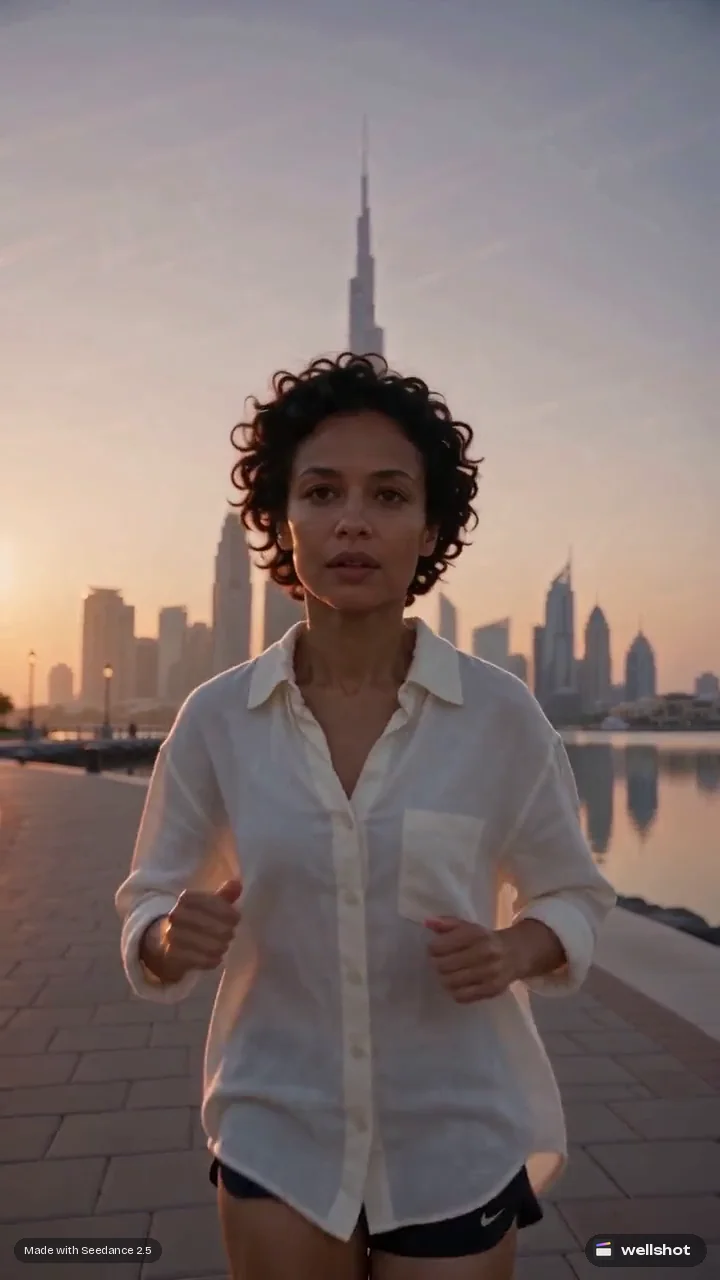
What Recast keeps and what it changes
Recast is built on the edit-video task of the Seedance 2.5 and Seedance 2.0 family. You give it two things:
- A source clip: the performance you want to keep.
- A picture of the new person: who should be performing it.
The model remakes the clip so that:
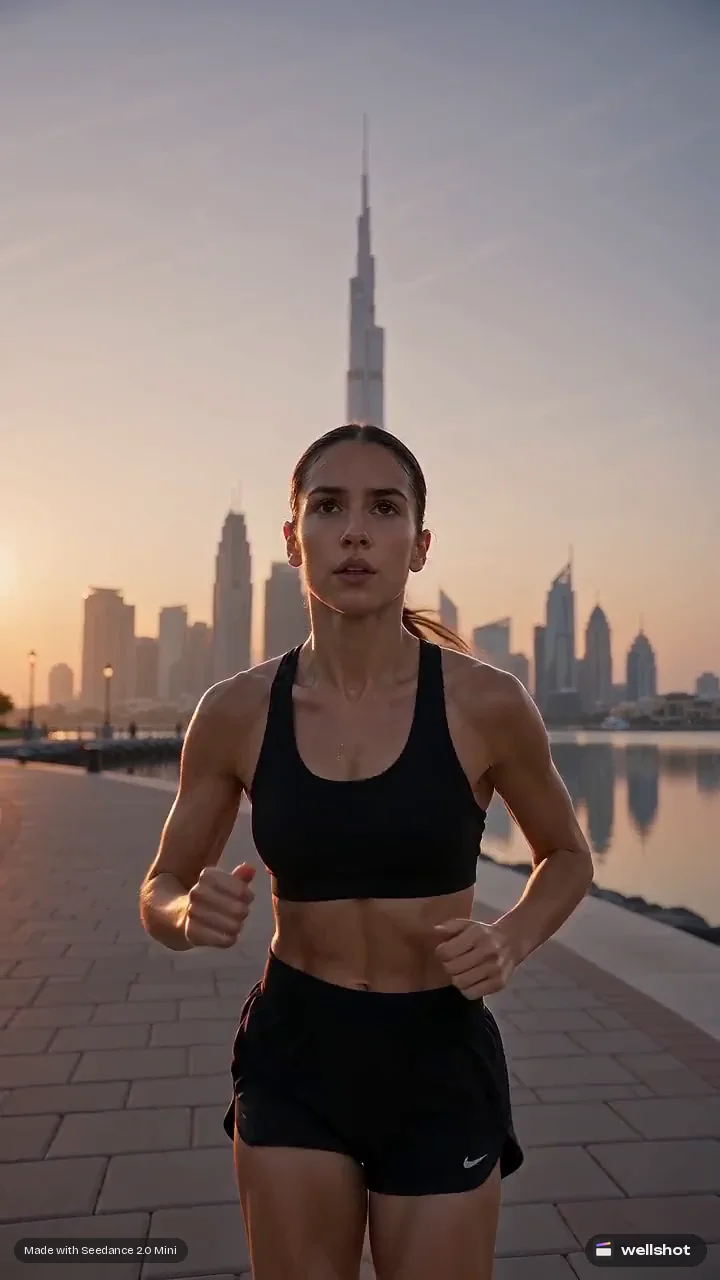
- Motion stays: the same run, turn, gesture or walk.
- Framing stays: the same shot size and camera move.
- Location stays: the same place in the background.
- Light stays: the same direction and quality of light on the new person.
What changes is the person. That is useful when you have a performance you like but need a different face, wardrobe or character in it.
When Recast is the right tool
Recast is not the answer to every casting problem. Use it when:
- You love a take but the casting changed. The client swapped talent after you generated the scene.
- You need versions. The same commercial shot with different people for different markets or audiences.
- You shot a guide performance yourself. Act out a move on your phone, then recast it as your character so the motion is exactly what you wanted.
- You want a restyle. Turn a live-action clip into hand-drawn anime while keeping the action.
If you are generating from scratch and just need the same character across many shots, start with character reference sheets instead. The Director makes them (four full-body views plus portrait and detail close-ups, kept consistent), and consistent characters with AI explains the approach.
How to recast a clip in Wellshot
- Start a Recast, or on the Canvas add an edit-video node from the Seedance 2.5 or 2.0 family (for example under Video, edit videos).
- Add the source clip as the video input. On the Canvas it appears as @Video 1.
- Add the picture of the new person as an image input, named @Image 1.
- Write a short prompt that says what to change and what to keep.
- Check the credit cost on the button, then generate. Failed generations refund automatically.
- Compare takes. Every generation is saved, so you can line them up and keep the best.
A prompt that works well is plain and specific:
Replace the runner in @Video 1 with the person in @Image 1.
Keep the same running motion, timing, camera move, framing,
waterfront location and morning light. Match the new person's
face, hair and clothing to @Image 1. Do not change the background.
For a restyle, swap the person instruction for a look:
Restyle @Video 1 as hand-drawn anime. Keep the same motion,
framing and camera move. Clean ink lines, flat cel shading,
soft painted background.
Seedance 2.5 or Seedance 2.0 for Recast?
| Seedance 2.5 | Seedance 2.0 | |
|---|---|---|
| Length | 4 to 30 s | 4 to 15 s |
| Resolution | 480p, 720p, 1080p | 480p, 720p, 1080p, 4K |
| References | Up to 30 pictures, 10 clips, 10 sounds | Up to 9 pictures, 3 clips, 3 sounds |
| Draft mode | Yes | No |
Pick Seedance 2.5 when the clip is longer, when you want to try a cheap 480p draft before the final render, or when you need many reference pictures of the new person. Pick Seedance 2.0 when you need a 4K delivery. Seedance 2.0 Fast and Mini also do edit video and are useful for cheaper tests. The Seedance 2.5 guide and Seedance 2.0 guide go deeper.
Tips for cleaner results
- Choose a clear source. A clip where the person is well lit and not hidden behind objects gives the model more to work with.
- Use a good reference picture. A sharp, front-on image with the wardrobe you want. If the source shows the full body, show the full body in the reference.
- Say what to keep. Listing motion, framing, location and light in the prompt helps the model leave them alone.
- Use draft mode on Seedance 2.5 to check the likeness and motion at 480p before rendering the final at full quality from the same draft.
- Extend after, not before. If you need a longer shot, recast first and then use extend AI video on the result.
For other kinds of edits on existing clips, such as changing an object or the weather, see edit video with AI.
Rights and consent
Recast changes who appears in a video, so treat it with the same care as casting. Only use faces you have the rights to use: your own, people who have given you permission, or characters you made. Don't recast real people without their consent, and don't use it to make someone appear to do something they didn't do. The same applies to voices with Seed Audio 1.0: only copy voices you have permission to use.
FAQ
Can AI replace a person in a video?
Yes. In Wellshot, Recast takes your clip and a picture of a person, and an edit-video model from the Seedance 2.5 or 2.0 family remakes the same performance with the new person, keeping motion, framing, location and light.
Is it legal to replace someone's face in a video?
Use only faces you have the rights to use, such as your own, consenting actors, or characters you created. Rules differ by country, so check what applies to your project before publishing.
Can Recast change the style of a video too?
Yes. Besides swapping a person, Recast can restyle a clip, for example into hand-drawn anime, while keeping the original motion and framing.
How long can a recast clip be?
That depends on the model. Seedance 2.5 handles 4 to 30 seconds, and the Seedance 2.0 family handles 4 to 15 seconds.
Make it in Wellshot
Every model in one studio. Prompt it, wire it as nodes, or let the Director run it.