AI Video Upscaler: Sharper Clips to 4K and Slow Motion
AI video upscaler guide: take Wellshot clips to 1080p, 1440p or 4K with Topaz or SeedVR2, and make real AI slow motion 2 to 8 times slower. When to use each.
By the Wellshot team · · 5 min read

An AI video upscaler makes a clip bigger and sharper by drawing in detail the original doesn't have, and Wellshot has two for clips: Topaz Upscale, up to 4 times bigger to 720p, 1080p or 4K, and SeedVR2 Upscale, to 1080p, 1440p or 4K, restoring detail frame by frame. Next to them sits Topaz Slow motion, which draws the frames in between so a clip plays 2 to 8 times slower and stays smooth.
The practical point: you don't have to generate every take at full resolution. Make cheap 480p or 720p takes, pick the keeper, and upscale only that one.
The clip tools at a glance
| Tool | What it does | Output |
|---|---|---|
| Topaz Upscale · clip | Precision upscale, up to 4× bigger | 720p, 1080p or 4K |
| SeedVR2 Upscale · clip | Upscale that restores detail frame by frame | 1080p, 1440p or 4K |
| Topaz Slow motion · clip | Draws in-between frames | 2 to 8 times slower, smooth |
All three take one clip (@Video 1) and give back a new clip, saved as a new take on the shot. The original stays where it was.
For still pictures there are two matching tools: SeedVR2 Upscale, the cheap one, and Topaz Upscale, which keeps faces and fine detail natural. Both go to 1080p, 1440p or 4K.
Topaz or SeedVR2: which upscaler
Both make a clip bigger and sharper. The differences are the output sizes and the approach.
Pick Topaz Upscale · clip when:
- You need 720p from a 480p draft, or a clean 1080p or 4K from a 720p take.
- You want a precise enlargement that stays close to the original.
Pick SeedVR2 Upscale · clip when:
- You need 1440p, which Topaz doesn't offer for clips.
- The source is soft and you want detail restored frame by frame, not just enlarged.
If you're not sure, run both on the same keeper on the Canvas and compare them side by side. The price for each shows on the button before you run.
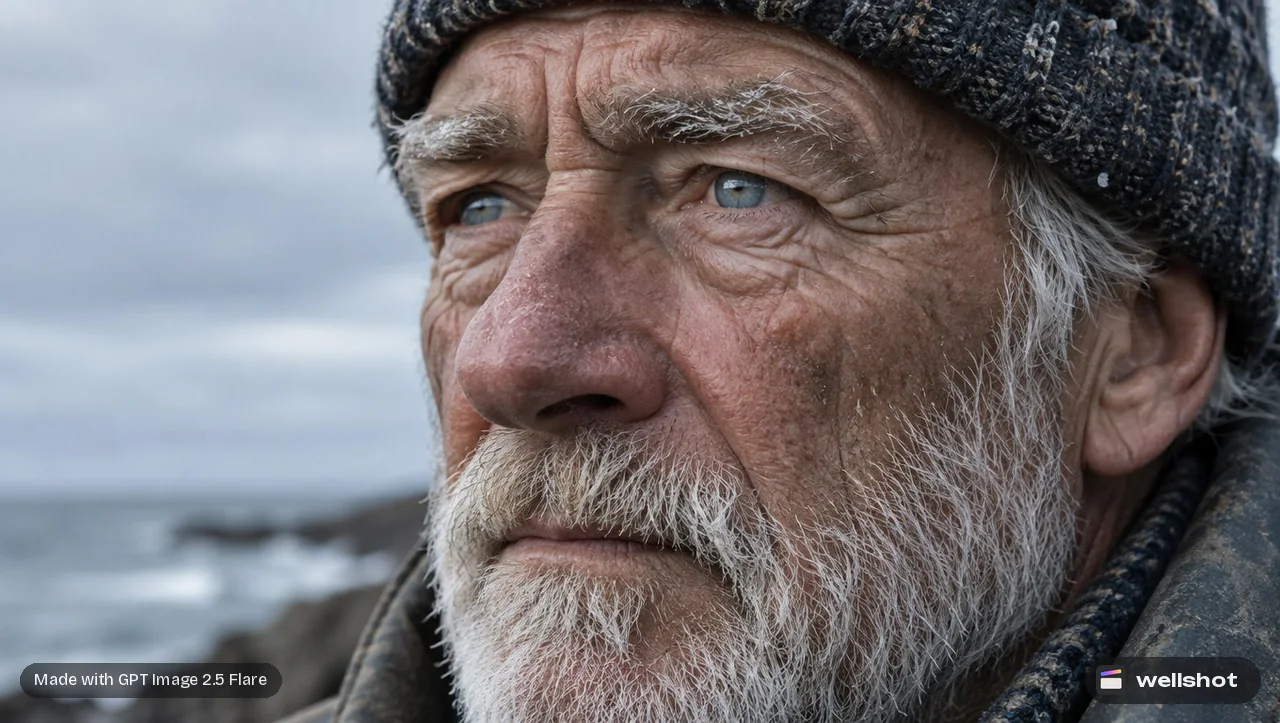
The draft-then-upscale routine
Upscaling is what makes cheap drafts worth doing. A routine that keeps credits down:
- Generate drafts at 480p or 720p. Use a cheap or fast model and run several takes. Seedance 2.5 Flash at 480p, Wan 3.0 or MiniMax H3 Max at 480p all suit this.
- Pick the keeper. Compare takes on the Canvas or in the Studio.
- Upscale only that one to 1080p, 1440p or 4K.
Some tools in Wellshot top out below 1080p, and upscaling is how you finish them:
- Wan 2.2 Animate · Swap character goes up to 720p.
- Wellshot Stand-In makes 480p or 720p; see the Wellshot Stand-In guide.
- Kling Lip Sync needs a clip of at least 720p, so a 480p take should be upscaled before you sync it; see AI lip sync.
When a shot has to be 4K from the start, models such as Kling 3.0, Seedance 2.0 and FLUX 3 Video render 4K directly; the 4K AI video generator post compares them. Upscaling is the cheaper path when you need many takes to find the right one.
AI slow motion with Topaz
Slowing down a normal clip in an editor repeats frames, and the motion stutters. Topaz Slow motion · clip draws new frames between the real ones, so the clip plays 2, 3, 4, 5, 6, 7 or 8 times slower and still moves smoothly. A 3-second clip at 4 times slower becomes a 12-second shot.
It has three frame models to choose from:
| Frame model | Best for |
|---|---|
| Apollo | Most clips (the default) |
| Chronos | Real-world camera footage |
| Aion | Fast or complex motion (costs more) |
Good uses for AI slow motion:
- Product moments. A splash, a pour, a cap twisting off.
- Sport and action. A jump, a kick, a board leaving the ramp.
- Nature. Wings, water, falling leaves.
- Emphasis in an edit. Let a hero moment hang for a beat at the end of a spot.

Tip: generate the source clip with the motion already a little slow and smooth ("slow-motion splash" in the prompt), then use Topaz for the rest. The fewer frames it has to invent across a big jump, the cleaner the result. For fast or complex motion, try Aion.
You can chain tools: slow a clip down first, then upscale the result, or the other way round. On the Canvas, wire one node's output into the next.
How to upscale a clip in Wellshot
On the Canvas
- Open the shot's Canvas and press Tab (or right-click) to add a node.
- Under Video, find Upscale or Slow motion and pick the tool.
- Connect the clip to @Video 1.
- Set the target resolution (or the slowdown and frame model), check the price and run.
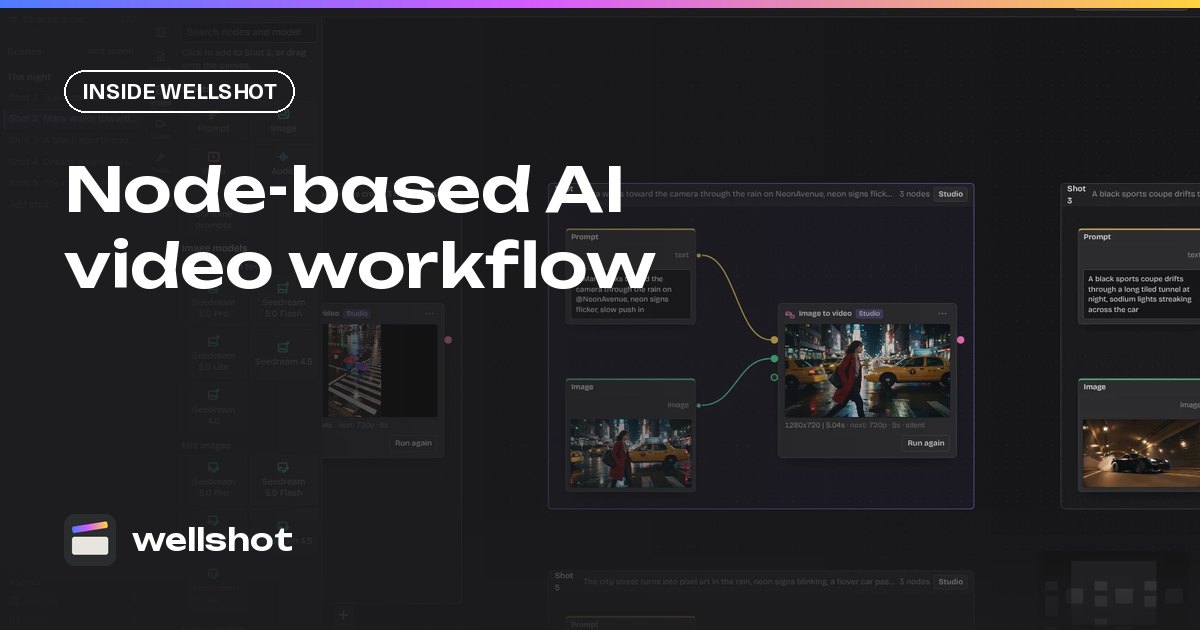
The new clip is saved as a take on the shot. Wellshot only re-runs nodes that changed, so adjusting the upscale node doesn't redo the generation before it. More on graphs in the node-based AI workflow guide.
From the Director
Ask the Director agent to upscale a shot: "upscale shot 4". It quotes the price first, and after you confirm it upscales the shot's newest clip and saves the result as a new take. Choose that take for the cut and it replaces the old one in the edit.
Credits work as for every model: the price shows before you run and failed runs are refunded. See how much AI video costs for the bigger picture.
FAQ
Can AI upscale video to 4K?
Yes. In Wellshot, Topaz Upscale · clip goes to 720p, 1080p or 4K (up to 4 times bigger) and SeedVR2 Upscale · clip goes to 1080p, 1440p or 4K.
What is the best AI video upscaler?
It depends on the clip. Topaz Upscale is a precise enlargement up to 4 times bigger; SeedVR2 Upscale restores detail frame by frame and also offers 1440p. Run both on the same clip and compare.
How does AI slow motion work?
Topaz Slow motion draws new frames between the real ones, so a clip plays 2 to 8 times slower without stuttering. You choose the slowdown and a frame model: Apollo, Chronos or Aion.
Is it cheaper to upscale than to generate in 4K?
Often, yes, because you can make all your test takes at 480p or 720p and upscale only the one you keep. The price for each step shows on the button before you run.
Can I upscale a picture too?
Yes. SeedVR2 Upscale (cheap) and Topaz Upscale (faces kept natural) take a picture to 1080p, 1440p or 4K.
Make it in Wellshot
Every model in one studio. Prompt it, wire it as nodes, or let the Director run it.