AI Lip Sync: Make a Picture or Clip Speak Your Audio
AI lip sync in Wellshot: make a picture speak or sing your sound with Kling AI Avatar 2.0, or sync the lips in a clip you have with Kling Lip Sync.
By the Wellshot team · · 6 min read
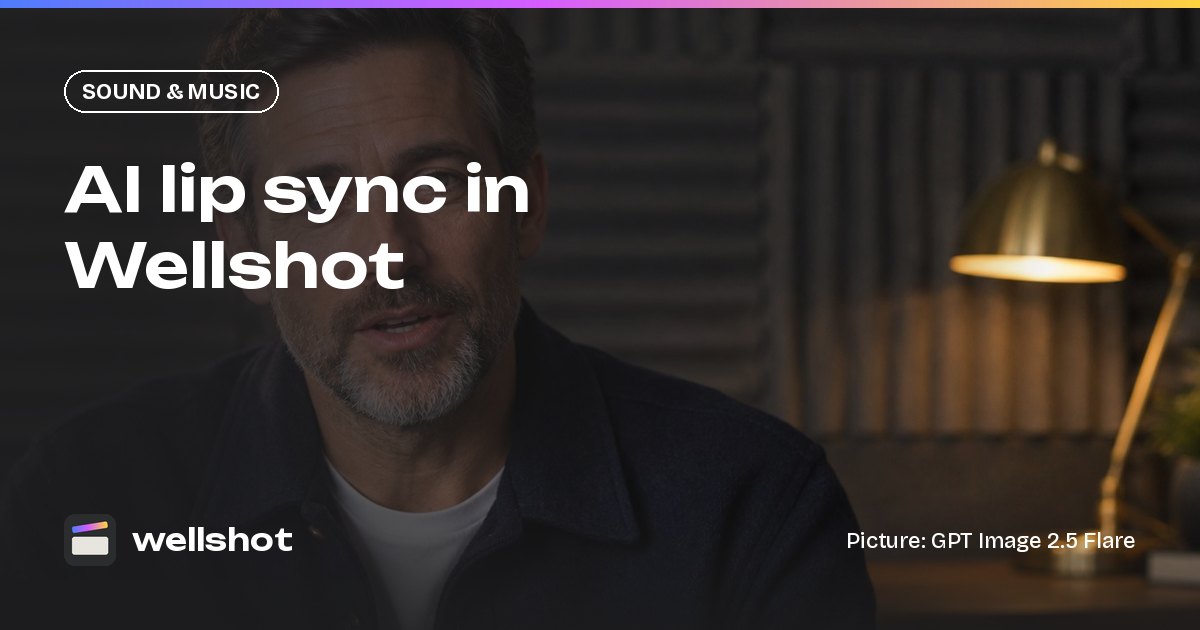
AI lip sync in Wellshot comes in two forms, both on the Canvas's Lip sync node: Kling AI Avatar 2.0 makes a picture of a person or character speak or sing your sound exactly, and Kling Lip Sync moves the lips in a clip you already have to match a new sound. In both cases the sound you give is the sound you get: the model moves the face to it and keeps your audio.
Below is how each one works, which to pick, where the voice can come from, and a worked example from voice line to finished shot.
Two ways to lip sync
| Kling AI Avatar 2.0 | Kling Lip Sync | |
|---|---|---|
| Starts from | A picture of a person or character (@Image 1) | A clip you have (@Video 1) |
| Sound | Your sound (@Audio 1) | Your sound (@Audio 1), up to 60 s |
| Clip input | None | 2 to 10 seconds, at least 720p |
| What changes | A new clip made from your picture | The lips in your clip |
| Keeps your sound | Yes | Yes |
| Quality options | Standard or Pro | One setting |
The simple rule: no footage yet, use Avatar; footage already shot or generated, use Lip Sync.
Kling AI Avatar 2.0: a picture that talks
Give Avatar one picture and one sound. It animates the picture so the person in the picture speaks or sings the sound as it is. The clip runs as long as the sound, so a 12-second line gives you a 12-second shot.
Good pictures for it:
- A clear face. Front or three-quarter view, eyes and mouth visible, nothing covering the lips.
- A framing you want to keep. A presenter at chest height, a singer at a mic, a narrator in a chair. The shot starts from your picture.
- Any style. Photographic people, illustrated characters, 3D characters. It is a picture of "a person or character".
Standard or Pro
Avatar has two quality levels. Standard is the default and suits most talking shots. Pro gives finer faces and costs about twice as much. Use Standard to check the timing and the performance, then re-run the keeper on Pro if the face is large in frame.
Kling Lip Sync: new words in an existing clip
Lip Sync works on a clip you have: footage you shot, or a take generated by any video model in Wellshot. Give it the clip (2 to 10 seconds, at least 720p) and the sound (up to 60 seconds), and it moves the lips to the sound. Everything else in the clip, the light, the camera, the set, comes from your footage.
Use it when:
- A generated take has the right look but the wrong words. Keep the shot, change the line.
- You recorded a new line later. A pickup or a rewrite, on a clip you already like.
- You need another language. Translate a recording with Eleven Dubbing, then sync the lips to the new version.
If your clip is below 720p, upscale it first; see the AI video upscaler guide.
Where the voice comes from
The lip sync node takes any sound in your project. Common sources:
- Your own recording. Upload it to the project.
- Eleven v4 Voice. Natural narration in 70+ languages from a script. The AI voiceover generator post covers it.
- Eleven v3 Voice. Expressive delivery with cues such as [whispers] or [laughs] in the script.
- Eleven v3 Dialogue. Two or more voices in a conversation, one line each.
- Eleven Voice Changer. Re-voice a recording with another voice, keeping the timing and emotion.
- Eleven Music. A sung track for a performance shot; see the AI music generator guide.
- Seed Audio 1.0. Speech and ambience in one take from a description.
Faces and voices: use only faces and voices you have the rights to use. Under Wellshot's Terms, the person making the video is responsible for the faces and voices in it.
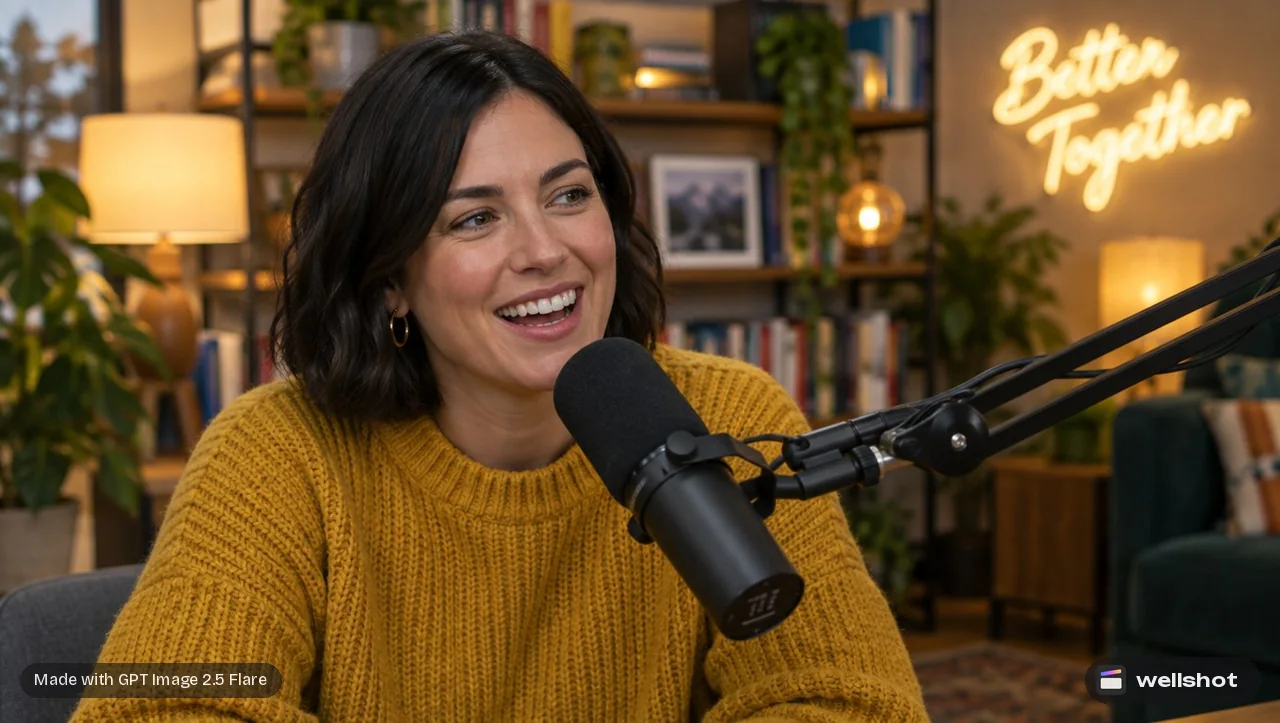
Worked example: a 15-second presenter shot
The goal: a presenter in a warm studio delivers a short line to camera, for a product explainer.
1. Make the picture. In the Studio, generate a still of the presenter (any image model; text-friendly models such as GPT Image 2.5 Flare work well if there is a sign in the background).
Medium shot of a friendly woman in her thirties sitting at a wooden desk
with a studio microphone, looking straight into the camera, slight smile,
soft warm key light from the left, bookshelves out of focus behind her. 16:9.
2. Make the voice. In audio mode, pick Eleven v4 Voice, choose a voice, and write the line:
Most of the films you watched this week were edited by someone working
alone at night. We built this for them.
3. Wire the Lip sync node. On the Canvas, add a Lip sync node, choose Kling AI Avatar 2.0, connect the picture to @Image 1 and the voice to @Audio 1.
4. Run on Standard. Check the timing and expression. If the picture needs a change (a different angle, a calmer smile), fix the picture and run again; the voice stays the same.
5. Re-run the keeper on Pro if the face fills a lot of the frame, then drop the take on the timeline in the online video editor.
For a presenter who appears in many shots, keep the same face across pictures with a cast sheet; see consistent characters with AI.
Lip sync in a music video
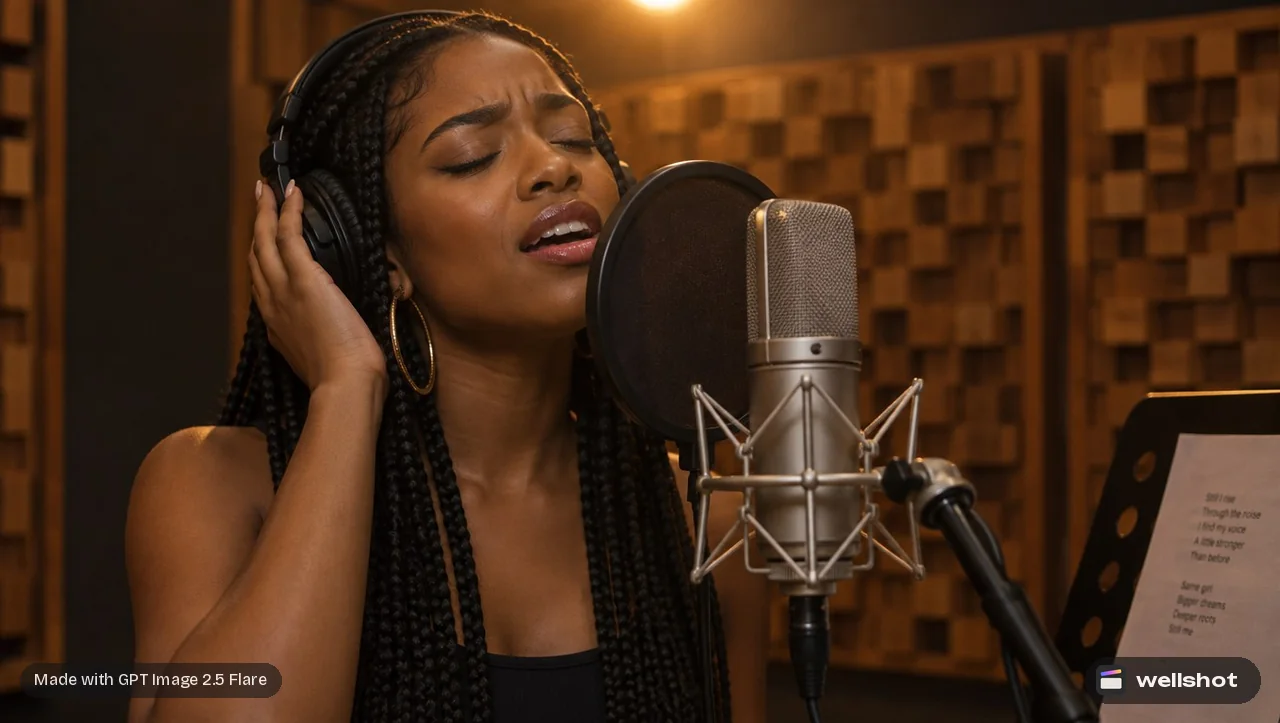
Performance shots are where lip sync earns its place in a music video. For each performance shot, give Avatar a picture of the singer and the stretch of vocal it should sing, then place the shot on the timeline at the same point in the song. Because each clip is exactly as long as its piece of sound and keeps it, the mouth lines up with the track. The AI music video generator guide covers the rest of the edit.
To start, open Kling AI Avatar 2.0 in Wellshot on a shot's Canvas.
FAQ
How do I make a picture talk with AI?
Use Kling AI Avatar 2.0 on Wellshot's Lip sync node: connect a picture of the person or character and a sound file, and it makes a clip of them speaking or singing that sound, as long as the sound.
Can AI lip sync an existing video?
Yes. Kling Lip Sync moves the lips in a clip you have (2 to 10 seconds, at least 720p) to a new sound of up to 60 seconds, and the clip keeps your sound.
Does AI lip sync work for singing?
Yes. Kling AI Avatar 2.0 makes a picture speak or sing your sound exactly, so a vocal track works as well as a spoken line.
What is the difference between Standard and Pro in Kling AI Avatar 2.0?
Pro gives finer faces and costs about twice as much as Standard. Standard is fine for checking timing; Pro is worth it when the face is large in frame.
Can I use my own voice for lip sync?
Yes. Upload your recording to the project and connect it to the Lip sync node. Use only voices you have the rights to use.
Make it in Wellshot
Every model in one studio. Prompt it, wire it as nodes, or let the Director run it.