How to Make an AI Short Film: A Producer's Workflow
How to make an AI short film step by step: script, consistent characters, storyboard, a model per shot, dialogue and sound, and the final edit in one place.
By the Wellshot team · · 5 min read
To make an AI short film, you work like a small production: write a script, cast characters you can keep consistent, board every shot, generate each shot with the model that suits it, add dialogue and sound, then cut it on a timeline. The models make the pictures, but the film comes from the decisions in between. Here is the workflow we use in Wellshot, from first idea to export.
1. Brief and script
Start with what the film is: length, aspect ratio, audience, tone, look and whether it has dialogue, narration or neither. In Wellshot the Director agent asks for exactly these if you leave them out, then writes the brief, concept and script with you. Short film is one of the formats it knows.
A 3-minute short film, 21:9. A lone samurai walks through a neon city in the rain
looking for the man who betrayed him. Almost no dialogue, two lines at the end.
Tone: quiet, tense, melancholy. Look: neon and rain, teal and amber, anamorphic.
Language: English. Music: I will upload my own score.
Keep the first film short. Three minutes is already 30 to 50 shots, and every one needs a decision.
2. Cast characters you can keep consistent
Consistency is the hardest part of AI film. The Director casts each character with a reference sheet: four full-body views (front, side, back, three-quarter) plus portrait and detail close-ups, kept consistent. You then use those sheets as reference pictures in every shot the character appears in.
- Image models that take many references: Nano Banana 2.1 (14), Seedream 4.5 and 5.0 Lite (14), Kling Image 3.0 Omni (10).
- Video models that follow references: Seedance 2.5 takes up to 30 pictures, 10 clips and 10 sounds; Seedance 2.0 takes 9 pictures; Gemini Omni Flash takes up to 3 pictures.
Our consistent characters guide and Seedance reference to video post cover the details.
3. Board the film
The Director builds a storyboard of scenes and shots, and each frame is already a shot in the project. Check the order, coverage and rhythm here, while frames are cheap. Use a fast image model like Seedream 5.0 Flash for the rough board, then re-make approved frames at higher quality. See the AI storyboard generator guide.
4. Generate shots with the right model
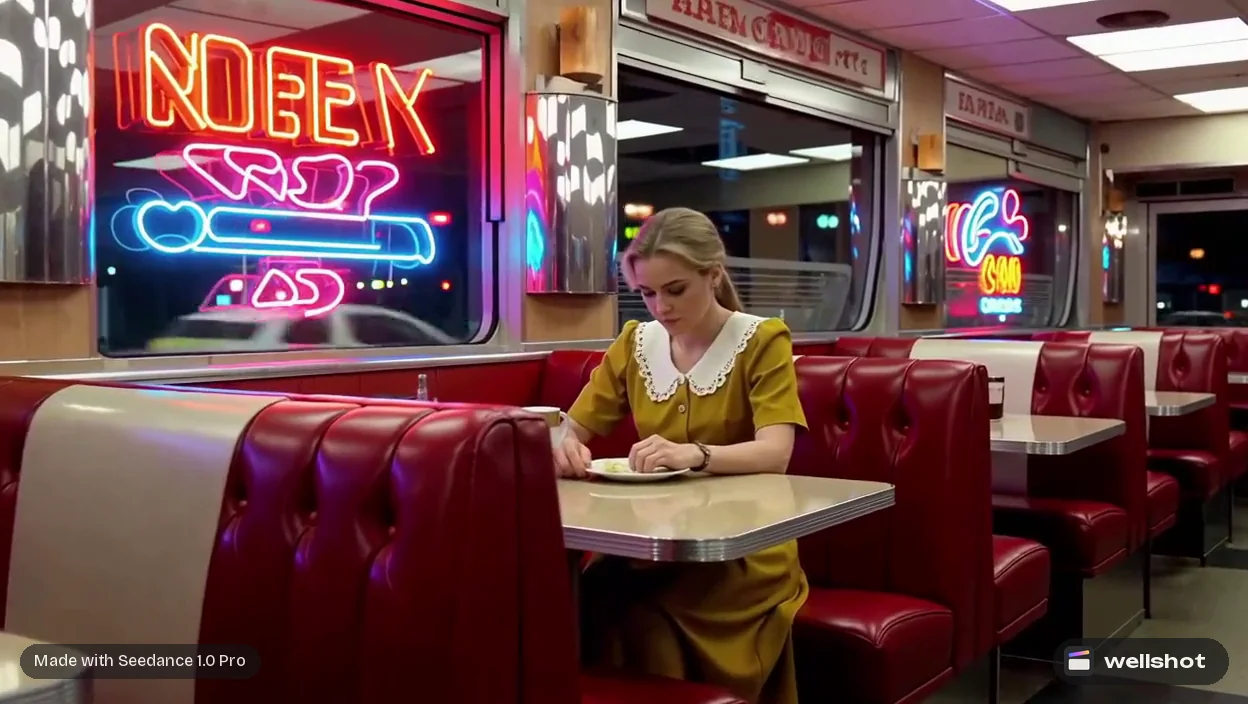
The Director picks a model per shot, or uses the one you ask for, and tells you what the plan costs before spending. You can change any choice in the Studio or on the Canvas. Our casting for a short film:
| Shot need | Model | Why |
|---|---|---|
| Long take, up to 30 s | Seedance 2.5 | Longest length in Wellshot |
| Character from reference sheets | Seedance 2.5 or 2.0 reference to video | Most reference inputs |
| Short dialogue moment with sound | Gemini Omni Flash | Always with sound |
| Cheap coverage and tests | Seedance 2.0 Mini | Cheapest of the 2.0 family |
| 21:9 widescreen | Seedance models | Gemini Omni Flash and Kling don't offer 21:9 |
| 4K master | Seedance 2.0, Kling 3.0, FLUX 3 Video | Render 4K |
Prompting a shot
Write like a shot list: subject, action, camera, light, pace. In the Studio's cinema mode you can pick camera body, lens, focal length, aperture, camera moves, era, lighting and palette instead of typing them.
The samurai from @Image 1 walks slowly toward camera down a narrow alley,
heavy rain, neon signs reflected in puddles. Camera tracks backward at his pace,
low angle. Anamorphic, 35mm, f/2. Neon and practical light, teal and amber.
He stops and lifts his head. Sound: rain on metal roofs, distant traffic.
Close-up of the samurai from @Image 1, rain running down his face.
Slow push in. He speaks quietly: "You knew I would come."
Low-key light, a single pink neon edge on his cheek.
Use draft mode on Seedance 2.5 to preview at 480p, then render the approved take at full quality from the same draft. Every generation is saved as a take on the shot, so nothing is lost when you try again.
5. Dialogue, sound and music
Video models with built-in sound can record dialogue and ambience with the shot: Seedance 2.5 and the 2.0 family and 1.5 Pro (switchable), Gemini Omni Flash (always on), Kling 3.0 (on or off). Put spoken lines in quotes.
For narration, extra dialogue or sound design as separate tracks, use Seed Audio 1.0: speech, dialogue, sound effects and ambience in one take, up to 2 minutes, from a description. Describe the voice and quote the lines.
Older man, hoarse, tired, speaking slowly in a quiet room:
"I waited eleven years for this rain."
Rain against a window, a clock ticking.
Music is your own: upload your score and lay it under the picture in the Editor. More in AI video with sound.
6. Edit the film
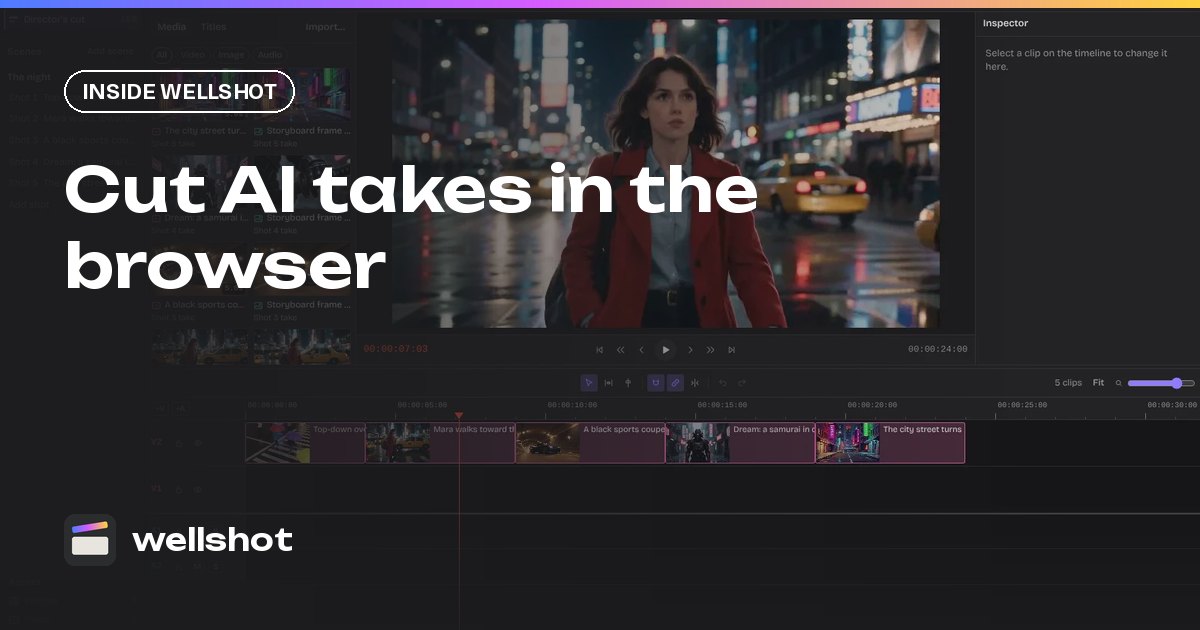
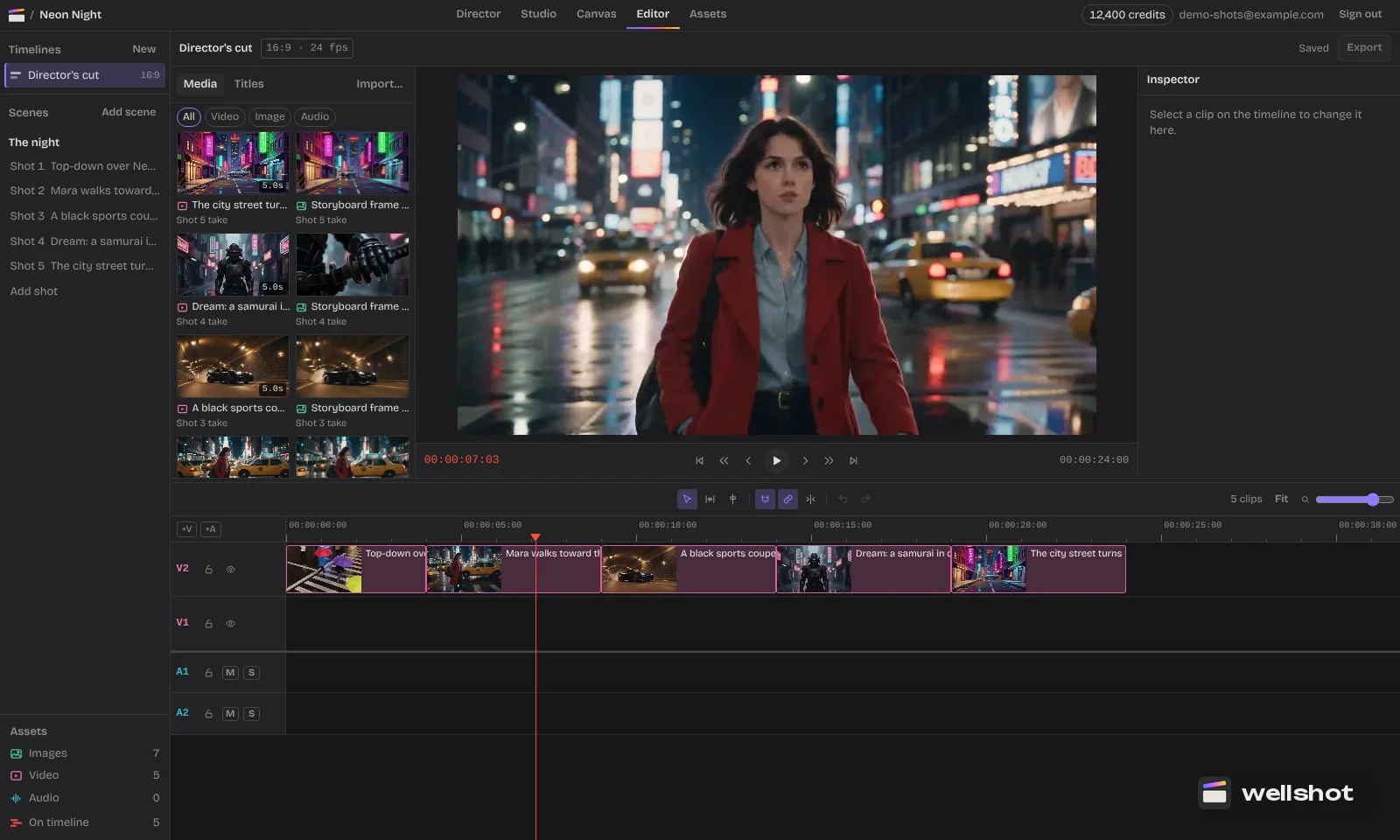
The Director assembles the cut on a timeline in story order, each clip trimmed to its planned length. Then you finish it in the online video editor:
- Watch the assembly straight through and note weak shots.
- Use "Swap take" to replace a shot with a better take; the cut updates.
- Split, slip and ripple to tighten rhythm, with snapping.
- Add audio tracks for score, dialogue and sound effects; set volume and mute.
- Add titles and credits with font, color, size, position and opacity.
- Export.
If a shot needs more time, the extend AI video post shows how to continue a clip with the extend task.
Brief the Director with your one-line idea and build the first scene today.
FAQ
How long does it take to make an AI short film?
It depends on the length, number of shots and how many takes you need. Boarding first with cheap image models and using draft previews on Seedance 2.5 cuts the number of expensive renders.
Can AI keep characters consistent in a short film?
Yes, with reference sheets. The Director casts each character with four full-body views plus portrait and detail close-ups, and you pass them into each shot as references.
What is the best AI model for short films?
There isn't one for every shot. Seedance 2.5 handles long takes and many references, Gemini Omni Flash always generates sound, and Seedance 2.0 Mini is good for cheap coverage.
Can AI short films have dialogue?
Yes. Several video models generate sound with the picture, and you can put spoken lines in quotes in the prompt. Seed Audio 1.0 also makes speech and dialogue as separate audio.
How long can one AI video shot be?
In Wellshot the longest single shot is 30 seconds with Seedance 2.5. Seedance 2.0 and Kling 3.0 go up to 15 seconds, and Gemini Omni Flash to 10.
Make it in Wellshot
Every model in one studio. Prompt it, wire it as nodes, or let the Director run it.