AI Storyboard Generator: Plan Every Shot Before You Spend
An AI storyboard generator that turns your idea into scenes and shots, with consistent characters, cheap frames and boards that become the final video shots.
By the Wellshot team · · 5 min read
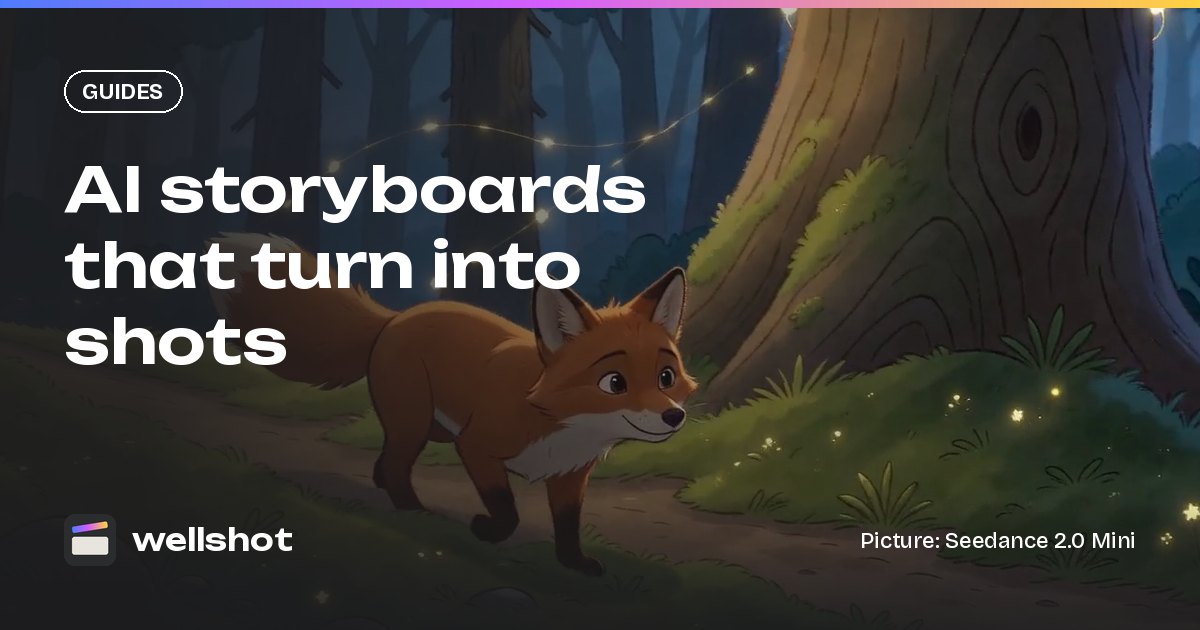
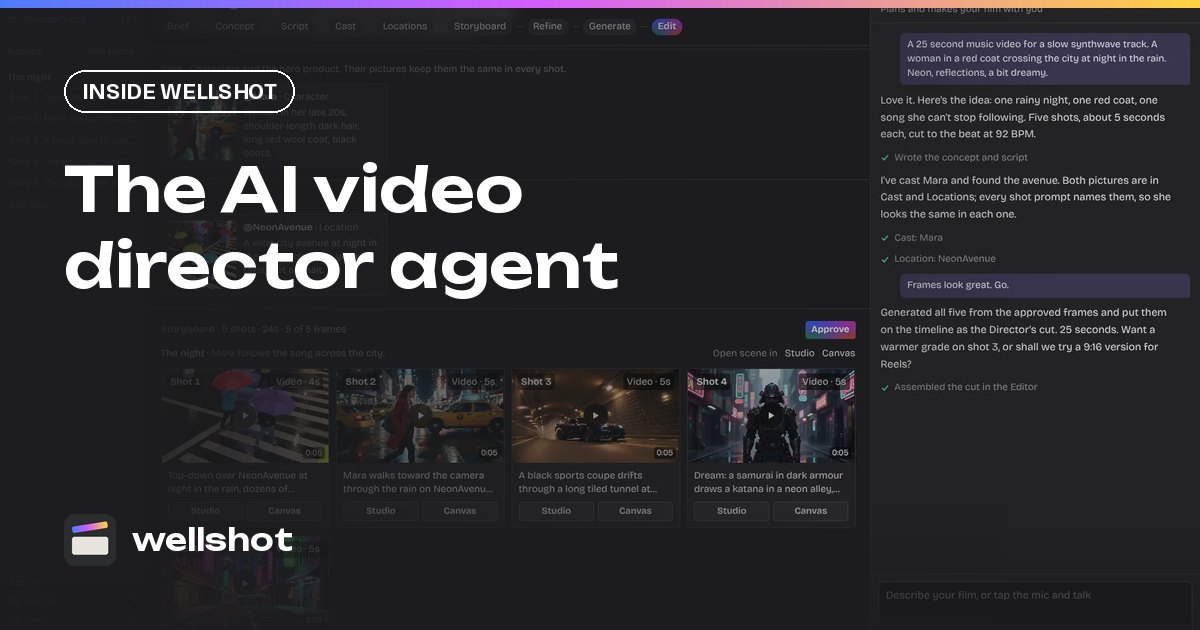
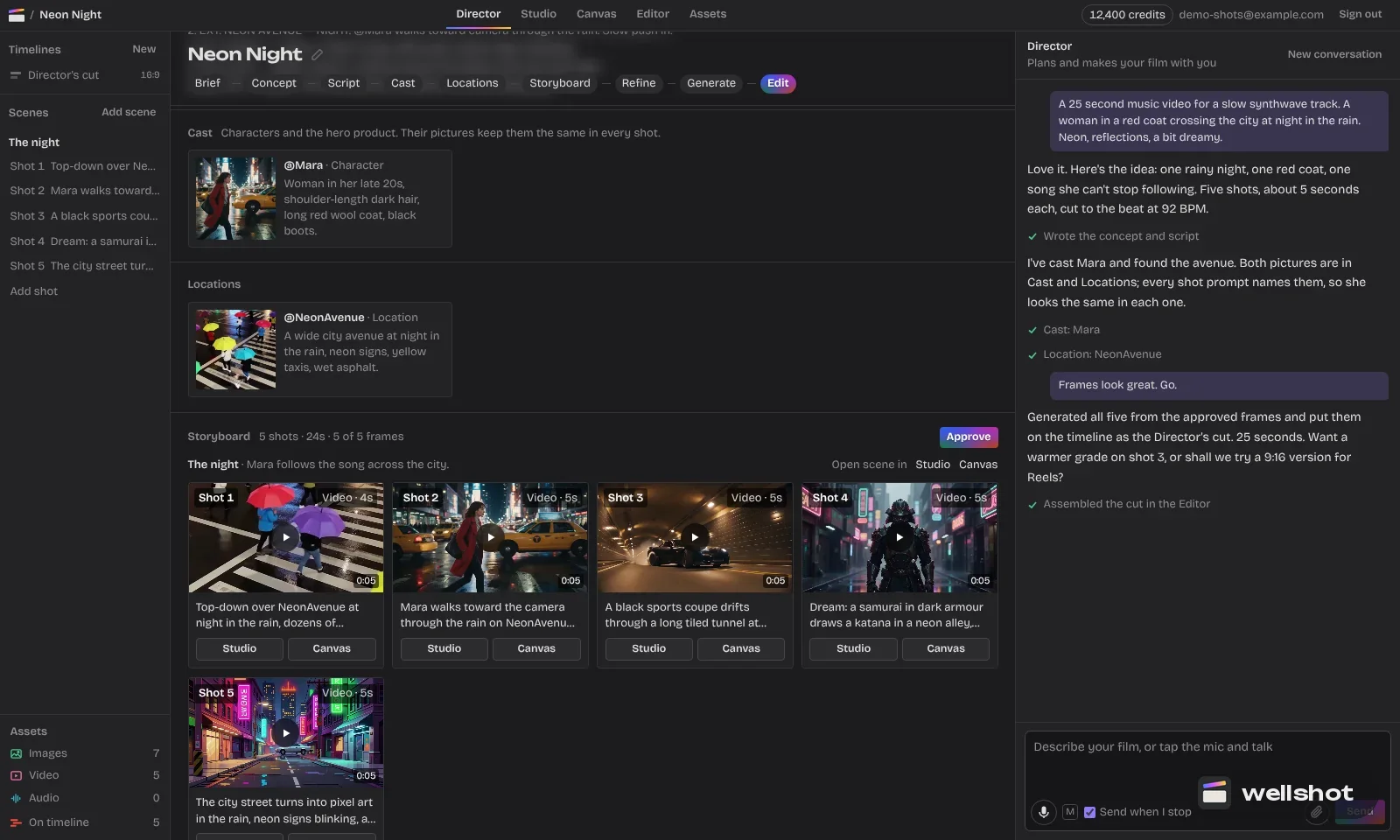
An AI storyboard generator turns a script or a rough idea into a sequence of frames, one per shot, so you can see the film before you pay for video. In Wellshot the storyboard is not a separate document: every frame is a shot in the project, and the same shot later becomes the video take on the timeline. You can have the Director build the whole board for you, or draw it shot by shot with a fast image model.
Why storyboard AI video at all
Video generation costs more credits than stills, and a shot that does not fit the story is wasted however good it looks. A board catches those problems early:
- You check the order, coverage and pacing of the story while frames are cheap.
- The client approves compositions before anything moves.
- Approved frames become start frames for image to video, so the final shots match the board.
- Characters and locations get fixed early, which keeps them consistent later.
Two ways to make a storyboard in Wellshot
Let the Director build it
The Director agent is a chat you brief like a crew. It asks only what it does not know (format, aspect ratio, length, audience and platform, tone and look, music or voice-over, language), then writes the brief, concept and script, casts characters, finds locations and builds a storyboard of scenes and shots. It also picks a model per shot and tells you what the plan will cost before generating.
A good brief for a board:
Make a storyboard for a 2-minute short film, 16:9. A girl follows a paper
lantern into a painted storybook forest and finds her grandmother's house.
Tone: gentle, warm, a bit mysterious. Look: hand-painted children's book,
soft golden light. Narration voice-over, English. About 14 shots.
Draw it yourself, shot by shot
If you already have a shot list, make each frame in the Studio's image mode or on the Canvas. Each scene sits on one Canvas board and each shot is a group, so the whole sequence is visible at once, which is close to how a paper board feels.
Pick the right image model for boards
| Stage | Model | Why |
|---|---|---|
| Rough boards, many options | Seedream 5.0 Flash | Fast and cheap, made for drafts and storyboards |
| Cheapest stills | Seedream 4.0 or Kling Image 3.0 | Low cost, fine for composition checks |
| Boards with recurring characters | Nano Banana 2.1 or Kling Image 3.0 Omni | Built for character and product consistency |
| Frames that become final start frames | Seedream 5.0 Pro | Best quality, precise edits |
A common pattern is to rough the whole board with Seedream 5.0 Flash, then re-make the approved frames with Seedream 5.0 Pro as edits of the Flash frame. More in Seedream 5.0 Flash for storyboards.
Keep characters consistent across frames
A board falls apart if the hero looks different in every frame. The Director casts characters with reference sheets: four full-body views (front, side, back, three-quarter) plus portrait and detail close-ups, kept consistent. Feed those sheets into each frame as references, named in the prompt:
Wide shot. The girl from @Image 1 stands at the edge of a painted forest,
holding a glowing paper lantern from @Image 2. Tall trees with round
leaves, warm golden light through the branches. Hand-painted children's
book style, soft texture. She is small in frame, looking in.
Close-up. The girl from @Image 1, three-quarter view, looking up in wonder.
The lantern glow lights her face from below. Same painted style,
shallow focus, dark green forest behind her.
The consistent characters in AI guide goes further on sheets and references.
Write board frames like a shot list
Every frame prompt should answer the same questions a storyboard artist asks:
- Shot size: wide, medium, close-up, insert.
- Who and what: the character (by reference) and the action frozen at its key moment.
- Where: the location, also by reference if you have one.
- Camera: angle and lens feel. In cinema mode you can set focal length (14 to 135 mm), aperture and lens type as options.
- Light and palette: time of day, lighting style, color palette.
Note the planned camera move in the shot, even though a still cannot show it. You will need it when you animate.
Review the board the way an editor would: read it in order, check that each scene has a wide shot to establish the space, that close-ups land on the important moments, and that screen direction stays consistent so a character walking left keeps walking left. Fixing a frame now costs one cheap still; fixing it after animation costs a video take.
From board to moving shots
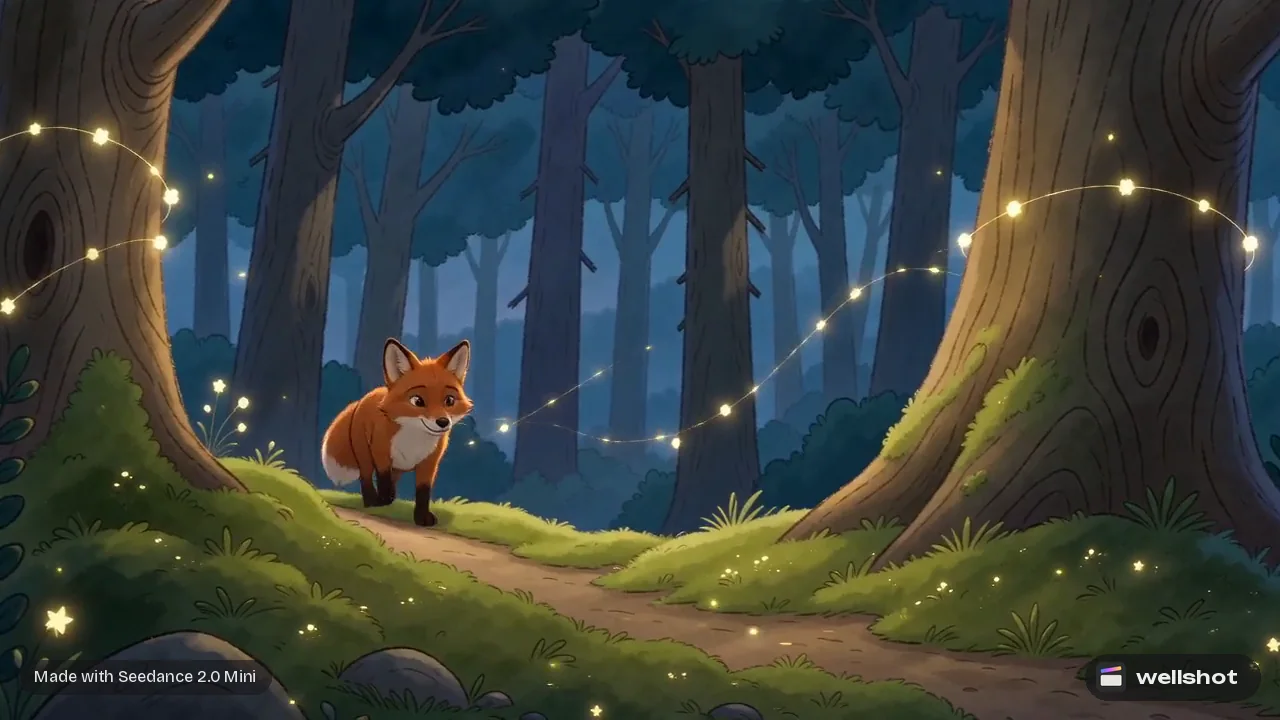
When the board is approved, each frame becomes the start frame of its shot. In the Studio switch to video mode and use "animate start/end frames"; on the Canvas wire the frame into a video node. Write a motion prompt for each:
Slow push in toward the girl as the lantern drifts forward out of her hands
and floats into the forest. Leaves sway. Light flickers softly.
For cheap motion tests use Seedance 2.0 Mini; for finals, Seedance 2.5 offers draft mode, a 480p preview first and then the full render from the same draft. The image to video start and end frame guide covers this step.
The Director then assembles the cut on the timeline in story order, each clip trimmed to its planned length, and you refine it in the Editor.
Brief the Director with your idea and get a board back before you spend on video.
FAQ
What is an AI storyboard generator?
It is a tool that turns a script or idea into a sequence of frames, one per shot. In Wellshot, the Director builds the storyboard as scenes and shots, and each frame can later become the start frame of the video shot.
Can AI keep the same character across storyboard frames?
Yes. The Director makes character reference sheets with four full-body views plus portrait and detail close-ups, and you pass them into each frame as references named @Image 1, @Image 2 and so on.
Which model is best for storyboards?
Seedream 5.0 Flash is the fast, cheap option made for drafts and storyboards. For frames that will become final start frames, Seedream 5.0 Pro gives the best quality.
Can I turn my storyboard into a video?
Yes. Each storyboard frame is a shot in the project, so you can animate it as a start frame with any image-to-video model and the Director assembles the clips on a timeline in story order.
How much does an AI storyboard cost?
Each frame costs credits, and the Director tells you what a plan costs before generating. Cheaper models like Seedream 5.0 Flash keep boards inexpensive.
Make it in Wellshot
Every model in one studio. Prompt it, wire it as nodes, or let the Director run it.