AI Music Video Generator: Cut Shots to the Beat
How to use Wellshot as an AI music video generator: upload a track or make one with Eleven Music, let the Director cut shots to the beat, then edit.
By the Wellshot team · · 6 min read
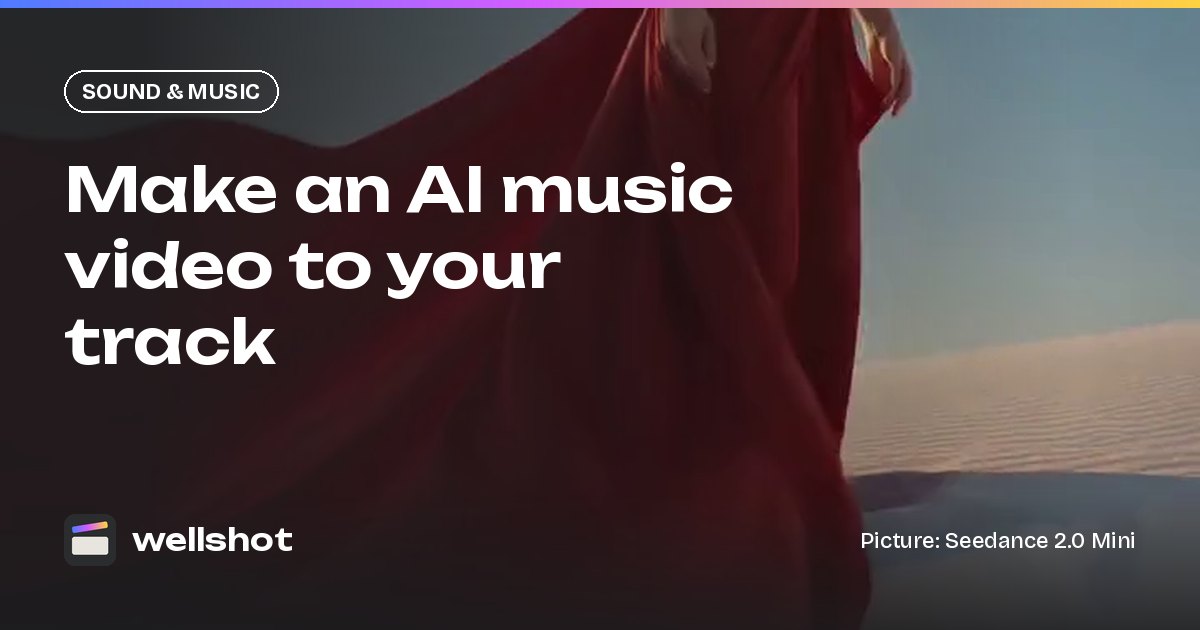
To make a music video with AI in Wellshot, start with the song: upload your own track, or generate a song or score with Eleven Music from ElevenLabs, lyrics included. Then tell the Director what the video should feel like, and it plans shots cut to the beat (typically 2 to 4 seconds each), generates them, and lays them on a timeline under the music.
This guide walks through the whole process, from the first conversation with the Director to the final export, with prompts you can adapt.
What Wellshot does and doesn't do for music videos
Clear expectations save time, so here is the split:
| Part of the job | Who does it |
|---|---|
| The song | You upload your own track, or generate one with Eleven Music |
| Concept, storyboard, shot list | The Director agent |
| Cutting shots to the beat | The Director, using your track |
| Visuals for each shot | Video and image models you choose per shot |
| Sound effects and ambience | Video models with sound, or Seed Audio 1.0 |
| Spoken intros or voice parts | Seed Audio 1.0 |
| Final edit, titles, export | The browser Editor |
Wellshot doesn't do lip sync, even on a song with generated vocals, so plan performance shots as moods, movement and images rather than a singer mouthing the words.
Step 1: get the track
If you already have a finished song, skip ahead and upload it in the next step. If you don't, open Eleven Music in Wellshot and describe what you want: genre, mood, instruments, tempo and, if it should be sung, the lyrics. It makes clips of 10 seconds, 30 seconds, or 1, 2 or 3 minutes, so you can test a 30-second idea before committing to a full-length track.
Slow, dreamy electronic track, 3 minutes. Warm analog synth pads,
soft kick, deep sub bass, a breathy female vocal floating on top.
Builds gently to a wide chorus at 1:20, strips back to pads for the outro.
Lyrics: "Sand in the wind, red in the sky, follow the light till the day runs dry."
Every take is saved, so generate a few versions and keep the one that moves you. The result lands in the project's media like any other take.
Step 2: brief the Director
Music video is one of the formats the Director agent knows, along with commercials, short films and social video. Open the Director and describe the video as you would to a crew. It only asks about what you haven't told it: aspect ratio, length, platform, tone and look.
Music video for my track (in the project now). Slow, dreamy electronic, 3 minutes.
Vertical 9:16 for Reels and TikTok, plus a 16:9 version later.
Look: desert at golden hour, red silk, long shadows, warm sand palette.
No people's faces, just fabric, wind, sand and sky. Hypnotic, not busy.
For a music video, the Director asks for the track, whether you uploaded it or made it with Eleven Music. That's the step that matters most: with the song in the project it can place cuts on the beat instead of guessing.
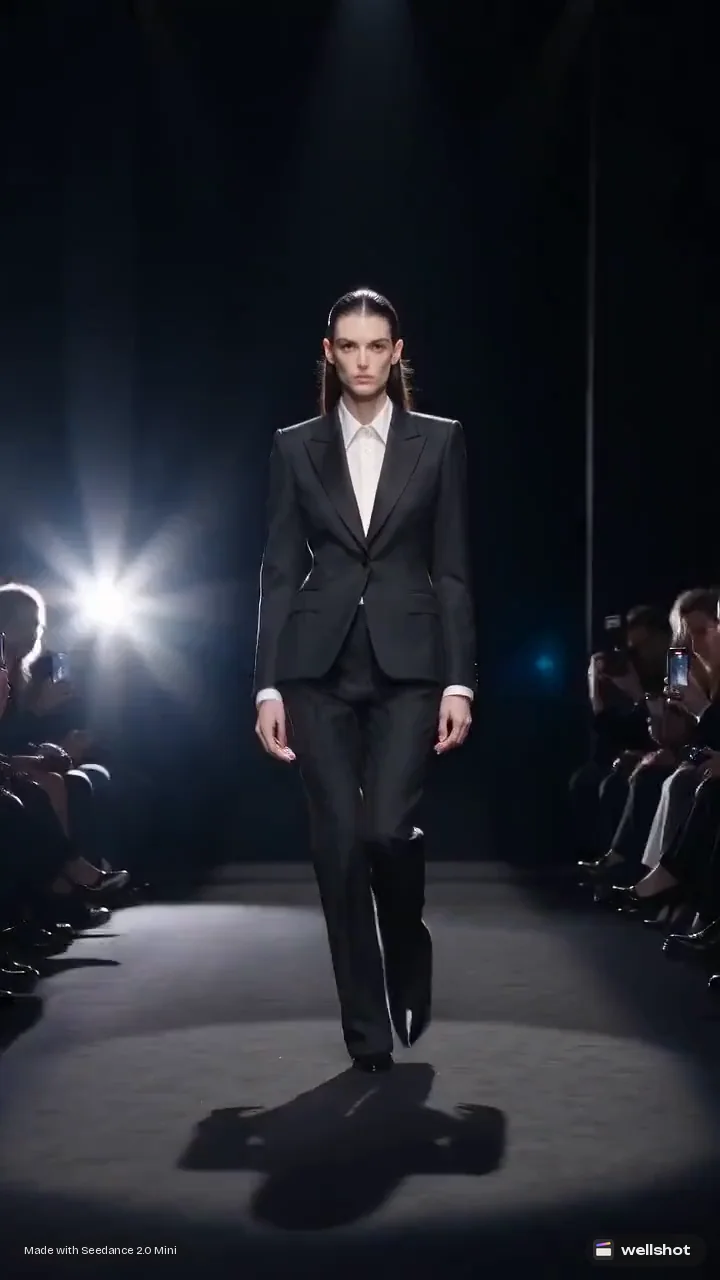
Step 3: check the plan before spending
The Director writes the brief, concept and script, builds a storyboard of scenes and shots, and picks a model for each shot (or uses the one you ask for). Before generating anything it tells you what the plan will cost in credits.
This is the moment to make changes:
- Shot length. Typical music video cuts are 2–4 seconds. If you want longer, slower shots in the bridge, say so.
- Models per shot. A music video has a lot of shots, so a cheap model like Seedance 2.0 Mini for most of them and a higher-end one like Seedance 2.5 for a few hero moments keeps the cost sensible.
- Aspect ratio. Seedance models do 16:9, 9:16, 1:1, 4:3, 3:4 and 21:9. Gemini Omni Flash does 16:9 or 9:16.
- Recurring elements. If the same object, outfit or character appears throughout, ask for it to be cast so it stays consistent. See consistent characters with AI.
Step 4: generate and review the shots
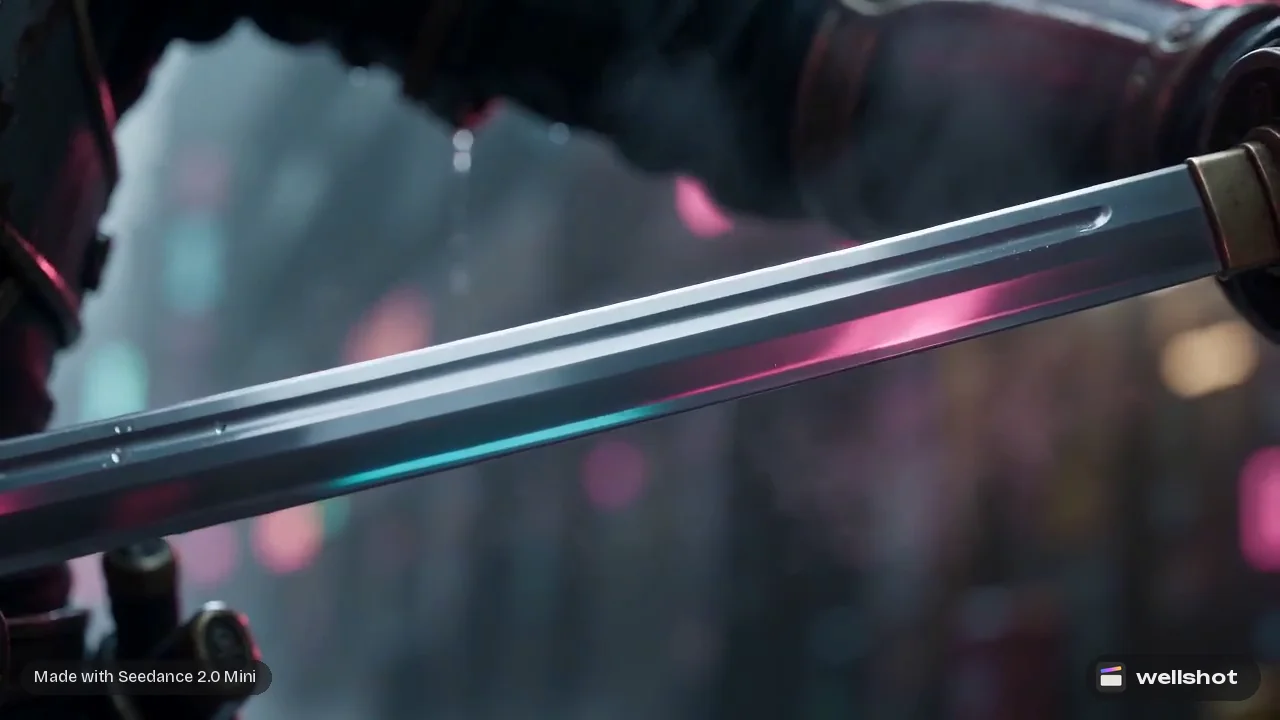
Once you approve, the Director generates every shot. Each generation is saved as a take on its shot, so nothing is lost when you try again. To fix a single shot, open it in Studio and change the prompt, or switch on cinema mode to set the camera move, lens and lighting precisely. A few camera moves that work well against a beat:
- Slow push in on sustained notes.
- Whip pan on a drum hit or transition.
- Orbit around a subject for a chorus.
- Crane up for a build or a drop.
- Handheld for verses that need energy.
More options and wording are in AI video camera movement prompts.
Step 5: sound on top of the song
The song is the soundtrack, but a few extra layers can help: wind under a quiet intro, a whoosh on a transition, a spoken line before the first verse.
- Video models with sound (Seedance 2.x with sound on, Gemini Omni Flash, Kling 3.0) can add effects and ambience with the picture. Switch sound off on models that allow it if you want only your song.
- Seed Audio 1.0 makes sound effects, ambience and voice from a description, up to 2 minutes per take.
- Eleven Sound Effects makes a single effect, such as a riser or a whoosh, from a description, 2 to 22 seconds long.
Step 6: finish in the Editor
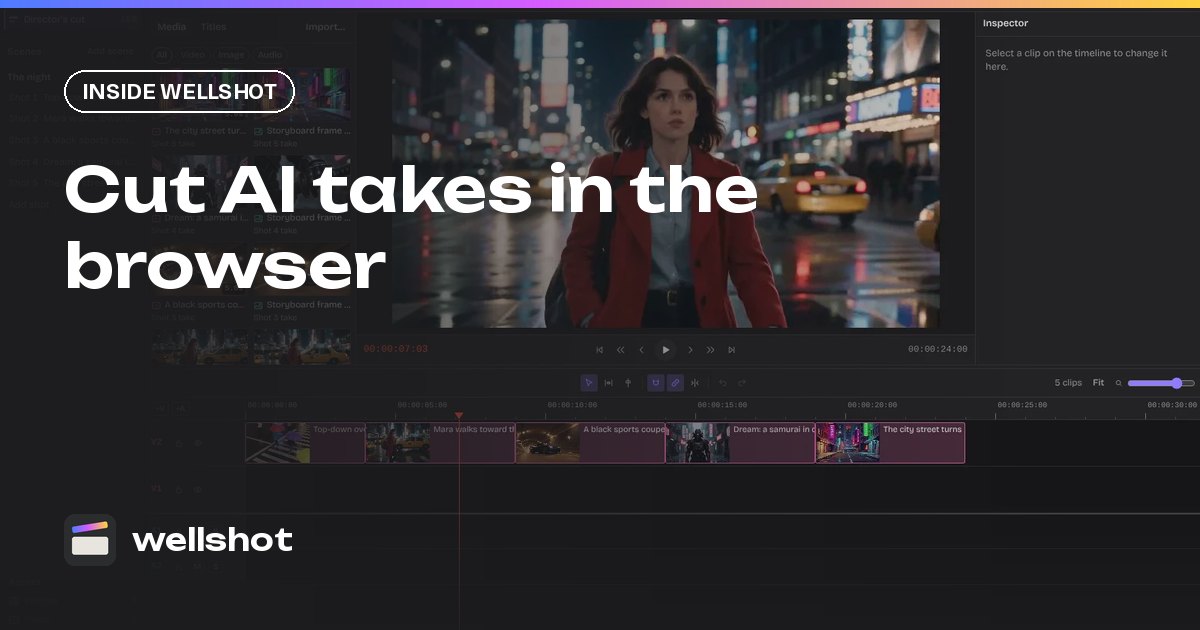
The Director assembles the cut on a timeline in story order, with each clip trimmed to its planned length and the track underneath. Open it in the online video editor to polish:
- Nudge cuts with slip and ripple, using snapping to line them up.
- Mute or lower clip sound so it sits under the song.
- Add titles: artist and track name, with font, color, size, position and opacity.
- Use transform (position, zoom, rotation, flip) for punch-ins.
- Use "Swap take" on any shot to try a different take; the cut updates.
- Export.
For the second aspect ratio, regenerate the shots you need in 16:9 on the same project. For vertical-first tips see the AI vertical video generator post.
Have a track ready, or just made one? Start your music video with the Director.
FAQ
Can AI make a music video from my song?
Yes. In Wellshot you upload your track (or generate one), the Director plans shots cut to the beat, generates the visuals and assembles them on a timeline under the music.
Does Wellshot generate the music?
Yes. Eleven Music from ElevenLabs makes songs and score from a description of genre, mood, instruments and lyrics, from 10 seconds up to 3 minutes. You can still upload your own track instead.
How long should each shot be in an AI music video?
The Director cuts to the beat, typically 2 to 4 seconds per shot. You can ask for longer shots in slower sections.
How much does an AI music video cost?
It's paid in credits, and the Director tells you what the plan costs before generating anything. Using a cheaper model for most shots and a premium one for a few hero shots keeps the total down.
Make it in Wellshot
Every model in one studio. Prompt it, wire it as nodes, or let the Director run it.