AI Voiceover Generator: Narration and Dialogue in Wellshot
Use Wellshot as an AI voiceover generator: Seed Audio and ElevenLabs voices, 70+ languages, dialogue, dubbing, and laying the read under your cut.
By the Wellshot team · · 7 min read
Wellshot gives you two kinds of AI voiceover generator. Seed Audio 1.0, from ByteDance's Seed team, reads lines you write in quotes in a voice you describe, up to 2 minutes per take, and can copy a voice from up to 3 reference recordings (only voices you have permission to use). The ElevenLabs voice models read your script in a stock voice, in 70+ languages, and also handle dialogue, re-voicing and dubbing.
This guide covers which voice model to pick, how to write a voiceover prompt, how to handle dialogue between characters, how voice references work, and how to get the read into your edit.
Which voice model to use
| Model | Maker | Best for |
|---|---|---|
| Seed Audio 1.0 | ByteDance | A described voice, or one copied from references, with effects and ambience in the same take |
| Eleven v4 Voice | ElevenLabs | Natural narration in 70+ languages from one of 21 stock voices |
| Eleven v3 Voice | ElevenLabs | Expressive reads with cues like [whispers] or [laughs] in the script |
| Eleven v3 Dialogue | ElevenLabs | A conversation between stock voices, one line each |
| Eleven Voice Changer | ElevenLabs | Re-voicing a recording with another stock voice, keeping timing and emotion |
| Eleven Dubbing | ElevenLabs | Translating a voice recording into another language in the same voice |
A quick rule: if the voice has to be described or matched to a reference, or the read should come with its own room and ambience, use Seed Audio. If you want a clean, ready-made narrator, a specific language, or a translated version of an existing read, use the ElevenLabs models.
What you can make with Seed Audio
Seed Audio 1.0 makes speech, dialogue, sound effects and ambience in one take, from a description. For voiceover that means:
- Narration: a single voice over picture, like a brand film or documentary read.
- Dialogue: two or more voices in one take.
- Voice with a bed: a line plus room tone or ambience behind it, so it doesn't sound like it was recorded in a vacuum.
- Scene-matched audio: give it one picture and it sets the scene from that.
| Setting | What to know |
|---|---|
| Max length | Up to 2 minutes per take |
| Lines | Put spoken words in quotes |
| Voice | Describe it: age, tone, pace, accent, energy |
| Voice reference | Up to 3 reference sounds, named @Audio 1–3 |
| Picture reference | One picture to set the scene |
Writing a voiceover prompt
The model reads exactly what's in the quotes. Everything outside the quotes tells it how. Keep those two parts clearly separate.
Narration, close and dry, no music, no background sound.
Voice: woman in her 40s, low and calm, unhurried, warm, slight smile.
Pause briefly between sentences.
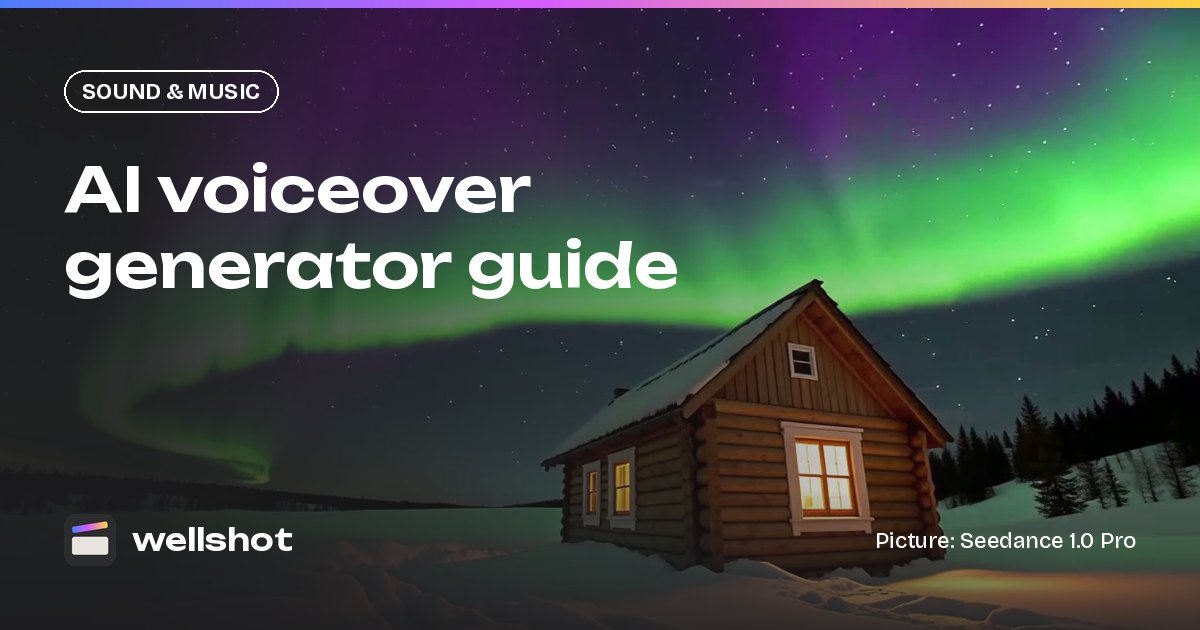
"Far from the city, the nights are long. And some of them are worth staying up for."
What makes a direction work:
- Describe the delivery, not just the voice. "Unhurried, slight smile" gives the read a shape; "nice voice" doesn't.
- Say where it sits. "Close and dry" for a studio-style read, "in a small wooden room" if it should feel present in the scene.
- Ask for pauses. Pacing is easier to cut when there is air between sentences.
- Name what you don't want. "No music, no background sound" keeps the read clean for the mix.
Write numbers, names and brand words as you want them said. If a word keeps coming out wrong, spell it the way it sounds.

Dialogue between characters
For a scene with two speakers, describe each voice and keep their lines in order.
Two people in a car at night, engine idling, rain on the roof.
Driver: man, 30s, tired, quiet. Passenger: woman, 20s, quick, a little nervous.
Driver: "We're early."
Passenger: "We're never early. Something's wrong."
Driver, after a pause: "Then we wait."
If you need more control over each line, generate each speaker separately and assemble them in the Editor. That also makes it easier to swap one line without regenerating the whole exchange.
With stock voices, Eleven v3 Dialogue does the same job: write one line per speaker, starting each with the voice's name.
Rachel: We're early.
George: We're never early. Something's wrong.
Rachel: [quietly] Then we wait.
Stock voices, languages and dubbing with ElevenLabs
For a straight narrator, Eleven v4 Voice is the quickest route: write the script, pick one of 21 stock voices, and choose from 70+ languages. When the read needs more acting, Eleven v3 Voice takes cues in the script itself, such as [whispers] or [laughs], so you can direct the performance line by line.
Two models work on recordings you already have:
- Eleven Voice Changer re-voices a recording (@Audio 1) with another stock voice while keeping its timing and emotion. Handy when you've recorded a guide track yourself and want a different voice on it. Use only recordings you have the rights to.
- Eleven Dubbing translates a voice recording into another language in the same voice, for example English into Russian or Arabic, so one narration can serve several markets.
Copying a voice: use only voices you have permission to use
Seed Audio 1.0 can copy a voice from up to 3 reference sounds. In Studio you attach them as audio references; on the Canvas they appear as numbered inputs named @Audio 1, @Audio 2 and @Audio 3 in the prompt.
The rule is simple: only use a voice you have permission to use. That means your own voice, a voice actor who has agreed to it for this job, or a client's spokesperson with written sign-off. Don't copy the voice of a celebrity, a public figure or anyone who hasn't agreed. If you're producing for a client, get the permission in writing before you upload the reference.
Practical tips when you do have permission:
- Use clean recordings: one speaker, little room noise, no music.
- Give it a few different sentences rather than one long one.
- Still describe the delivery you want; the reference sets the voice, the prompt sets the read.
Getting the voiceover into your film
- Make the read in Studio's audio mode or with the Seed Audio or ElevenLabs nodes on the Canvas. The credit price shows on the button first.
- The take lands in the project's media, next to your video takes.
- In the online Editor, drop it on an audio track.
- Split it into lines, slip each one to the picture, and set the volume against music and effects.
- If the clips have their own sound, lower or mute them under the voice.
If you're building the whole film with the Director agent, it asks up front whether you want voice-over and in which language, and writes the script with that in mind.

Voiceover vs the video model's own sound
Several video models make sound with the picture, including Gemini Omni Flash (always on) and the Seedance 2.x family (switchable). That sound is tied to what's on screen. Narration usually isn't, so a separate read from Seed Audio or an ElevenLabs voice is the cleaner choice: you can rewrite a line without regenerating the shot. More on that split in AI video with sound, and for effects and ambience see the AI sound effects generator guide.
Write your first read now: open Seed Audio 1.0 in Wellshot.
FAQ
What is the best AI voiceover generator for video?
In Wellshot, Seed Audio 1.0 makes narration and dialogue from a description, up to 2 minutes per take, and Eleven v4 Voice reads a script in 21 stock voices and 70+ languages. Either result drops straight onto an audio track in the browser Editor under your picture.
Can I clone my own voice for voiceover?
Seed Audio 1.0 can copy a voice from up to 3 reference recordings. Use only voices you have permission to use, such as your own or a voice actor who has agreed.
How long can an AI voiceover be?
With Seed Audio 1.0, up to 2 minutes per take. For a longer script, generate it in parts and join them on the Editor timeline.
Can I make a voiceover in another language?
Yes. Eleven v4 Voice narrates in 70+ languages, and Eleven Dubbing translates an existing voice recording into another language in the same voice.
How much does AI voiceover cost?
Each generation costs credits, and the price shows on the button before you run. Failed generations are refunded automatically and plan credits refresh every month.
Make it in Wellshot
Every model in one studio. Prompt it, wire it as nodes, or let the Director run it.