AI Film Studio in the Browser: How Wellshot Works
Wellshot is an AI film studio in the browser: a Director agent, a prompt Studio, a node Canvas and a timeline Editor over one project, from brief to cut.
By the Wellshot team · · 5 min read
An AI film studio is a place where you can take a film from brief to finished cut without leaving one tool: plan it, design characters and locations, generate shots with the right model, and edit. Wellshot is an AI film studio in the browser. One project holds scenes and shots, and four views (Director, Studio, Canvas and Editor) work on that same project, so a change in one shows in the others.
This post explains how the studio is organized, what each view is for, and how a short film moves through it.
How a Wellshot project is organized
The structure mirrors how productions are already run:
- Project: the film, commercial or video.
- Scenes: the sections of the story.
- Shots: the units you generate. Each shot has a node graph, its takes (every generation is saved) and its assets.
Nothing is a loose file. A take belongs to a shot, a shot to a scene, a scene to the project. When you replace a take, everything that uses it knows.
The four views
Director: describe the film like you would to a crew
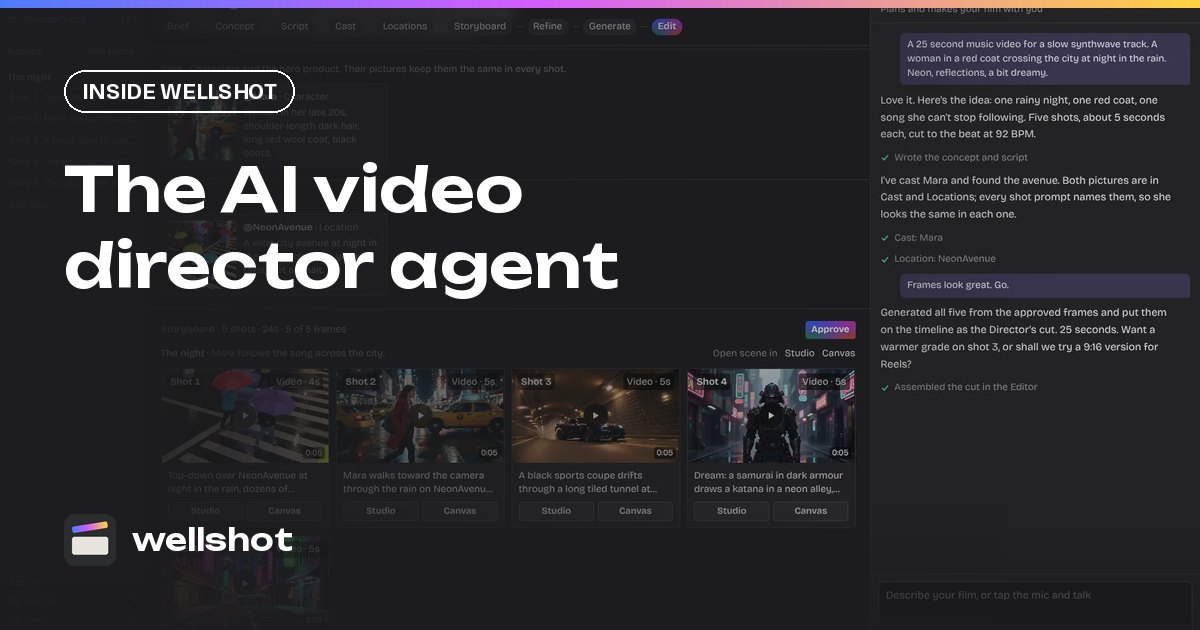
The Director is a chat agent. You describe the film, and it asks only what it doesn't know: format, aspect ratio, length, audience or platform, tone and look, music or voice-over, and language. Then it:
- Writes the brief, concept and script.
- Casts characters with reference sheets: four full-body views (front, side, back, three-quarter) plus portrait and detail close-ups, kept consistent.
- Finds locations.
- Builds a storyboard of scenes and shots.
- Picks a model per shot, or uses the one you ask for.
- Tells you what the plan costs before spending.
- Generates, and assembles the cut on a timeline in story order, with each clip trimmed to its planned length.
It knows four formats: commercial, music video, short film and social video. For music videos it asks you to upload your track or generate one with Eleven Music, and cuts shots to the beat, typically 2 to 4 seconds each. More in the AI video director agent.
Studio: one shot, one prompt panel
Studio shows one shot as a prompt panel: prompt, reference pictures, model picker, aspect ratio, resolution, length, sound on or off, seed and draft mode. It has image, video, audio and cinema modes. Cinema mode replaces style adjectives with camera choices: camera body, lens, focal length, aperture, ordered camera moves, era, lighting and color palette. See the Studio prompt panel.
Canvas: the same shot as nodes
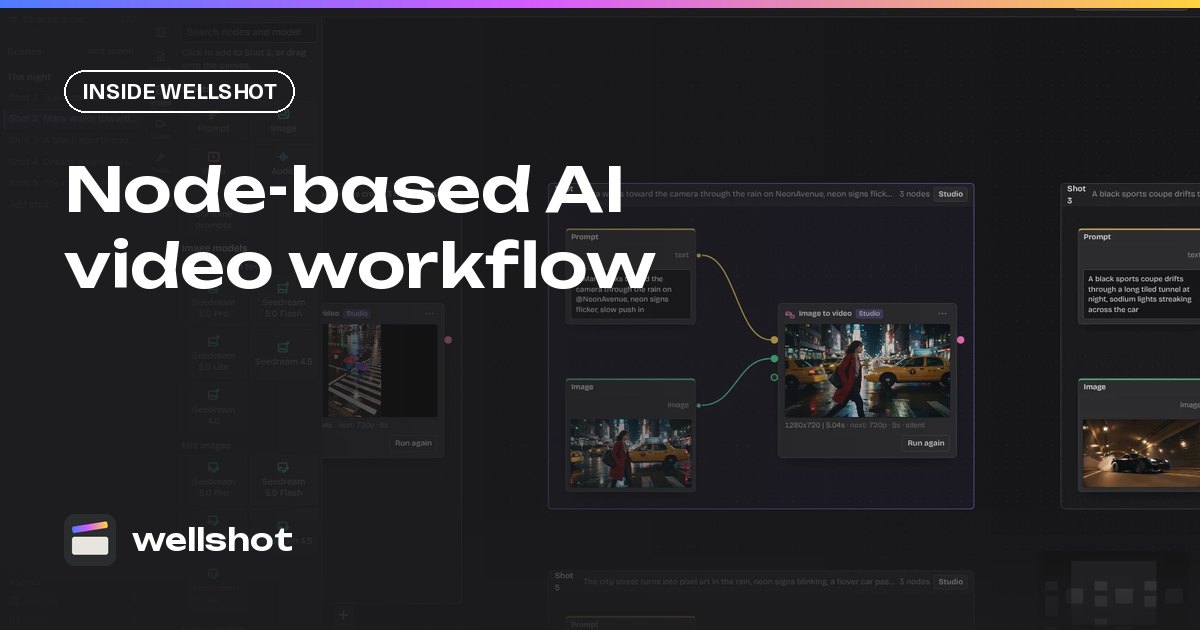
The Canvas shows the shot as a node graph. A whole scene sits on one board with each shot as a group. Every model has its own nodes per task with its real inputs, and there are non-AI editing nodes too: crop, resize, color adjust, levels, painter, compositor with blend modes, masks, extract frame and more. Re-running only executes nodes that changed. The node-based AI video workflow post goes deeper.
Editor: the cut, in the browser
The Editor is a timeline. Every take lands in the project's media; drop takes on video tracks, add audio tracks for your music, voice and sound, split, slip, ripple, add titles and transforms, and export. "Swap take" on a shot updates the cut. See the online video editor for AI video.
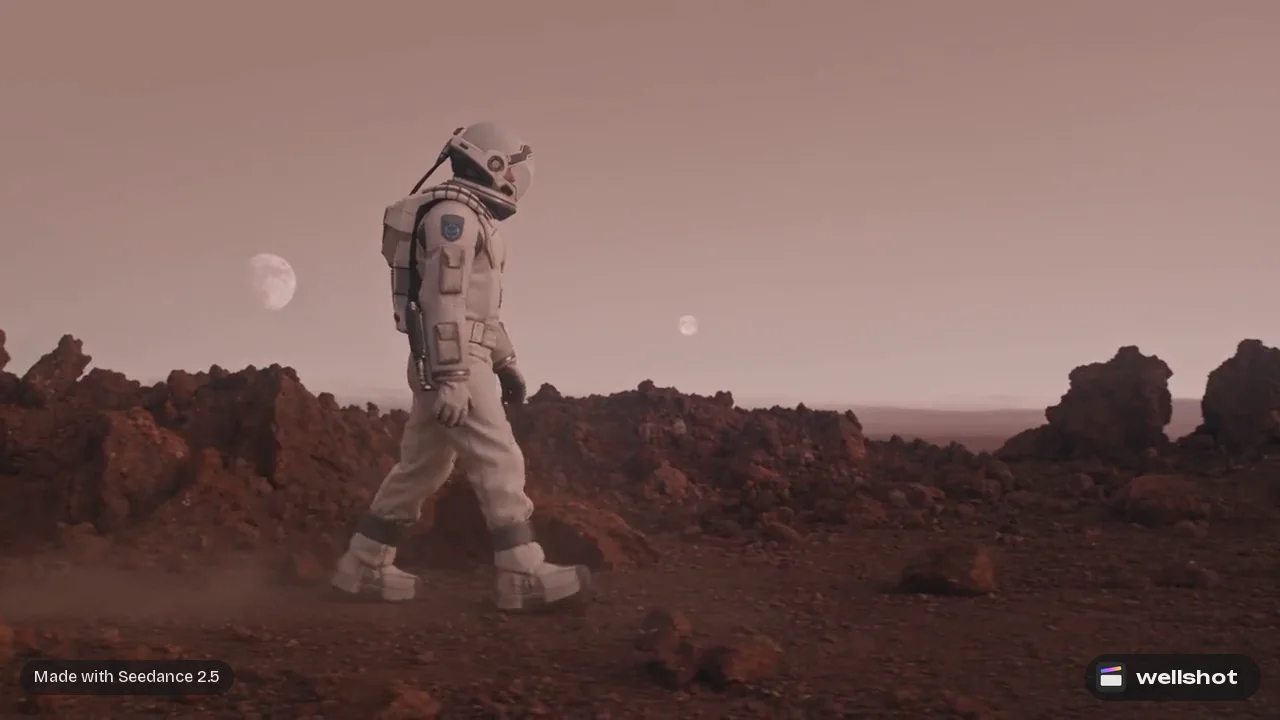
The models inside the studio
Wellshot lets you choose the model per shot, in the Director, Studio and Canvas. One film can mix them.
| Type | Models you can run in Wellshot |
|---|---|
| Video | Seedance 2.5, 2.0, 2.0 Fast, 2.0 Mini, 1.5 Pro, 1.0 Pro, 1.0 Pro Fast; Gemini Omni Flash; Kling 3.0, 3.0 Turbo |
| Image | Seedream 5.0 Pro, 5.0 Flash, 5.0 Lite, 4.5, 4.0; Nano Banana 2.1, Nano Banana Pro; Kling Image 3.0, 3.0 Omni, O1 |
| Audio | Seed Audio 1.0 for speech, dialogue, sound effects and ambience |
Several video models generate sound with the picture. For music, upload your own track or generate a song or score with Eleven Music; the Director cuts to it and the Editor lays it under the picture. For help choosing, read the best AI video models you can run in Wellshot.
A short film through the studio
Here is how a two-minute short might move through Wellshot.
- Brief in the Director. For example:
A two-minute short film, 16:9, for festival submission. A lone astronaut
crosses a red desert plain toward a signal, finds an old rover, and
decides to keep walking. Tone: quiet, lonely, hopeful at the end.
Look: 65mm film, warm sand palette, hard noon sun turning to golden hour.
No dialogue. Ambient sound only, I will add my own music.
- Approve the script and storyboard. The Director casts the astronaut with a reference sheet, finds the locations and lays out scenes and shots. Check the cost it shows.
- Refine hero shots in Studio. Set the camera body, lens and moves in cinema mode for the shots that matter most.
- Build the hard shots on the Canvas. For example, edit a still with the Painter node to mark the rover, then animate it with reference to video, then extend.
- Cut in the Editor. Start from the assembled cut, slip takes to their best moments, add your music and titles, export.
- Revise. New take, "Swap take", the cut updates.
The full version of this process is in how to make an AI short film.
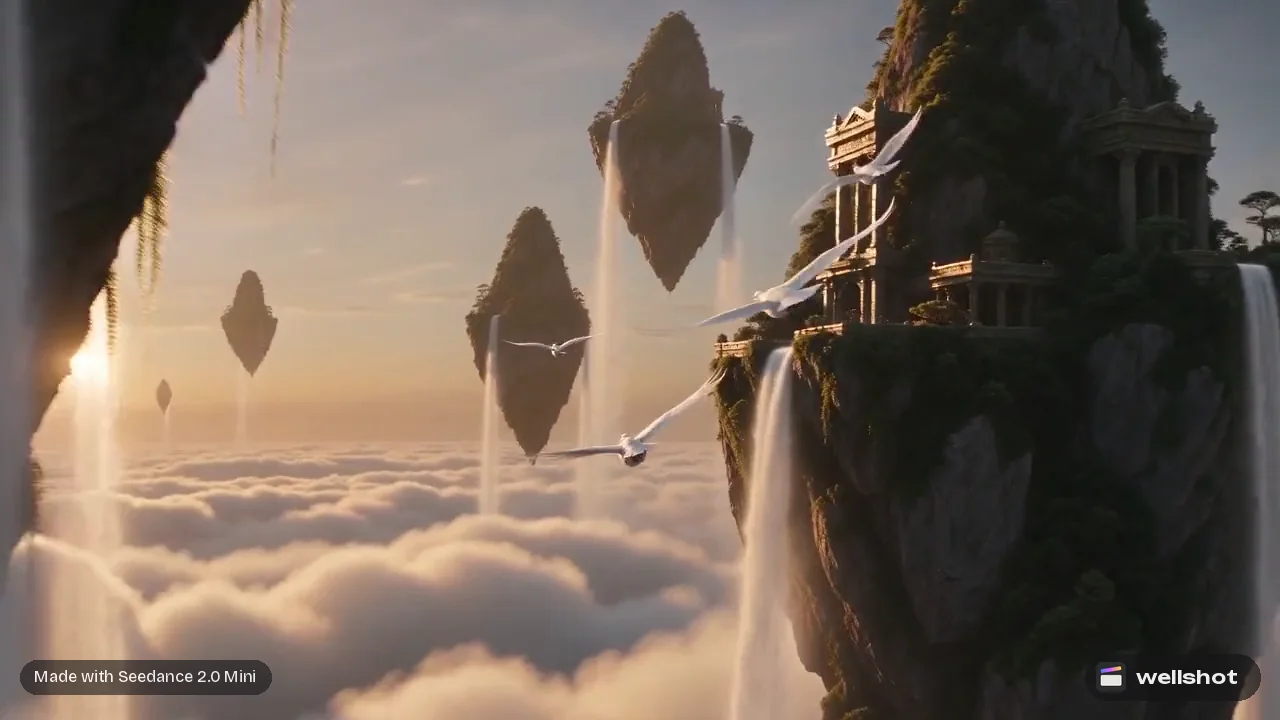
Who it is for
- Directors and producers who want to plan in plain language and keep control of every shot.
- Agencies and teams sharing projects and one credit pool. See AI video tool for teams.
- Artists who prefer node graphs and want each model's real inputs exposed.
- Editors who want the timeline connected to generation, not a folder of exports.
Each generation costs credits, the price is on the button before you run it, and failed generations refund automatically.
Describe your next film to the Director and see what it plans.
FAQ
What is an AI film studio?
It is a single tool that covers the whole production: planning, characters, locations, shot generation and editing. In Wellshot those steps live in one browser project with four connected views.
Can AI make a whole short film?
The Director agent can write the script, build the storyboard, generate the shots and assemble a first cut in story order. You then refine shots and finish the edit yourself.
Can I choose which AI model makes each shot?
Yes. You can choose the model per shot in the Director, Studio and Canvas, or let the Director pick one per shot.
Does Wellshot make music for my film?
Yes. Eleven Music makes songs and score from a description (genre, mood, instruments, even lyrics), or you can upload your own track. The Director cuts a music video to its beat, and the Editor lays the music under the picture.
Make it in Wellshot
Every model in one studio. Prompt it, wire it as nodes, or let the Director run it.