4K AI Image Generator: Seedream 5.0 Lite in Wellshot
Need a 4K AI image generator? Seedream 5.0 Lite in Wellshot renders 2K, 3K or 4K stills, edits with up to 14 references and makes sharp video start frames.
By the Wellshot team · · 5 min read
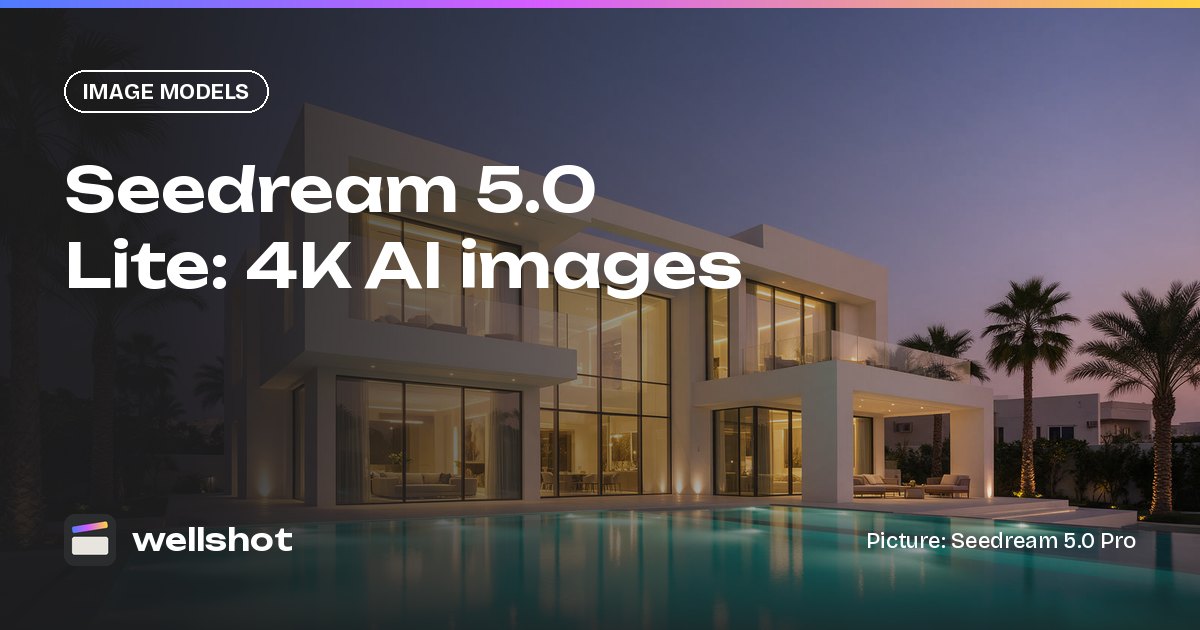
If you need a 4K AI image generator, Seedream 5.0 Lite is the Seedream model built for it: in Wellshot it renders stills at 2K, 3K or 4K from a text prompt, and edits pictures using up to 14 reference images. That makes it the pick for large files, tight crops and high-resolution start frames. Below are the specs, the other 4K image options in Wellshot, and a worked example.
Seedream 5.0 Lite at a glance
Seedream 5.0 Lite is made by ByteDance's Seed team. It is the high-resolution member of the Seedream 5.0 family.
| Spec | Seedream 5.0 Lite |
|---|---|
| Maker | ByteDance |
| Tasks | Text to image, edit with references |
| Sizes | 2K, 3K, 4K |
| Max references | 14 |
| Aspect ratios | 16:9, 9:16, 1:1, 4:3, 3:4, 3:2, 2:3, 21:9 |
Two things stand out against its siblings. Its smallest size is 2K, which is the largest size of Seedream 5.0 Pro and Flash. And it accepts up to 14 references, against 10 for Pro and Flash.
Every 4K image option in Wellshot
Lite isn't the only image model in Wellshot that reaches 4K. Here's the full list:
| Model | Maker | 4K? | Max references | Note |
|---|---|---|---|---|
| Seedream 5.0 Lite | ByteDance | Yes (2K, 3K, 4K) | 14 | High resolution up to 4K |
| Seedream 4.5 | ByteDance | Yes (2K, 4K) | 14 | Proven editing with many references |
| Seedream 4.0 | ByteDance | Yes (1K, 2K, 4K) | 14 | Older, cheap |
| Nano Banana 2.1 | Yes (1K, 2K, 4K) | 14 | Strong edits, text, character consistency | |
| Nano Banana Pro | Yes (1K, 2K, 4K) | 14 | Premium detail and text | |
| Kling Image 3.0 Omni | Kuaishou (Kling) | Yes (1K, 2K, 4K) | 10 | Keeps people and products consistent |
Models that stop at 2K: Seedream 5.0 Pro, Seedream 5.0 Flash, Kling Image 3.0 and Kling Image O1.
So why Lite? It's the only one with a 3K option, and it's the Seedream 5.0 model built around high resolution. If you need strong text in the picture, compare with the Google models in our Nano Banana vs Seedream post. For the wider field, see the best AI image generators of 2026.
When you actually need 4K
A bigger file isn't always better: it's heavier to work with, and while you're still exploring, a smaller size is all you need to judge a frame. 4K earns its place when:
- You will crop. A 4K wide can be cut into a medium and a close-up without falling apart.
- The still is the final. Posters, key art, property listings, product pages.
- It's a start frame for 4K video. Several video models in Wellshot render 4K (Seedance 2.0, Gemini Omni Flash, Kling 3.0, FLUX 3 Video). A sharp start frame gives them more detail to hold. More in our 4K AI video generator guide.
- Fine detail matters. Architecture, textures, small print on packaging.
For storyboards and rough options, stay at lower sizes with Seedream 5.0 Flash and only go to 4K once a frame is approved.
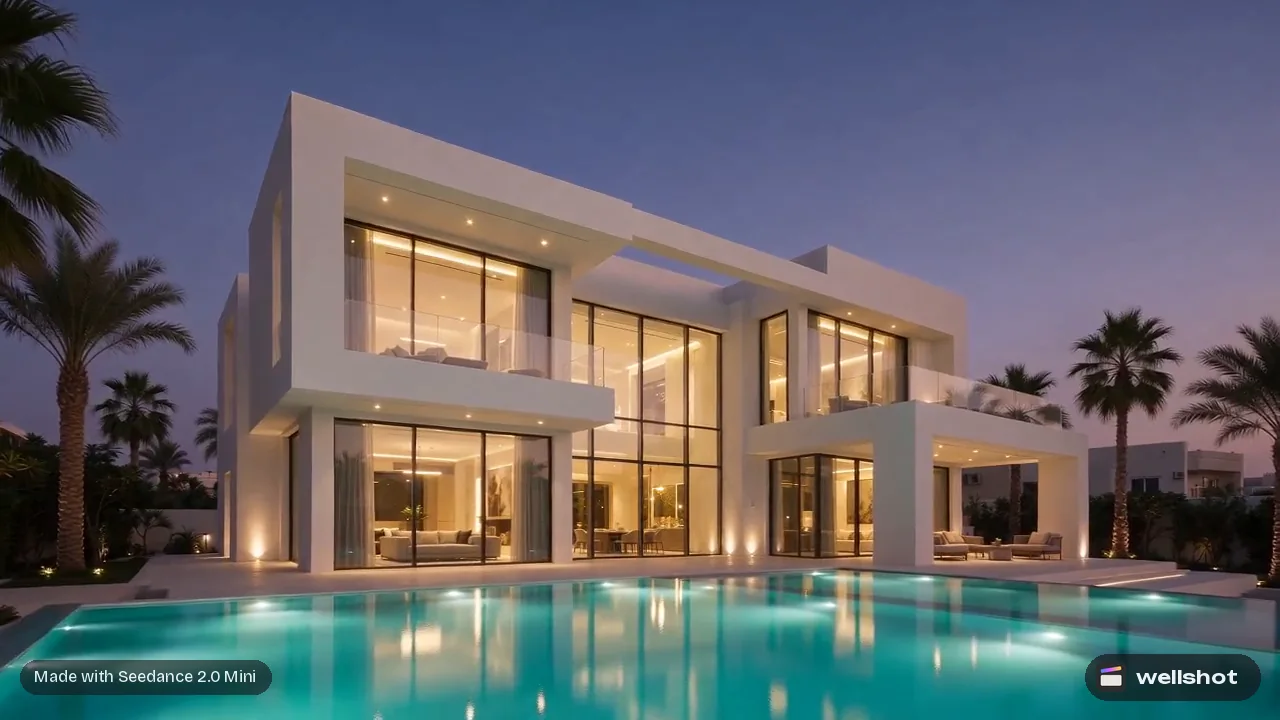
A worked example: a property hero image
Say you're making a listing film for a villa. You have three photos from the shoot: the front of the house (@Image 1), the pool terrace (@Image 2) and the interior living room (@Image 3). You want a single 4K hero still at dusk.
Architectural photograph, 16:9, 4K. The modern white villa from @Image 1 at blue
hour, seen from across the pool on the terrace from @Image 2. Interior lights on,
warm glow through the floor-to-ceiling windows showing the living room from
@Image 3. Pool lit from below, still water reflecting the house. Clear deep blue
sky, a few palms in silhouette. Keep the villa's shape, materials and windows
exactly as in @Image 1. No people, no text.
The prompt names what to keep exactly (the building), what to borrow (terrace, interior) and what to change (time of day). That is the same pattern as any AI image editing with reference images, just at a larger size.
How to make a 4K image in Wellshot
- Open a shot in the Studio and choose image mode. (Or describe the job to the AI director agent and ask it to use Seedream 5.0 Lite for the stills.)
- Pick Seedream 5.0 Lite in the model picker.
- Set the size to 4K (or 3K) and pick an aspect ratio.
- Add up to 14 reference pictures and name them in your prompt as @Image 1, @Image 2…
- Check the credit price on the button and generate.
On the Canvas, the Seedream 5.0 Lite node sits under Image → edit images and Image → generate from text. You can follow it with editing nodes that don't use AI, such as crop, resize, color adjust, levels or sharpen, before sending the still to a video node. To mark a specific area for an edit, draw on the picture with the Painter node.
You can open Seedream 5.0 Lite in Wellshot and try a 4K still.
Once the 4K still is approved, take it to the Studio's video mode as a start frame, or keep it as the final for print and listings.
FAQ
What is the best 4K AI image generator in Wellshot?
Seedream 5.0 Lite is the Seedream model built for high resolution, with 2K, 3K and 4K sizes. Nano Banana 2.1, Nano Banana Pro, Kling Image 3.0 Omni, Seedream 4.5 and Seedream 4.0 also render 4K.
How many reference images does Seedream 5.0 Lite accept?
Up to 14. Name each one in the prompt as @Image 1, @Image 2 and so on.
Is Seedream 5.0 Lite better than Seedream 5.0 Pro?
They do different jobs. Pro gives the best quality and the most precise edits at up to 2K; Lite goes up to 4K and takes more references.
Does a 4K image cost more credits?
Prices depend on the model and settings, and the exact credit cost shows on the button before you generate. Failed generations are refunded automatically.
Make it in Wellshot
Every model in one studio. Prompt it, wire it as nodes, or let the Director run it.