Kling Image O1 vs Kling Image 3.0 and 3.0 Omni Compared
Kling Image O1, Kling Image 3.0 and 3.0 Omni side by side: sizes, reference limits, what each does best, and which Kling image model to pick for a job.
By the Wellshot team · · 5 min read
Kling Image O1 is Kuaishou's earlier Omni image model: it makes pictures from text and edits or mixes up to 10 reference images, at 1K or 2K. Wellshot also carries the newer Kling Image 3.0 and Kling Image 3.0 Omni, and the three are easy to mix up, so this post sets them side by side and tells you which one to reach for on a real job.
All three live in the same places in Wellshot: the model picker in Studio, the Image nodes on the Canvas, and the Director's per-shot model choice. You can switch between them on the same shot and compare takes, because every generation is saved.
The three Kling image models at a glance
Every Kling image model in Wellshot does two tasks: generate from text, and edit with references. The differences are in how many references they accept, how large they render, and what they are tuned for.
| Model | Sizes | Max references | Best for |
|---|---|---|---|
| Kling Image 3.0 | 1K, 2K | 1 | Cheap stills from text or one reference |
| Kling Image 3.0 Omni | 1K, 2K, 4K | 10 | Keeping people and products consistent |
| Kling Image O1 | 1K, 2K | 10 | Edits and mixing several references |
Aspect ratios are the same across the three: 16:9, 9:16, 1:1, 4:3, 3:4, 3:2, 2:3 and 21:9. If you need 4:5 or 5:4 for a social feed, that is a Google model job (see the Nano Banana 2.1 guide).
Kling Image O1: the earlier Omni model
Kling Image O1 came before 3.0 Omni and does the same kind of work: it reads several pictures at once and combines them according to your prompt. Use it to:
- Put a product from one picture into a setting from another.
- Change a detail in a picture (a color, a prop, a background) while keeping the rest.
- Blend a style reference with a subject reference.
- Make a few alternate looks from the same set of references.
It tops out at 2K, so if the still is going to be a final hero frame at large size, 3.0 Omni's 4K option is the better fit. As a working model for edits and mixes at 1K or 2K, O1 is a solid choice, and having it next to 3.0 Omni gives you a second opinion on the same inputs.
Kling Image 3.0 Omni: consistency across a set
Kling Image 3.0 Omni is the one to pick when the same person or the same product has to look right in picture after picture. It takes up to 10 references and renders at 1K, 2K or 4K. Typical uses:
- A character in several locations for a storyboard.
- A product (bottle, watch, shoe) in a run of lifestyle setups.
- A start frame and an end frame for the same shot, so a video model has two matching ends to animate between.
We go deeper on this model in the Kling Image 3.0 Omni guide, and on the wider problem in consistent characters with AI.
Kling Image 3.0: cheap stills from one reference
Kling Image 3.0 takes text or a single reference and renders at 1K or 2K. It is the budget option of the three. It suits:
- Mood frames and quick look tests before you commit.
- Background plates and simple setups that don't depend on a specific face or product.
- A one-reference restyle: one picture in, one new version out.
The single-reference limit is the main thing to plan around. If your prompt needs "this person, in this outfit, in this room", that is three references, so move up to 3.0 Omni or O1.
Which Kling image model to pick
A quick decision guide:
- Pick Kling Image 3.0 when you want lots of cheap stills, you have at most one reference, and 2K is enough.
- Pick Kling Image 3.0 Omni when one person or product must stay the same across a set, or you need 4K.
- Pick Kling Image O1 when you are editing or mixing several references at 1K or 2K and want a second take from a different Omni model.
If none of the three is giving you what you want, it is worth running the same references through a different maker's model. Nano Banana vs Seedream compares the Google and ByteDance options, and the best AI image generators of 2026 round-up covers the full list.
Worked example: a product edit with Kling Image O1
Here is how to run a two-reference mix in Wellshot.
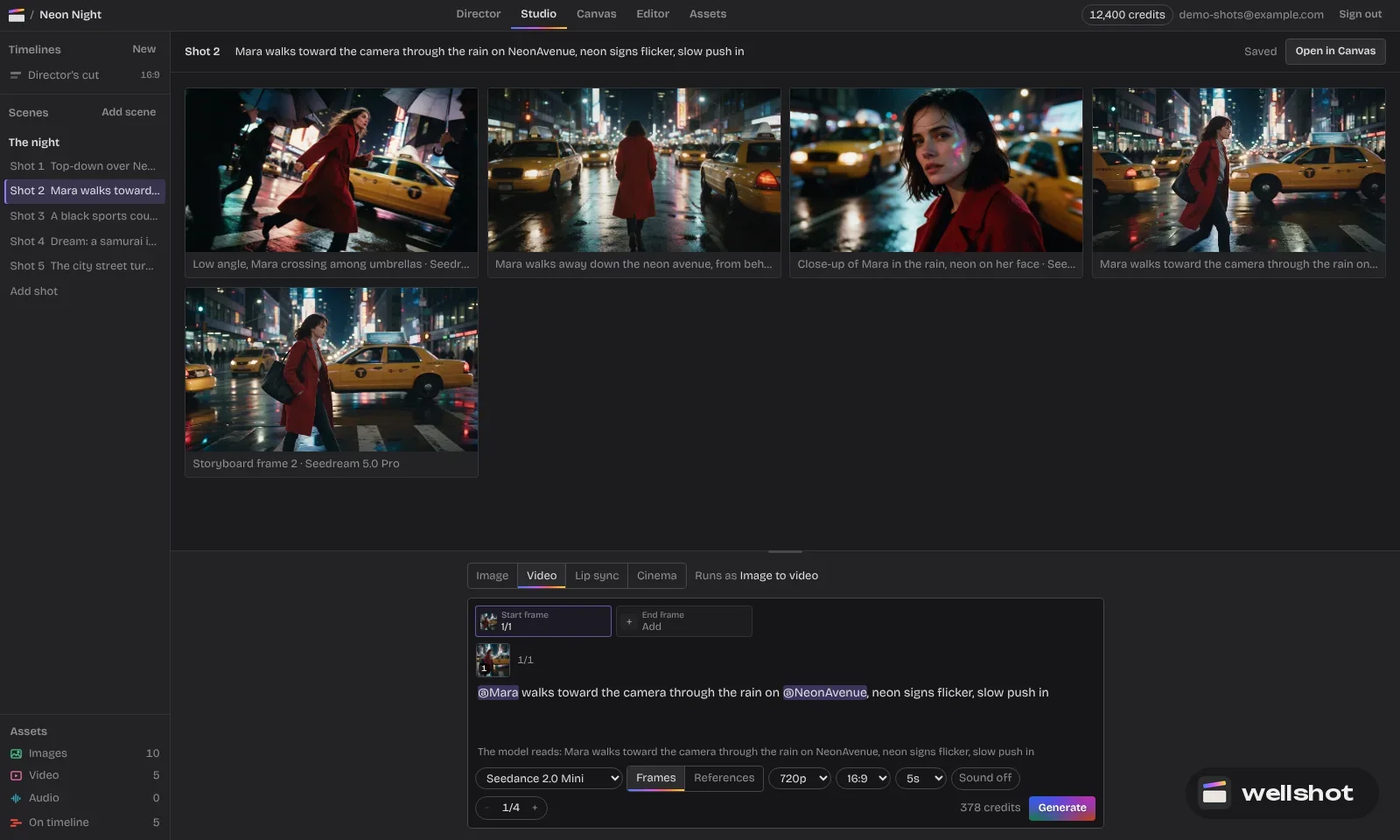
- Open a shot in Studio and switch to image mode.
- Pick Kling Image O1 in the model picker.
- Add the product picture as the first reference and the setting picture as the second. In the prompt they are called @Image 1 and @Image 2.
- Choose 3:2 or 16:9 for a wide frame, and 2K.
- Write the prompt, check the credit price on the button, and run.
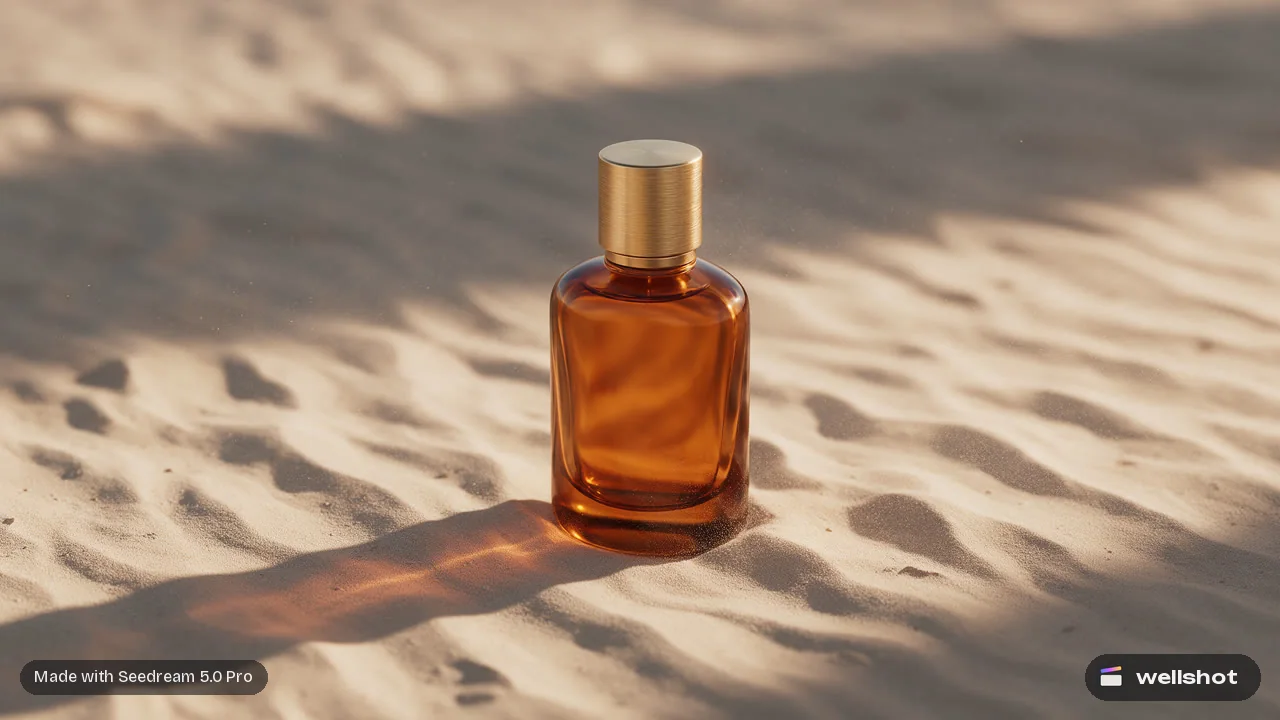
Place the perfume bottle from @Image 1 on the stone ledge in @Image 2.
Keep the bottle's shape, label and glass color exactly as in @Image 1.
Late afternoon window light from the left, soft shadow falling right.
Shallow depth of field, background softly out of focus. 3:2 frame.
If only part of the picture needs to change, open the same shot on the Canvas and add a Painter node: draw over the area you want changed, feed it in as a reference, and tell the model in the prompt to change only the marked area. The guide to editing with reference images walks through that setup.
On the Canvas you can also branch: wire the same two references into Kling Image O1 and Kling Image 3.0 Omni side by side, run both, and keep the better take. Only the nodes you changed re-run; the rest come from cache.
Try it on your own product shot: open Kling Image O1 in Wellshot.
FAQ
What is Kling Image O1?
Kling Image O1 is Kuaishou's earlier Omni image model. It generates pictures from text and edits or mixes up to 10 reference images, at 1K or 2K.
What is the difference between Kling Image O1 and Kling Image 3.0 Omni?
Both take up to 10 references. Kling Image 3.0 Omni is the newer model, is tuned to keep people and products consistent, and adds a 4K size; O1 renders at 1K or 2K.
How many reference images can Kling Image 3.0 use?
Kling Image 3.0 takes one reference. For more, use Kling Image 3.0 Omni or Kling Image O1, which each take up to 10.
Is Kling Image O1 free in Wellshot?
Generations use credits from your plan. The exact credit price shows on the generate button before you run, and failed generations are refunded automatically.
Make it in Wellshot
Every model in one studio. Prompt it, wire it as nodes, or let the Director run it.