AI Product Video Generator: Animate Product Photos Well
Use an AI product video generator to turn a product photo into orbits, pours and reveals. Model picks, real prompts and how to keep the product accurate.
By the Wellshot team · · 5 min read
An AI product video generator turns a product photo into a moving shot: an orbit around a bottle, cheese dripping down a burger, headphones turning in smoke. The trick is to start from a still you trust and let the video model add only motion, so the product stays accurate. In Wellshot you can make or upload the still, animate it with the model that fits, and cut the shots into an ad in the same project.
Why start from a still
Video models are good at motion and light and less reliable at reproducing exact packaging. If you ask for "a can of our drink" from text alone, you get a can, not yours. Starting from a picture fixes that:
- The start frame sets the exact product, angle and background.
- An optional end frame fixes where the move lands.
- Reference pictures (on models that take them) keep the product consistent when the camera sees it from a new side.
Every example shot below was animated from a product still.
Step 1: make or fix the product still
If you already have studio photography, upload it. If not, make one with an image model. For product work we start with:
| Need | Image model |
|---|---|
| Clean packshot, precise edits up to 2K | Seedream 5.0 Pro |
| Keep a product identical across many pictures | Kling Image 3.0 Omni (up to 10 references, up to 4K) |
| Readable label text | Nano Banana 2.1, Nano Banana Pro or GPT Image 2.5 Flare |
| A 4K still | Seedream 5.0 Lite, Seedream 4.5, Nano Banana 2.1/Pro, GPT Image 2.5 Flare or Kling Image 3.0 Omni |
To change the background or add props without touching the product, put the photo in as @Image 1 and describe only the change. On the Canvas, the Painter node lets you draw over the area to change so the edit stays there. The Kling Image 3.0 Omni guide and AI image editing with reference images explain both techniques.
Keep the product in @Image 1 exactly as it is: shape, label, color, reflections.
Replace the background with dark slate stone, wet, with a soft mist low behind it.
Single warm key light from the upper left. Square composition, product centered.
Step 2: choose the video model
| Shot | Video model | Notes |
|---|---|---|
| Hero orbit or long reveal | Seedance 2.5 | 4–30 s, start + end frame, references up to 30 pictures, sound |
| Many cheap variations for social | Seedance 2.0 Mini | Cheapest of the 2.0 family, 480p or 720p |
| 4K master | Seedance 2.0, Gemini Omni Flash, Kling 3.0, FLUX 3 Video | All render 4K |
| Same product across shots from references | Kling O3 | Up to 4 reference pictures, keeps products consistent |
| Square 1:1 feed post | Kling 3.0 or any Seedance model | Gemini Omni Flash is 16:9 or 9:16 only |
| Silent loop, lowest cost | Seedance 1.0 Pro Fast | Start frame only, silent |
Seedance 2.5 is our default for hero product shots because it takes both frames and a long length, and its draft mode lets you preview at 480p cheaply before rendering the approved take at up to 1080p from the same draft. See the Seedance 2.5 guide.
Step 3: write the motion prompt
The model already sees the product, so describe only what moves: camera, product, elements around it, and pace. Here are prompts in the style of the showcase shots.
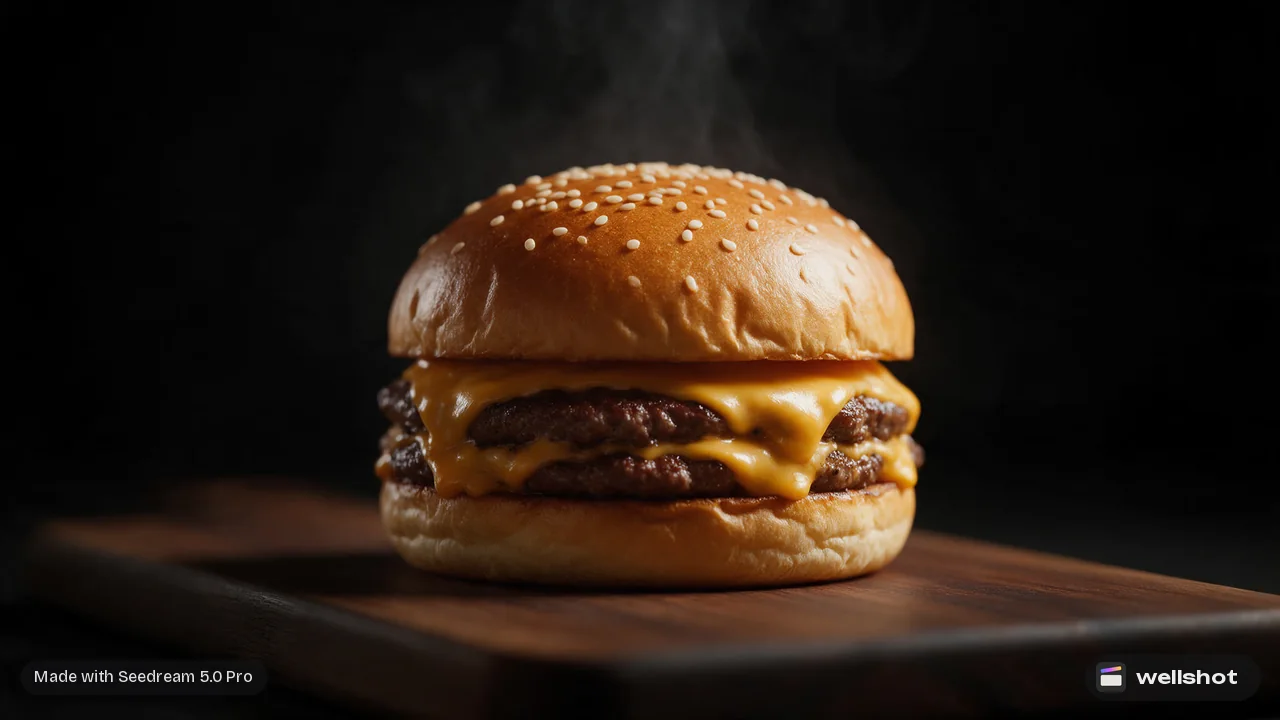
A food shot, animated from a menu photo:
Melted cheese slowly drips down the side of the burger from @Image 1.
A thin curl of steam rises. Camera static, slight slow push in.
Warm light, shallow depth of field, appetizing, slow motion feel.
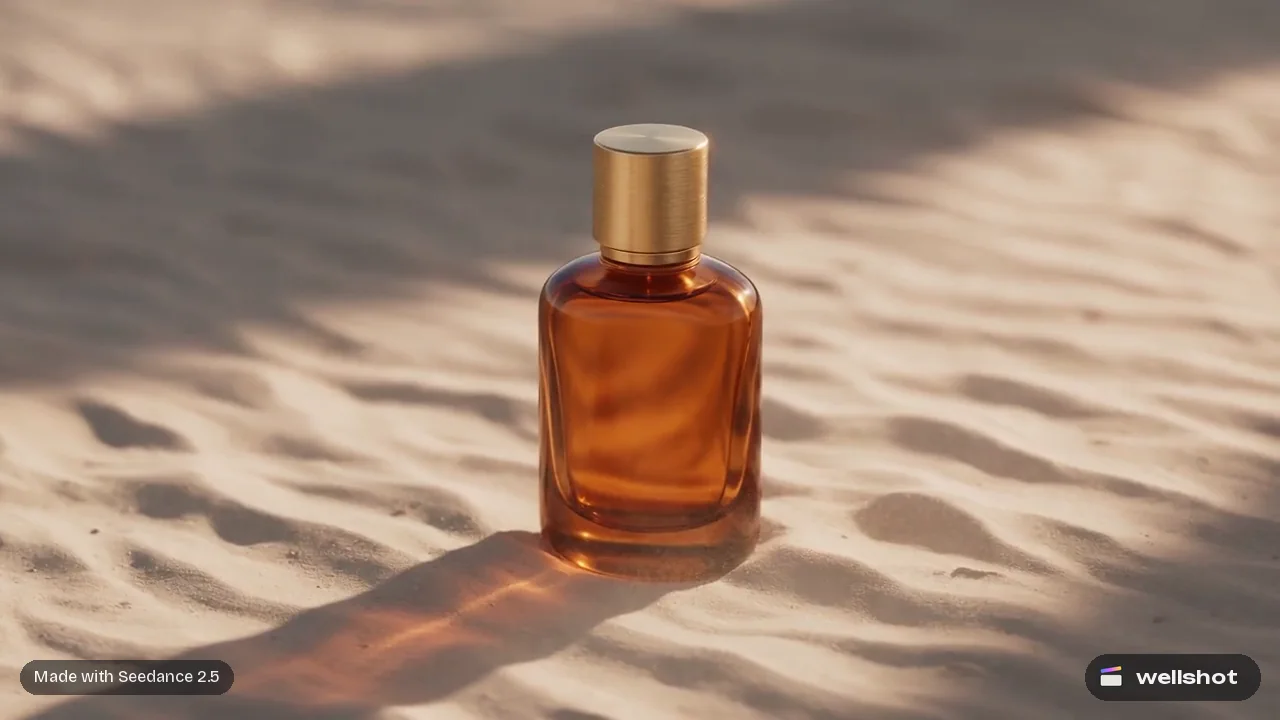
A perfume orbit:
The camera orbits slowly around the perfume bottle, keeping it centered.
Light glides across the glass and the liquid glows amber.
Dark background, soft haze. Calm, premium, no cuts.
Headphones in smoke:
The headphones rotate slowly in place, floating. Colored smoke drifts
and curls around them, magenta and blue. Static camera.
Product stays sharp; smoke stays soft.
Rules that keep the product accurate
- Do not describe the product's design in the motion prompt. Repeating it invites the model to redraw it.
- Keep moves small and slow. A quarter or half orbit holds detail better than a full spin.
- Avoid hands touching the product unless you need them. Contact is where shapes deform.
- Use an end frame when the product must finish on a specific angle.
- Generate a few takes. Every generation is saved, so you can pick the best one later.
Step 4: sound and the cut
Seedance 2.5 and the 2.0 family can add sound (switch it on or off). For a sizzle, pour or click as a separate layer, Seed Audio 1.0 makes sound effects and ambience from a description.
Close sizzle of a burger on a hot grill, fat popping, a soft kitchen
ambience behind it. No music, no voices.
Then drop the takes into the Editor, add your own music track, titles for price or offer, and export. The AI commercial production guide shows the whole spot workflow, and Recreate lets you open any showcase clip as the exact graph, seed and inputs that made it.
You can recreate the burger drip shot and swap in your own product photo.
FAQ
What is the best AI product video generator?
For hero product shots we start with Seedance 2.5 because it takes start and end frames, runs up to 30 seconds and offers a cheap draft mode. For 4K masters, Seedance 2.0, Gemini Omni Flash, Kling 3.0 and FLUX 3 Video all render 4K.
Can I turn a product photo into a video?
Yes. Use the photo as the start frame in image-to-video, then describe only the motion. Every image-to-video model in Wellshot accepts a start frame.
How do I keep my product from changing in AI video?
Start from an accurate still, keep camera moves small and slow, avoid describing the product's design again in the prompt, and use an end frame or reference pictures when the camera sees a new angle.
Can I make square product videos for Instagram?
Yes. Seedance models support 1:1, as does Kling 3.0. Gemini Omni Flash makes 16:9 or 9:16 only.
Is an AI product video free?
Generations cost credits, and the price shows on the button before you run anything. Failed generations refund automatically and plan credits refresh every month.
Make it in Wellshot
Every model in one studio. Prompt it, wire it as nodes, or let the Director run it.