AI Commercial Production: From Brief to Finished Spot
AI commercial production from brief to final cut: writing the brief, product stills, shot planning, model choice per shot, sound, editing and team approvals.
By the Wellshot team · · 6 min read
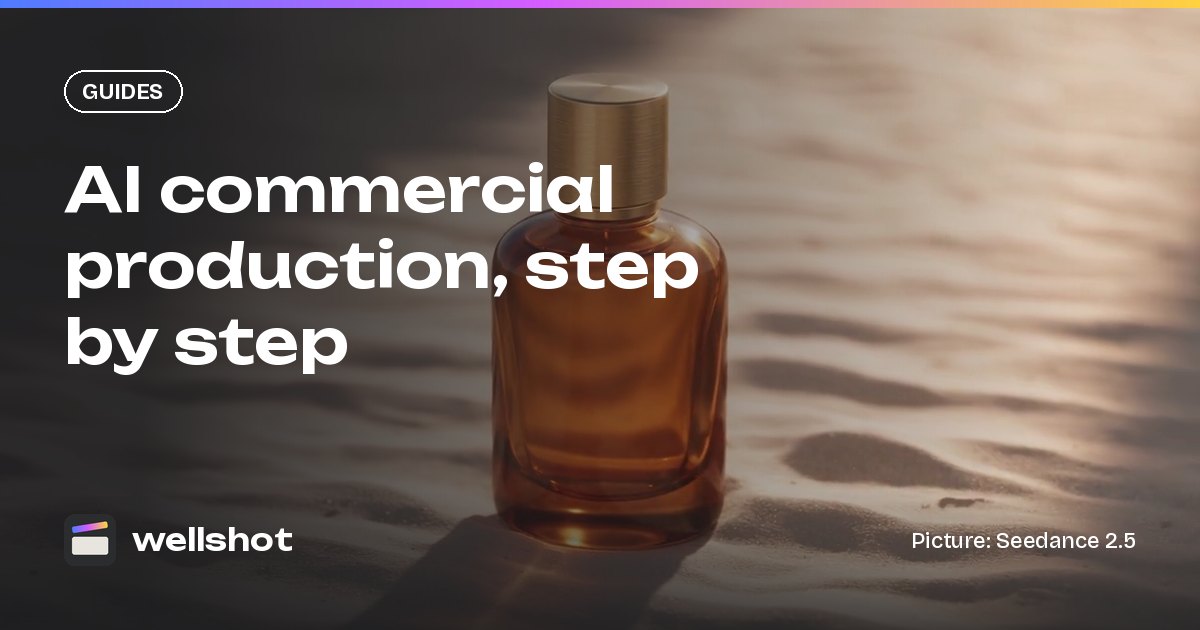
AI commercial production follows the same stages as a traditional shoot (brief, script, boards, shots, edit) but the camera department is replaced by image and video models. The work that still decides whether a spot is good is producing: a tight brief, a clear shot list, the right model for each shot and an honest edit. This guide walks through how we run a commercial in Wellshot from first message to export.
Start with the brief, not the prompt
Most weak AI ads are weak because nobody decided what the spot is for. Before you generate anything, answer the questions a crew would ask. In Wellshot the Director agent asks only what it does not already know: format, aspect ratio, length, audience and platform, tone and look, music or voice-over, and language.
A useful opening message to the Director looks like this:
30-second commercial for a perfume called NOIR 07. Audience: women 25-40,
Instagram and YouTube pre-roll. Two versions: 16:9 and 9:16.
Tone: quiet, night-time luxury, slow camera. Look: low-key light,
teal and amber palette, anamorphic. Female voice-over in English, three lines.
I will upload our own music track. I have a product still of the bottle.
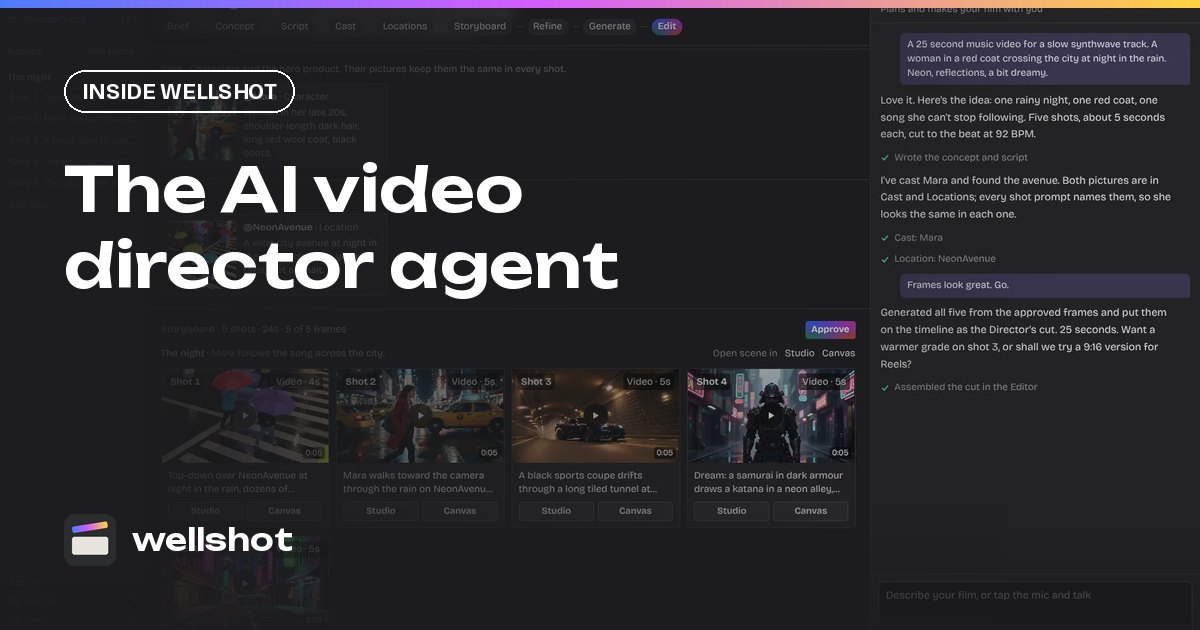
From that, the Director writes the brief, concept and script, casts characters with reference sheets, finds locations and builds a storyboard of scenes and shots. It tells you what the plan will cost in credits before spending anything.
Lock the product before you animate
In a commercial the product must look right in every frame. The safest route is to start from approved stills and animate them, instead of asking a video model to invent the product.
- Upload your packshot, or make one with an image model such as Seedream 5.0 Pro.
- Make the other angles you need as edits of that picture, keeping it as @Image 1.
- Use those stills as start frames, or as references, for the video shots.
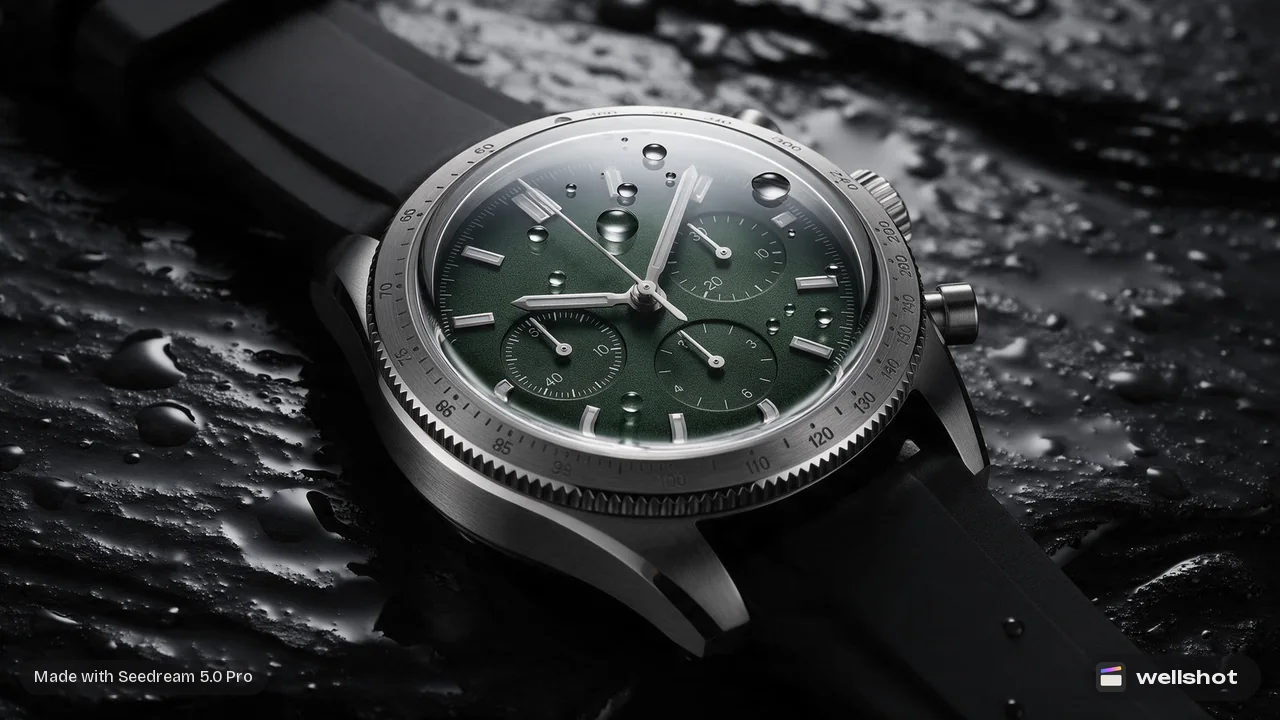
For logos and label text, Nano Banana 2.1 is built for text rendering and edits; Kling Image 3.0 Omni is designed to keep people and products consistent. The post on AI product video goes deeper on product-led shots.
Plan shots and pick a model for each
A 30-second spot is usually eight to twelve shots. The Director picks a model per shot, or uses the one you ask for. Here is how we tend to cast models on a commercial:
| Shot type | Model we start with | Why |
|---|---|---|
| Hero product orbit or reveal | Seedance 2.5 | Start and end frames, up to 30 s, up to 30 reference pictures |
| Lifestyle shot with a cast character | Seedance 2.5 reference to video | Keeps the character from the reference pictures |
| Short shot with natural sound | Gemini Omni Flash | Always generates sound, 16:9 or 9:16 |
| Square 1:1 cutdown shot | Kling 3.0 | Supports 1:1 as well as 16:9 and 9:16 |
| 4K deliverable | Seedance 2.0, Kling 3.0 or FLUX 3 Video | All three render 4K |
| Fast tests of a concept | Seedance 2.0 Mini | Cheapest of the 2.0 family |
Save credits with drafts
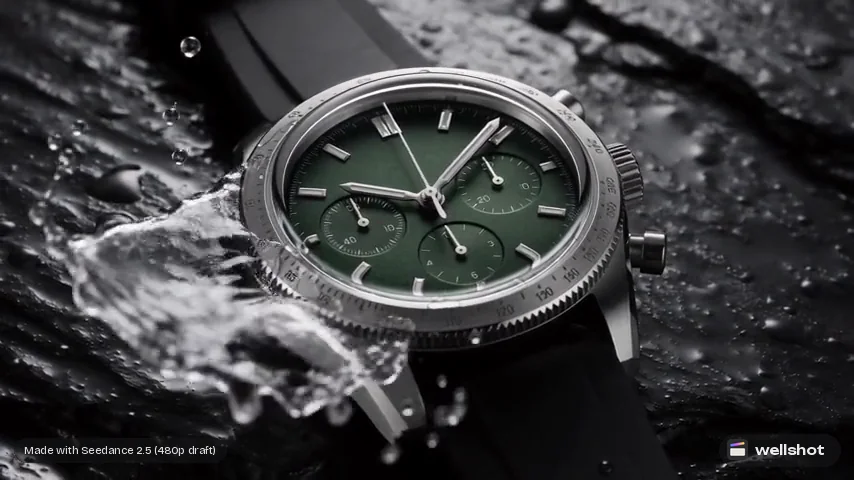
On Seedance 2.5, use draft mode: make a cheap 480p preview, show it to the client, then render the approved one at full quality from the same draft. Same prompt, inputs, length and seed, so the final matches what was signed off. See Seedance draft mode for the details.
Writing shot prompts for a commercial
Ad prompts should read like a shot list line: subject, action, camera, light, pace. Leave the brand promise to the voice-over.
@Image 1 perfume bottle on black glass. The camera orbits slowly around
the bottle, a quarter turn to the left. Thin smoke drifts behind it.
Low-key light, a single amber rim light from behind, teal fill.
Anamorphic look, shallow focus. Slow and calm.
The woman from @Image 1 walks along a wet night street toward camera,
neon reflections on the ground. Tracking shot, camera moving backward
at her pace. 85mm, f/1.4. She glances to the side and almost smiles.
In the Studio's cinema mode you can set these as options instead of words: camera body, lens (for example anamorphic), focal length, aperture, camera moves, lighting (low-key, neon) and a color palette such as teal and amber.
Sound, voice-over and music
Several video models generate sound with the picture: Seedance 2.5 and the 2.0 family (switchable), Gemini Omni Flash (always on), and Kling 3.0 (on or off). For voice-over and sound effects as separate tracks, Seed Audio 1.0 generates speech, sound effects and ambience from a description, up to 2 minutes. Put the spoken lines in quotes and describe the voice.
Female voice, low and warm, unhurried, close to the microphone:
"Some nights you remember." Pause. "NOIR 07."
Soft room tone underneath.
For music, generate a track with Eleven Music from a description of genre, mood and instruments, or upload your own; the Editor lays it under the picture. Read more in the AI voiceover generator guide.
Edit, approve and deliver
The Director assembles the cut on a timeline in story order, with each clip trimmed to its planned length. In the Editor you can then:
- Drop alternative takes onto video tracks, or use "Swap take" on a shot to update the cut.
- Add audio tracks for music, voice and sound, with volume and mute.
- Split, slip and ripple with snapping.
- Add titles and end cards with font, color, size, position, opacity and letter spacing.
- Export the finished spot.
For agencies, team studios share projects and one credit pool, with owner, admin and member roles. That means the producer, the editor and the client lead all look at the same takes. The AI video tool for teams post covers the setup.
Start your next spot by briefing the Director the way you would brief a crew.
FAQ
Can AI make a TV commercial?
AI models can generate every shot of a commercial, and Wellshot covers the whole chain from brief and storyboard to edit and export. The result depends on producing well: a clear brief, approved product stills and the right model per shot.
How long does AI commercial production take?
It depends on the number of shots, revisions and approvals. Draft mode on Seedance 2.5 and cheap models like Seedance 2.0 Mini speed up the review rounds because you approve previews before final renders.
How much does an AI commercial cost?
Each generation costs credits, and the Director tells you what a plan costs before spending. The price of every single generation shows on the button, failed generations refund automatically, and plan credits refresh every month.
Can I use my own product photos?
Yes. Upload them and use them as start frames, end frames or reference pictures. Making extra angles as edits of your original photo keeps the product consistent.
Can I add music to an AI commercial?
Yes. Generate a track with Eleven Music, from 10 seconds up to 3 minutes, or upload your own. Either way the Editor lays it under the picture.
Make it in Wellshot
Every model in one studio. Prompt it, wire it as nodes, or let the Director run it.